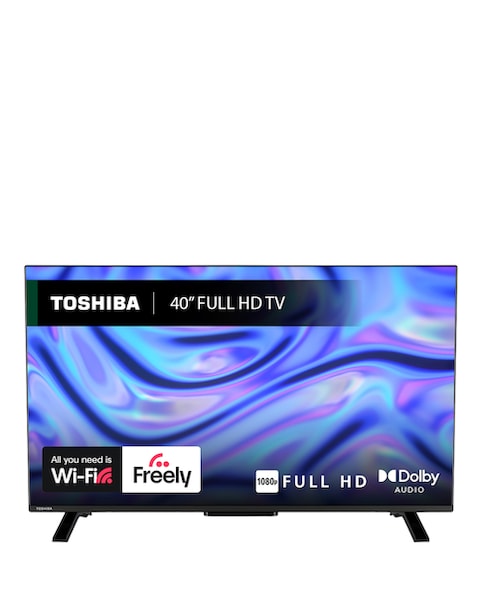
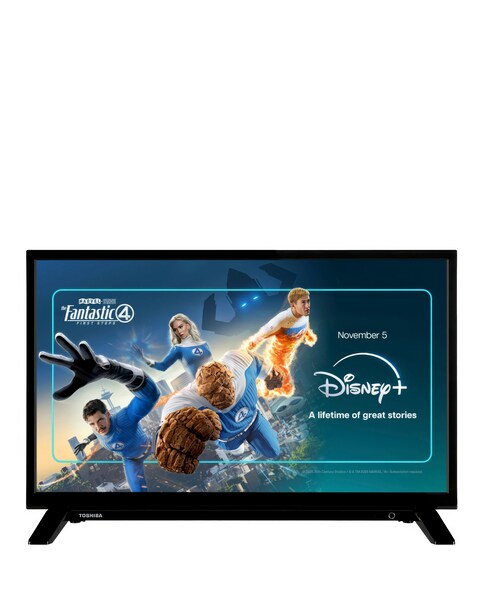
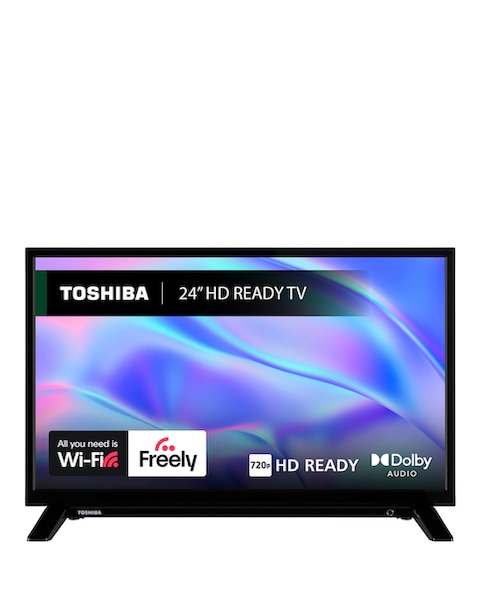
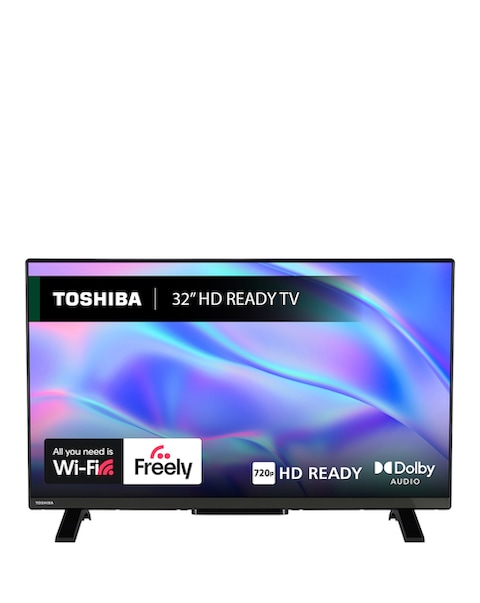
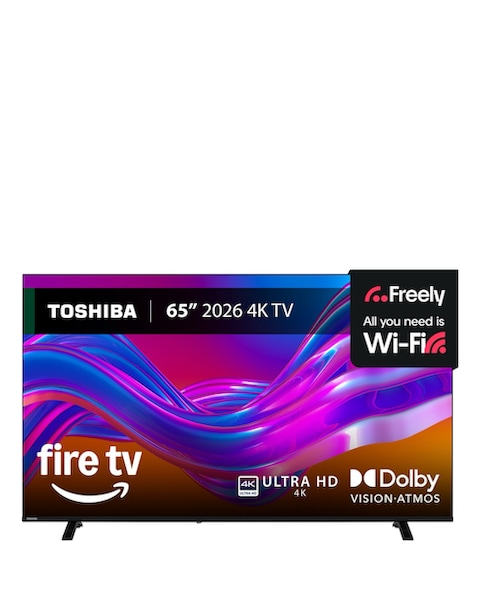
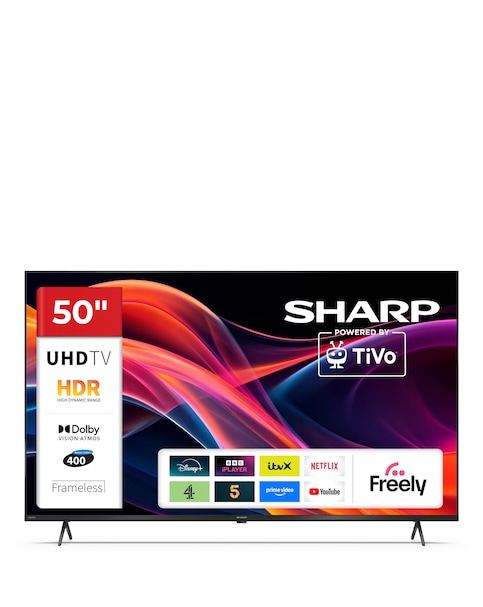
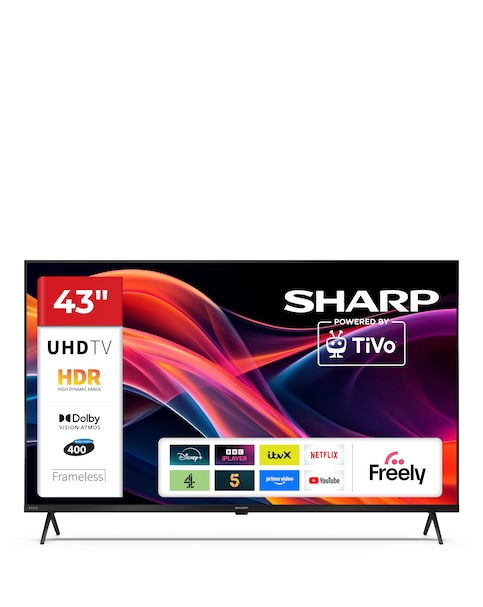
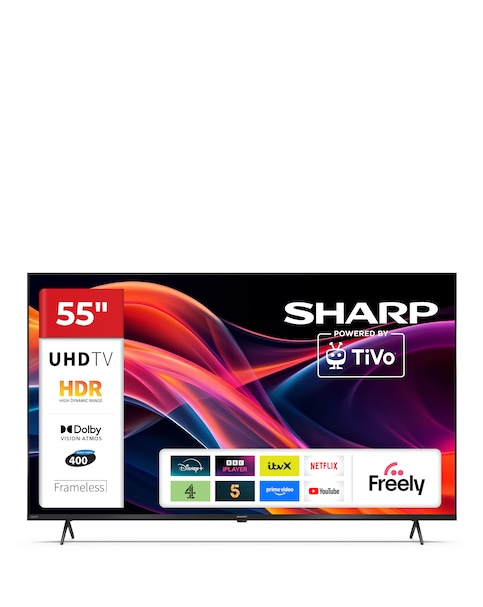
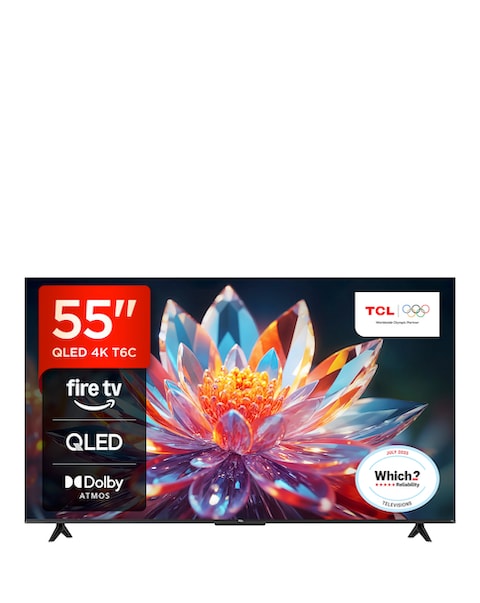
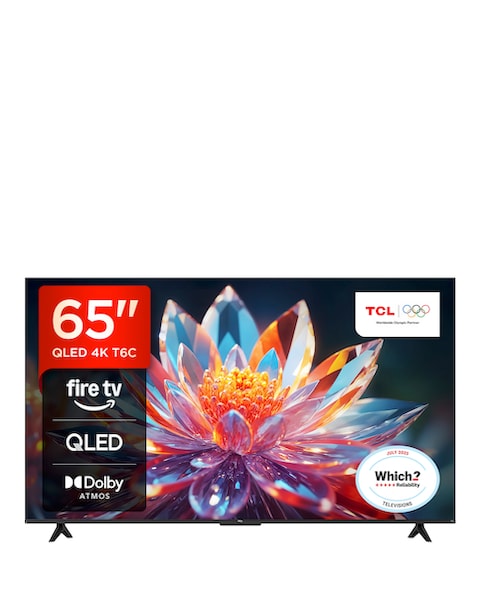
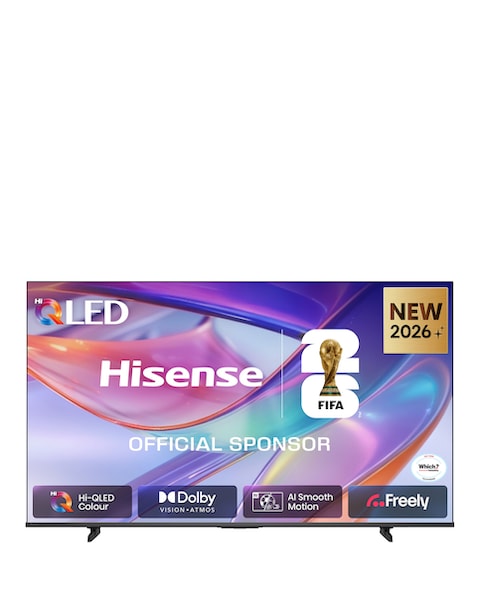
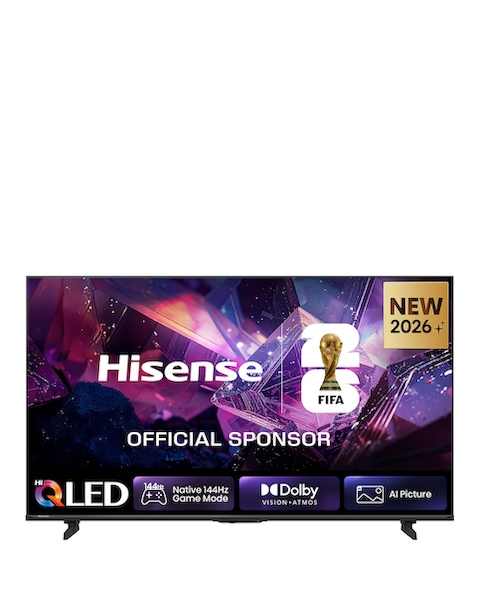
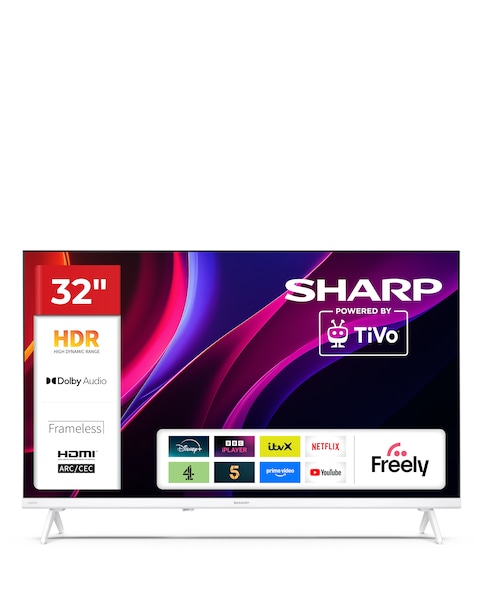
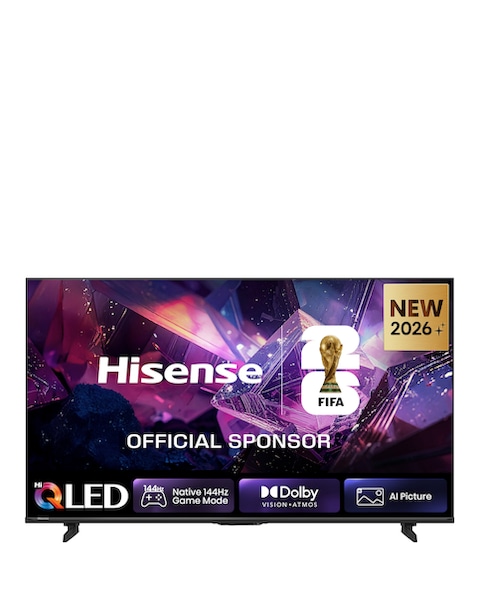
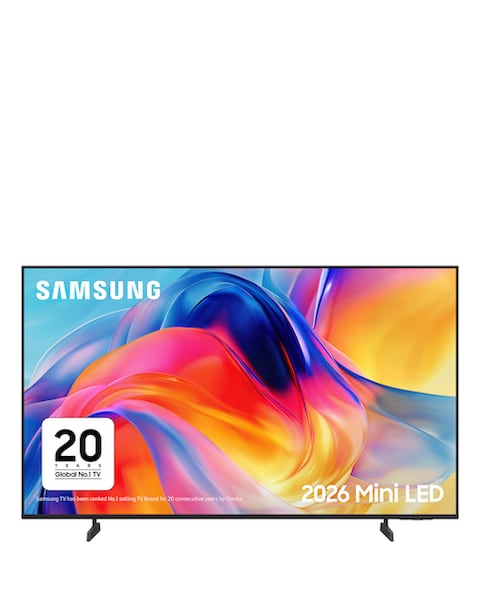
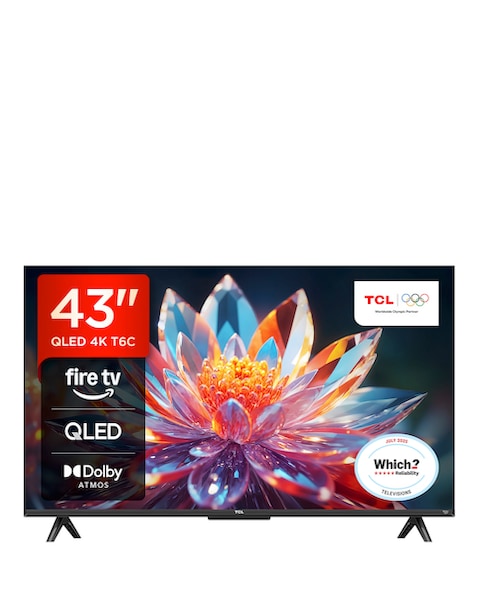
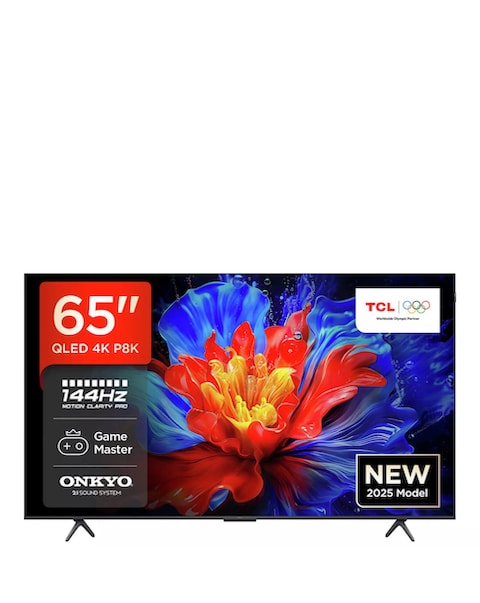
Discover the ultimate viewing experience with our selection of smart TVs that combine stunning picture quality with user-friendly features. These TVs offer a range of screen sizes, from compact models perfect for smaller spaces to larger displays ideal for immersive entertainment. Enjoy high-definition and full HD resolutions that bring your favourite shows and movies to life with vibrant colours and sharp details. With built-in smart technology, you can easily access streaming services and apps, making it simple to enjoy your favourite content anytime. Elevate your home entertainment setup with a TV that not only looks great but also delivers exceptional performance.
What features should I look for in a smart TV?
- When choosing a smart TV, consider features such as screen resolution, size, and smart capabilities. Look for models that offer high-definition or full HD for better picture quality, and ensure they have built-in Wi-Fi for easy access to streaming services. Additional features like multiple HDMI ports and voice control can enhance your viewing experience.
Are smart TVs easy to set up?
- Yes, most smart TVs are designed for easy setup. They typically come with a straightforward installation guide, and many models allow you to connect to your home Wi-Fi network with just a few clicks. Once set up, navigating through the interface is usually intuitive and user-friendly.
Can I use a smart TV without a cable subscription?
- Absolutely! Smart TVs allow you to stream content from various online platforms, so you can enjoy movies and shows without a traditional cable subscription. You can access popular streaming services, rent or purchase digital content, and even watch live TV through internet-based options.
What is the difference between HD and FHD TVs?
- HD (High Definition) TVs typically offer a resolution of 720p, while FHD (Full High Definition) TVs provide a higher resolution of 1080p. This means that FHD TVs deliver sharper and more detailed images, making them a better choice for larger screens or for viewers who want a more immersive experience.
How do I connect my smart TV to the internet?
- Connecting your smart TV to the internet is usually a simple process. You can do this via Wi-Fi by selecting your network from the TV's settings menu and entering the password. Alternatively, you can use an Ethernet cable for a wired connection, which can provide a more stable internet connection for streaming.