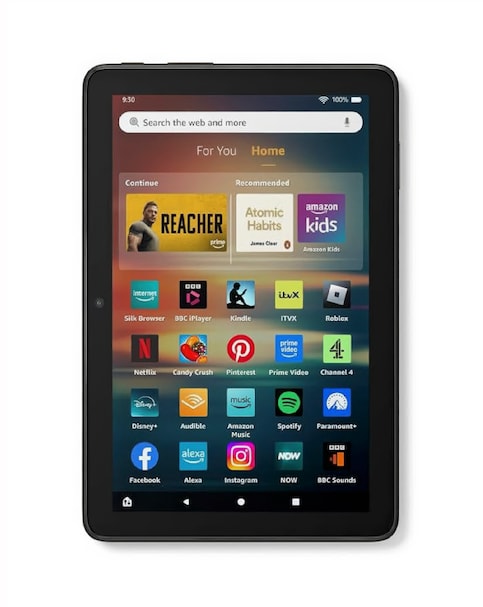
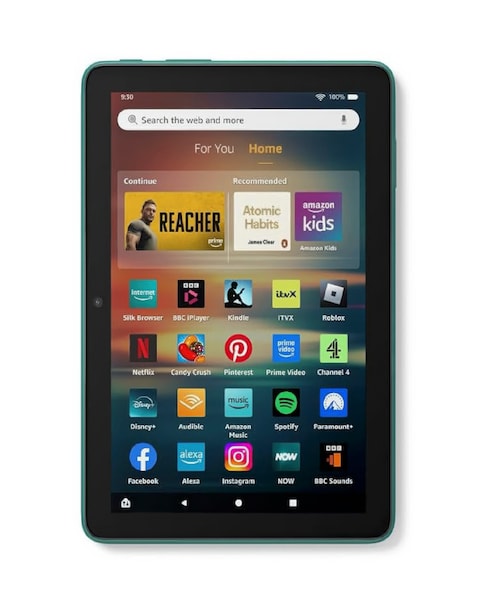
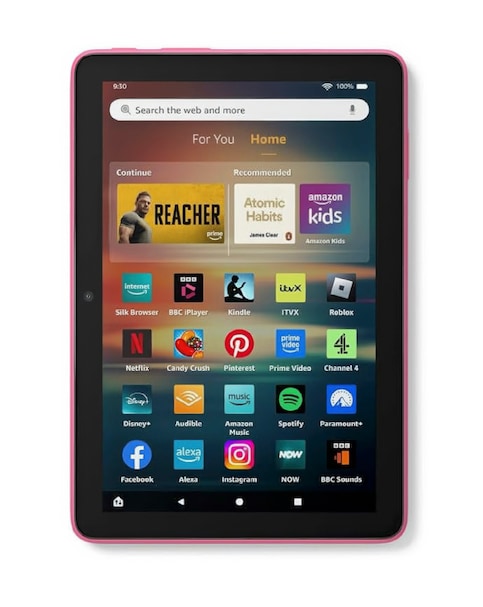
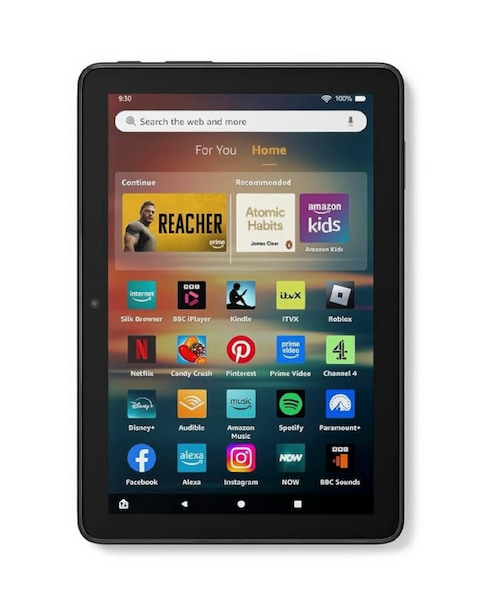
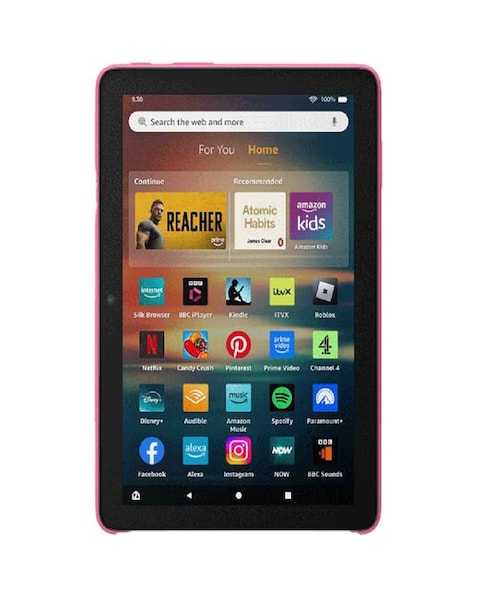
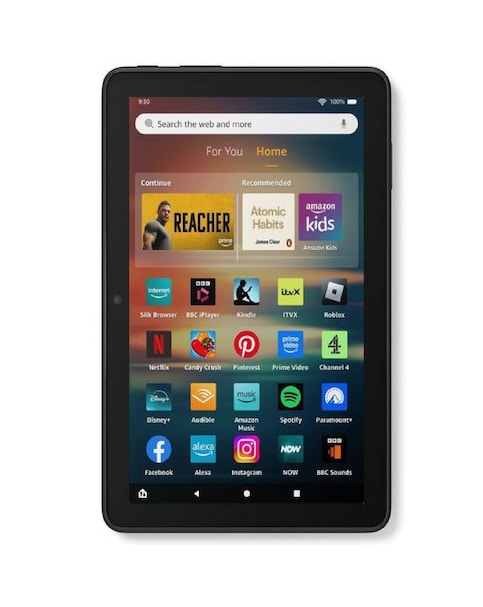
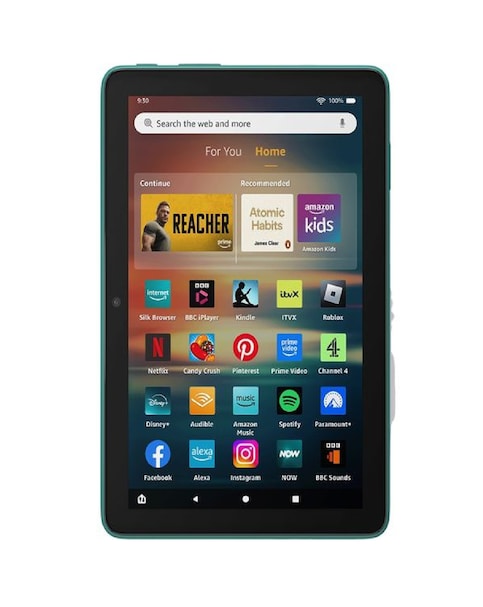
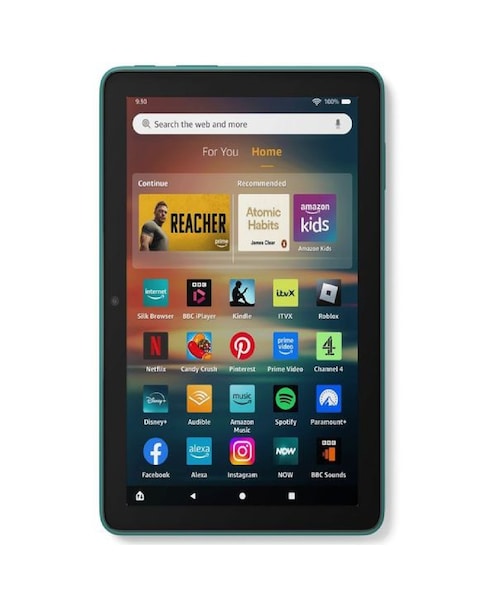
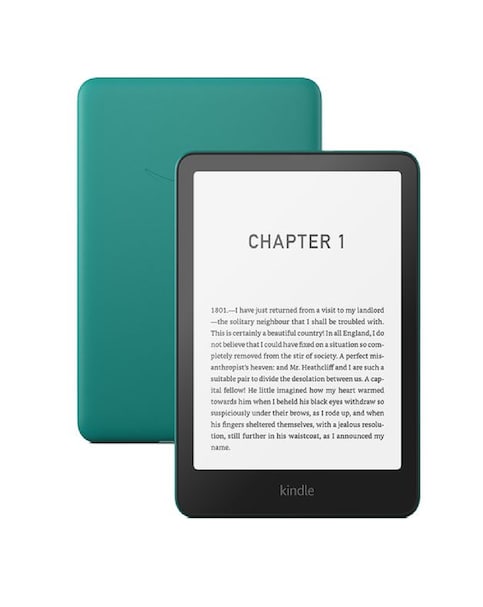
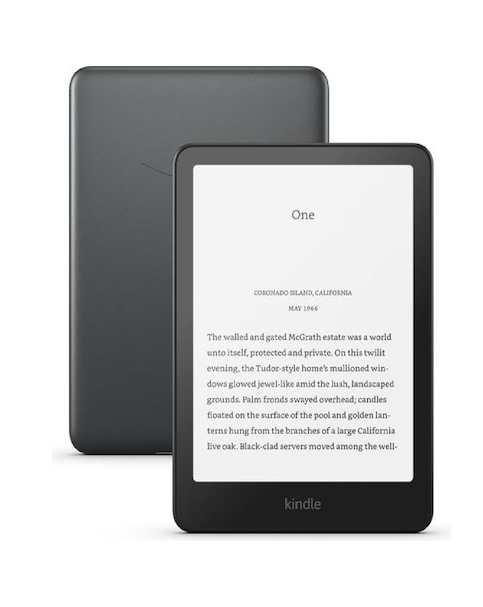
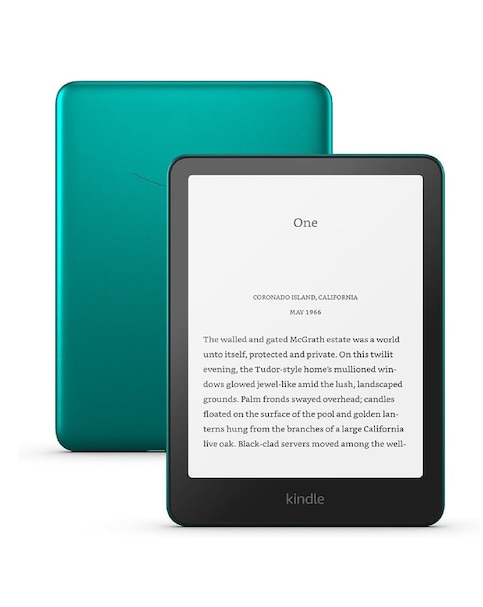
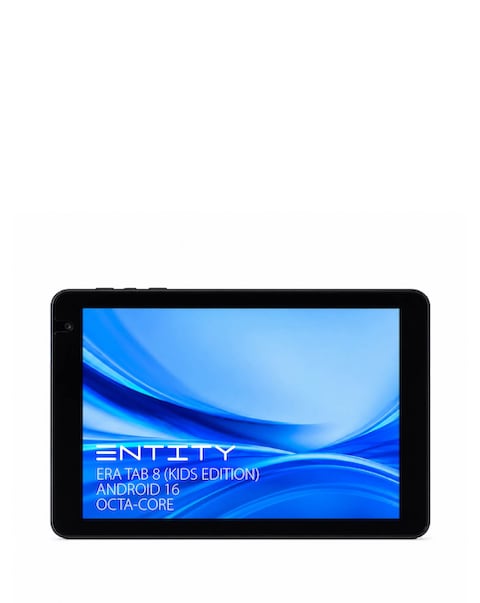
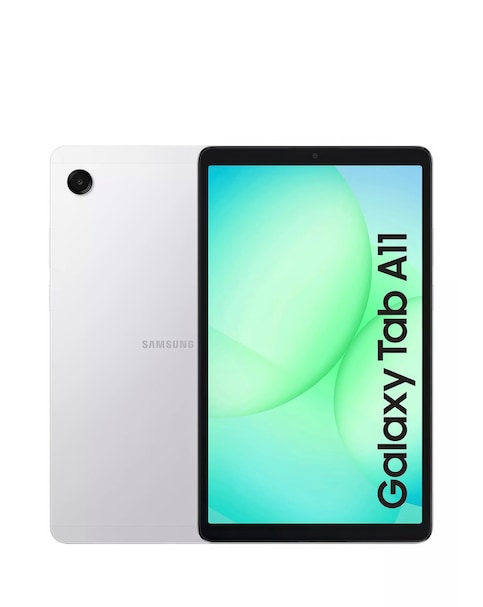
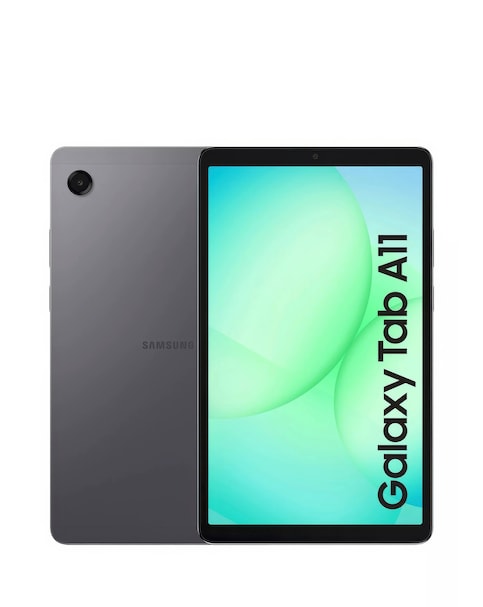
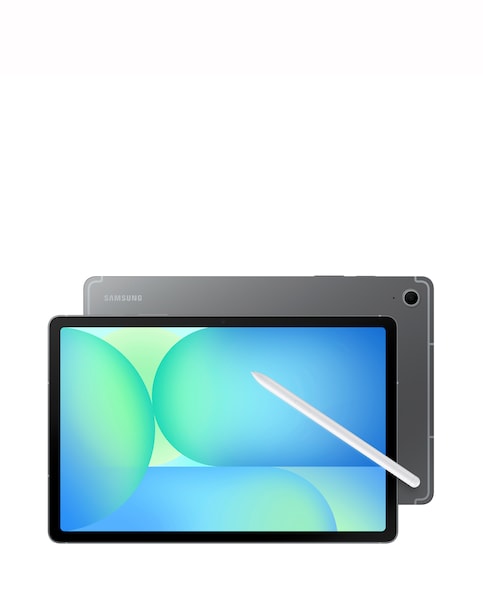
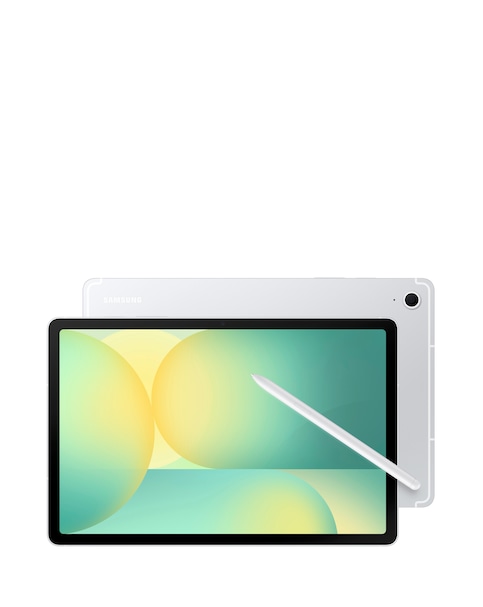
Discover the convenience and versatility of Alexa-enabled tablets, designed to enhance your digital experience with voice-activated assistance. These tablets offer vibrant displays, ample storage options, and long battery life, making them perfect for streaming, browsing, and staying connected. With built-in Alexa, you can easily control smart home devices, set reminders, and access information hands-free. Whether you're reading, watching movies, or enjoying games, these tablets provide a seamless and intuitive user experience, ensuring you stay entertained and productive throughout the day.
What are the benefits of using an Alexa-enabled tablet?
- Alexa-enabled tablets provide hands-free voice control, allowing you to perform tasks like checking the weather, setting alarms, or controlling smart home devices without needing to touch the screen. They also offer a user-friendly interface for accessing apps, streaming content, and browsing the web, making them versatile for various activities.
Can I use Alexa on my tablet without an internet connection?
- Alexa requires an internet connection to function effectively, as it relies on cloud-based services to process voice commands and provide responses. Without internet access, you may still use the tablet for offline activities, but Alexa's features will be limited.
Are Alexa-enabled tablets suitable for children?
- Many Alexa-enabled tablets come with parental controls and kid-friendly features, making them suitable for children. You can set restrictions on content, manage screen time, and create a safe browsing environment, allowing kids to enjoy educational apps and entertainment while staying protected.
What types of content can I access on an Alexa-enabled tablet?
- With Alexa-enabled tablets, you can access a wide range of content, including eBooks, movies, TV shows, music, and games. They support various streaming services and apps, providing endless entertainment options for users of all ages.
How do I set up Alexa on my tablet?
- Setting up Alexa on your tablet is typically straightforward. After powering on the device, follow the on-screen instructions to connect to Wi-Fi and sign in to your account. Once connected, you can start using Alexa by simply saying the wake word or tapping the Alexa icon on the screen.