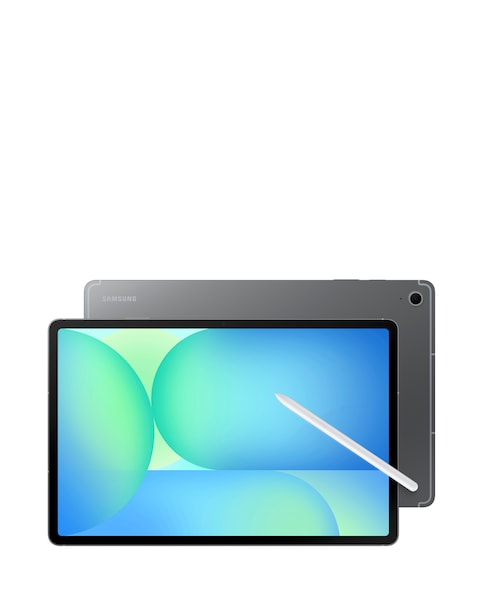
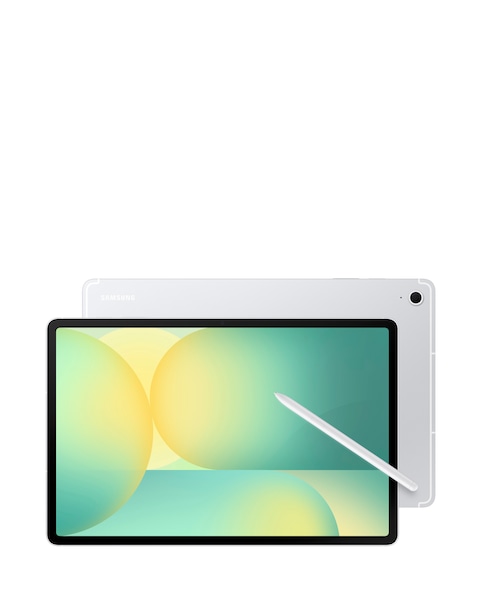
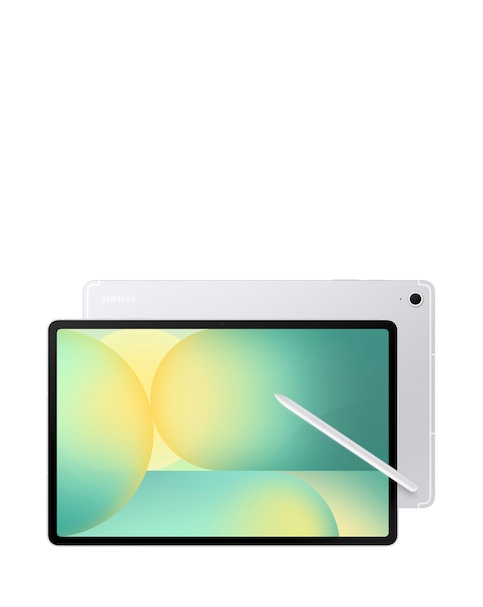
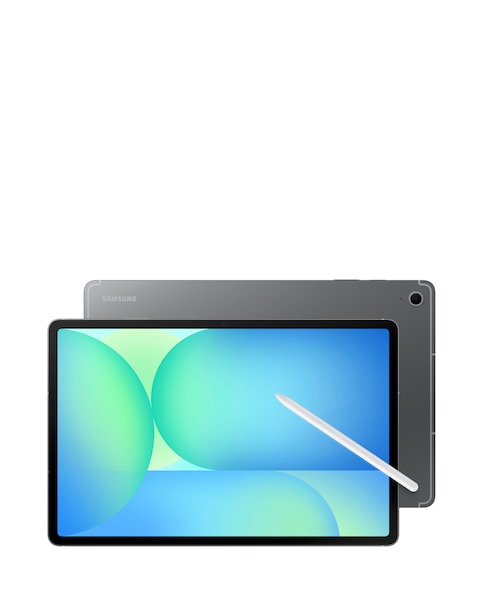
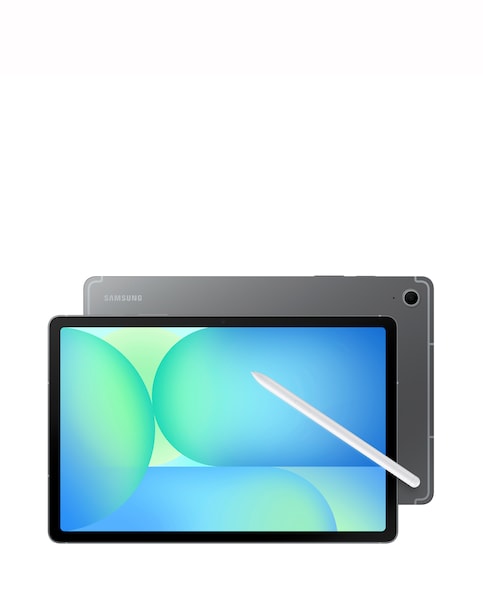
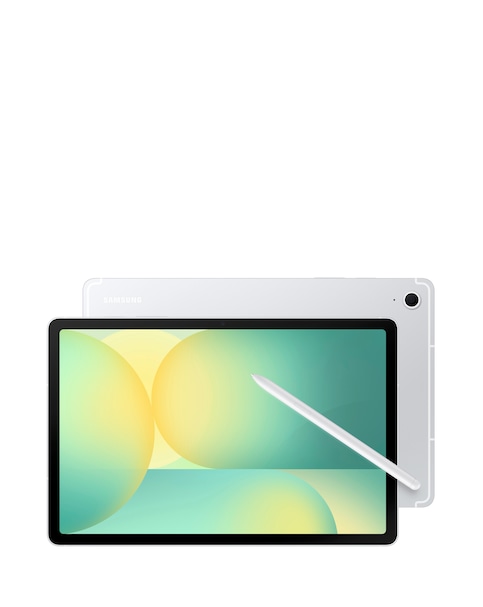
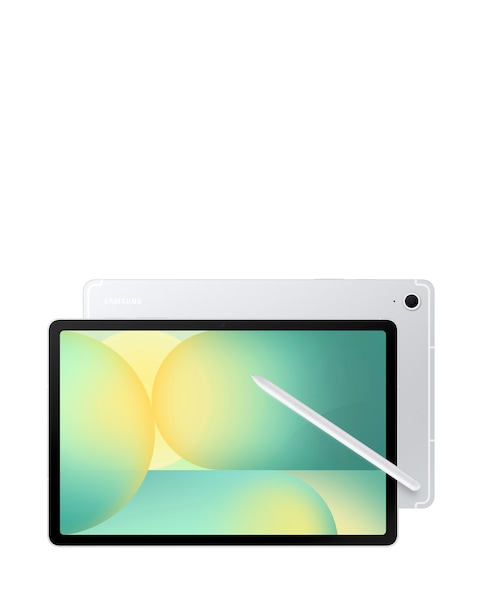
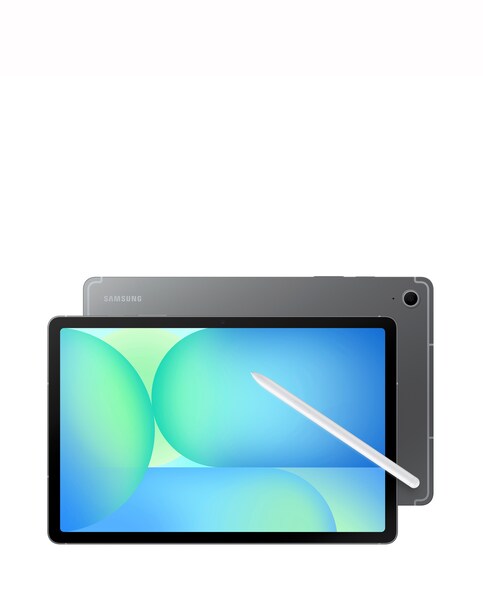
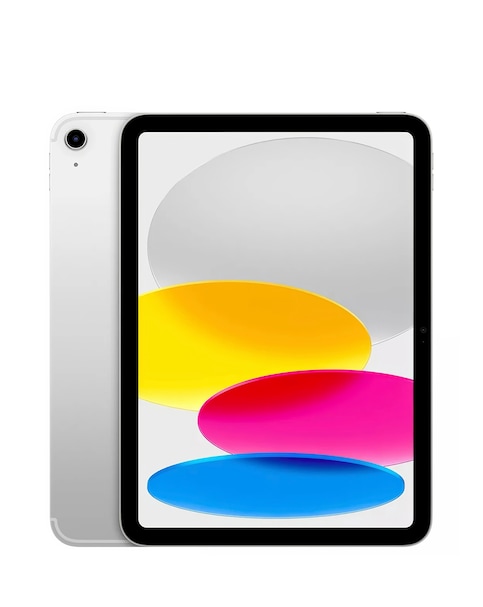
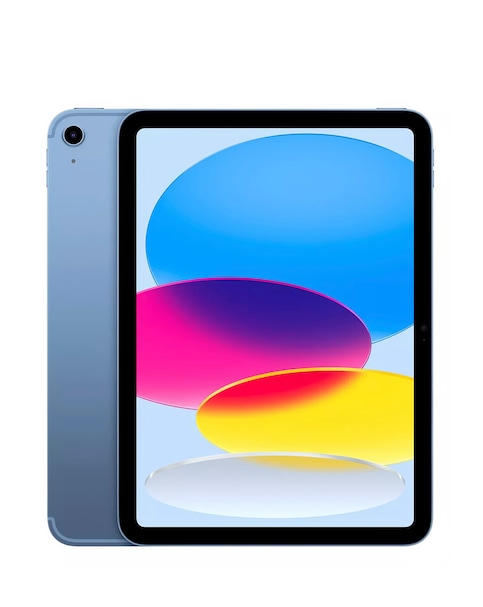
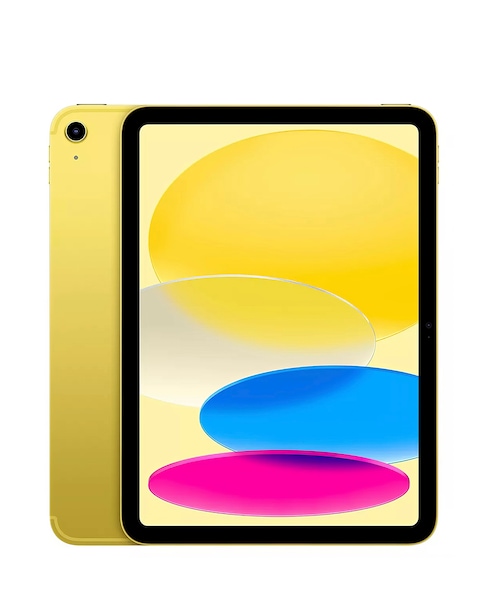
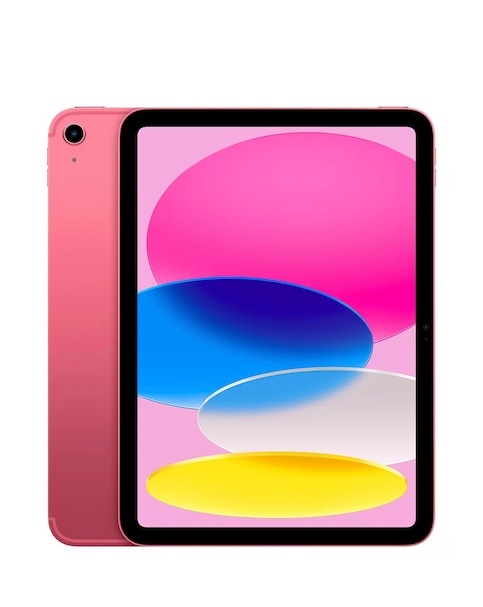
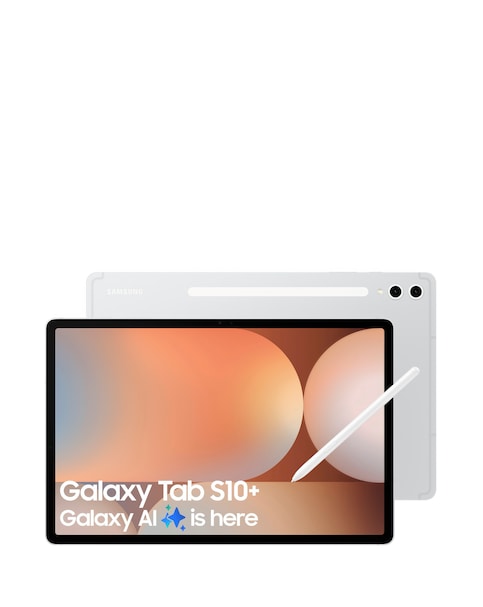
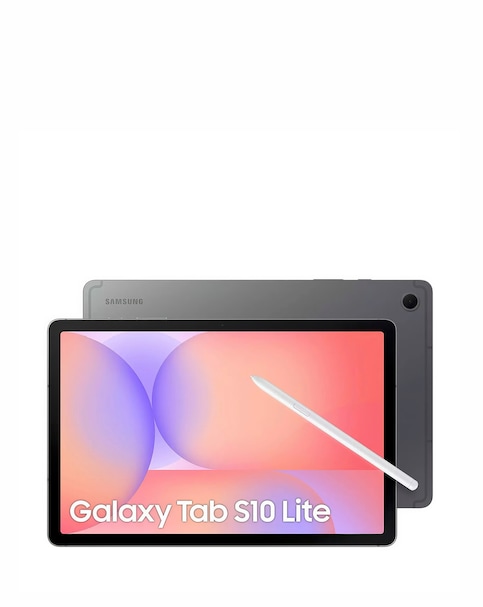
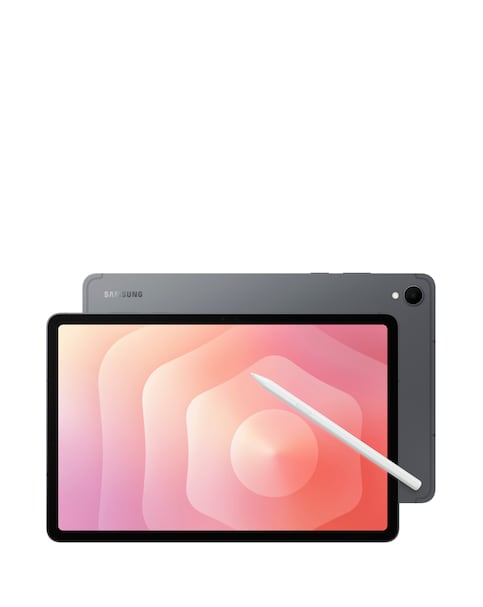
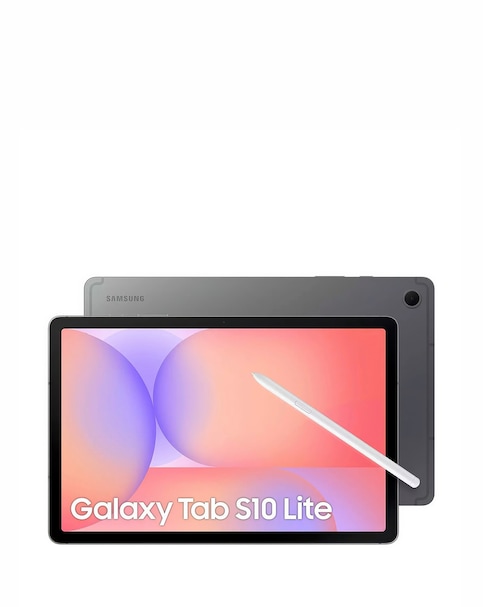
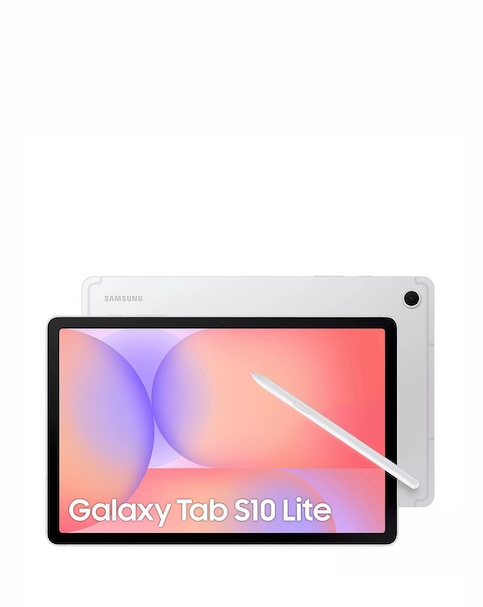
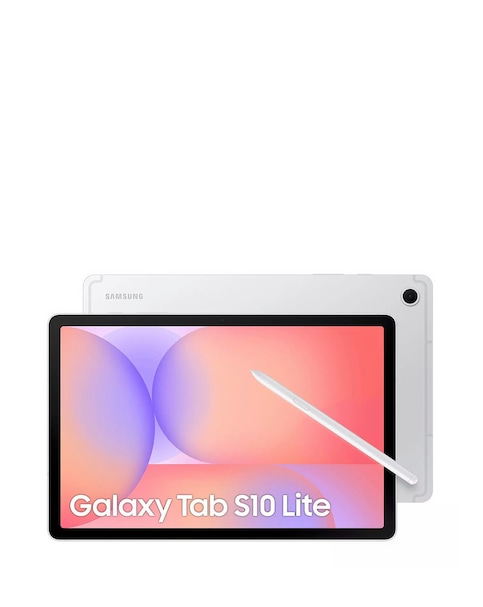
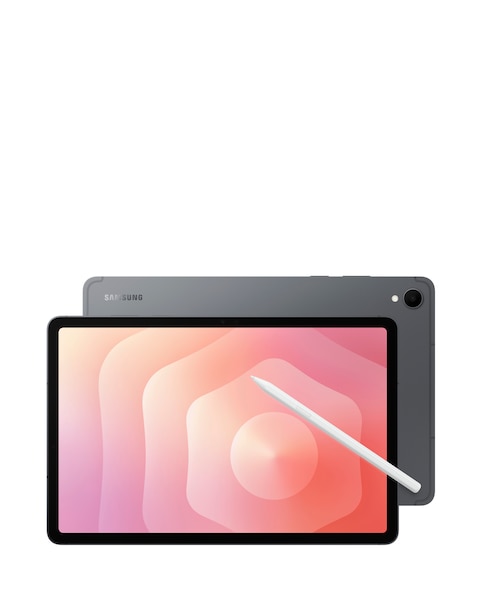
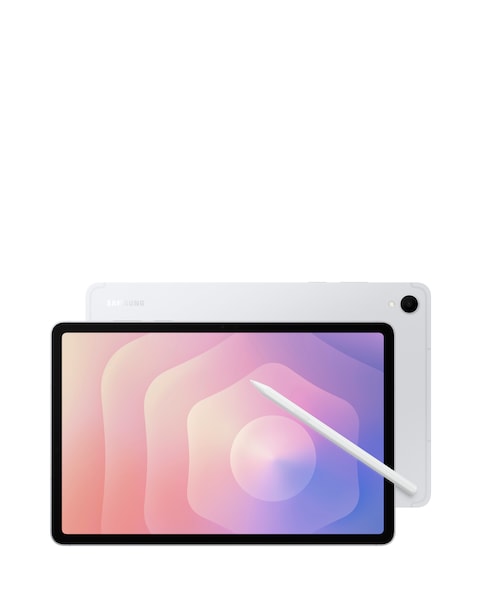
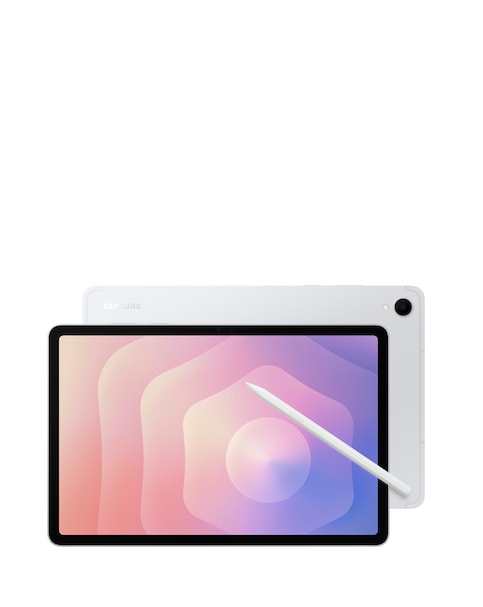
Discover the ultimate creative experience with our range of tablets with pen, designed to elevate your digital artistry and productivity. These versatile devices combine high-resolution displays with responsive stylus technology, allowing for precise drawing, note-taking, and editing. Whether you're an artist looking to sketch your next masterpiece or a student needing to annotate documents, our tablets offer seamless functionality and portability. With features like long battery life, ample storage options, and user-friendly interfaces, you can unleash your creativity anywhere, anytime. Explore our selection and find the perfect tablet with pen to suit your needs!
What are the benefits of using a tablet with a pen?
- Tablets with pen provide a natural writing and drawing experience, mimicking the feel of traditional pen and paper. They are ideal for artists, students, and professionals who require precision and flexibility in their work. Additionally, many models offer pressure sensitivity, allowing for varied line thickness and shading in digital art.
Can I use a tablet with pen for note-taking?
- Absolutely! Tablets with pen are excellent for note-taking, as they allow you to write directly on the screen. Many devices come with apps that convert handwritten notes into text, making it easy to organise and share your thoughts. This feature is particularly useful for students and professionals who attend meetings or lectures.
Are tablets with pen suitable for kids?
- Yes, many tablets with pen are designed with children in mind, featuring user-friendly interfaces and creative apps that encourage artistic expression. They can help develop fine motor skills and creativity in young users. Additionally, some models come with educational content and parental controls for a safe learning environment.
What should I consider when choosing a tablet with pen?
- When selecting a tablet with pen, consider factors such as screen size, battery life, storage capacity, and the type of stylus included. It's also important to look for compatibility with creative software and apps that suit your needs, whether for drawing, note-taking, or other tasks.
How do I maintain my tablet with pen?
- To maintain your tablet with pen, keep it clean by regularly wiping the screen with a soft, lint-free cloth. Avoid using harsh chemicals that could damage the display. Additionally, ensure that the stylus is charged (if applicable) and store both the tablet and pen in a safe place to prevent damage.