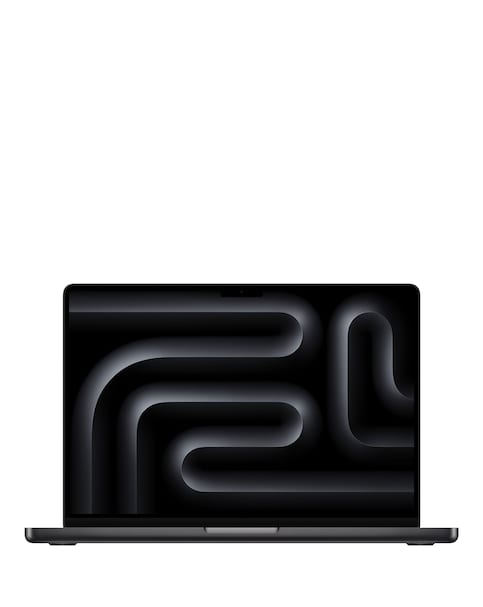
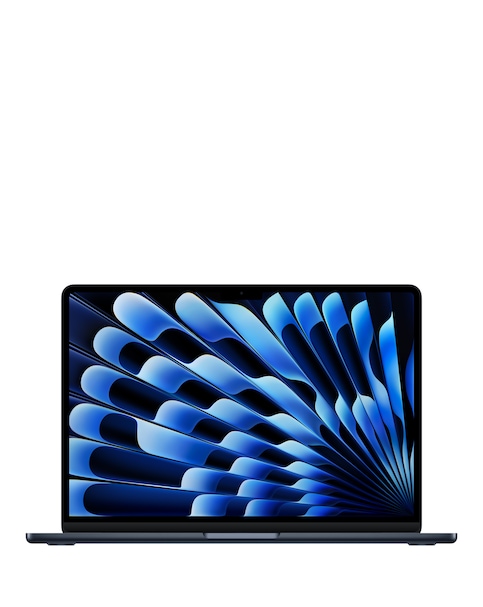
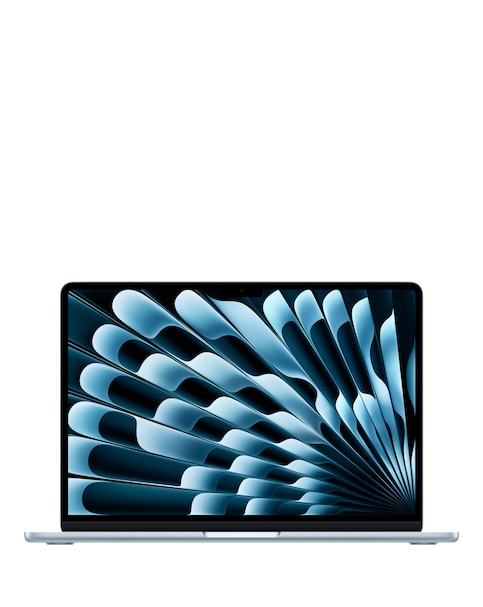
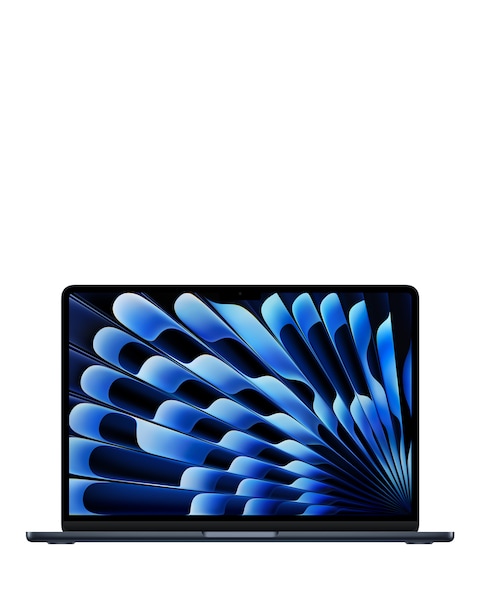
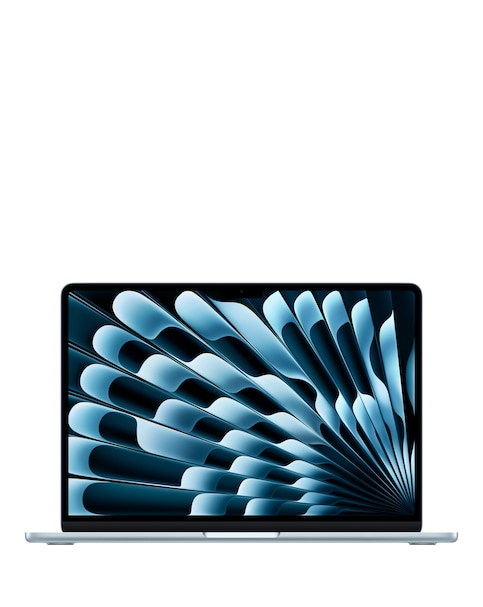
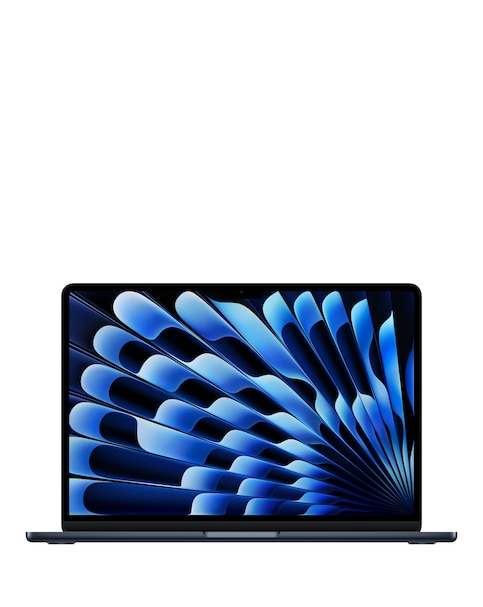
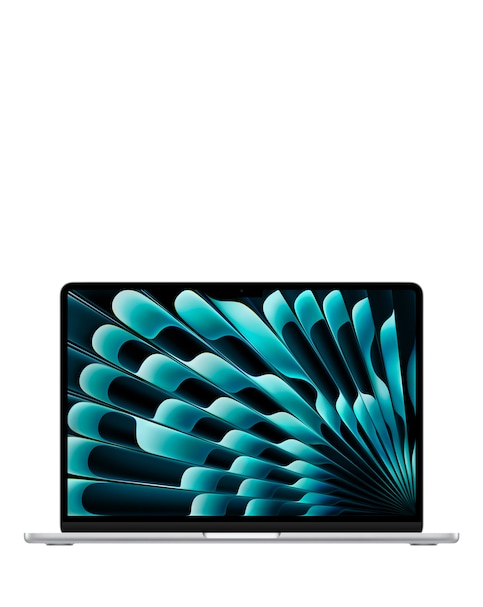
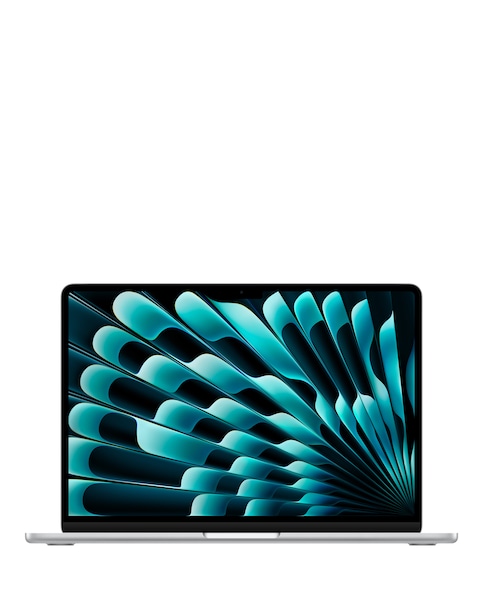
Discover the power and performance of our graphics laptops, designed to meet the demands of gamers, creators, and professionals alike. With high-resolution displays, advanced graphics capabilities, and powerful processors, these laptops ensure smooth gameplay and seamless multitasking. Whether you're editing videos, playing the latest games, or working on graphic-intensive projects, our selection offers a variety of options to suit your needs. Lightweight designs and long battery life make these laptops perfect for on-the-go use, while enhanced cooling systems keep your device running efficiently during intense sessions. Elevate your computing experience with a graphics laptop that combines style, performance, and portability.
What are graphics laptops used for?
- Graphics laptops are specifically designed for tasks that require high-performance graphics processing, such as gaming, video editing, 3D rendering, and graphic design. They typically feature dedicated graphics cards that enhance visual performance and allow for smoother rendering of complex graphics.
What should I look for in a graphics laptop?
- When choosing a graphics laptop, consider the graphics card, processor, RAM, and display quality. A dedicated graphics card is essential for optimal performance, while a powerful processor and sufficient RAM ensure smooth multitasking. Additionally, a high-resolution display enhances your visual experience, making it ideal for gaming and creative work.
Are graphics laptops suitable for everyday use?
- Yes, graphics laptops can be used for everyday tasks such as browsing the internet, streaming videos, and working on documents. Their powerful specifications make them versatile enough to handle both casual and demanding applications, providing a seamless experience for all types of users.
How much RAM do I need for a graphics laptop?
- For most graphics laptops, a minimum of 8GB of RAM is recommended for basic gaming and creative tasks. However, if you plan to run more demanding applications or multitask extensively, opting for 16GB or more will provide better performance and responsiveness.
Can I upgrade the components of a graphics laptop?
- Many graphics laptops allow for component upgrades, such as increasing RAM or replacing the storage drive. However, the ability to upgrade varies by model, so it's essential to check the specifications and manufacturer guidelines before making any modifications. Always consult with a professional if you're unsure about the upgrade process.