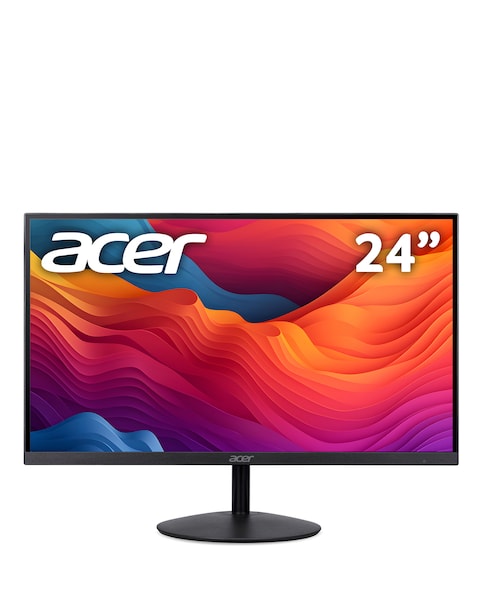
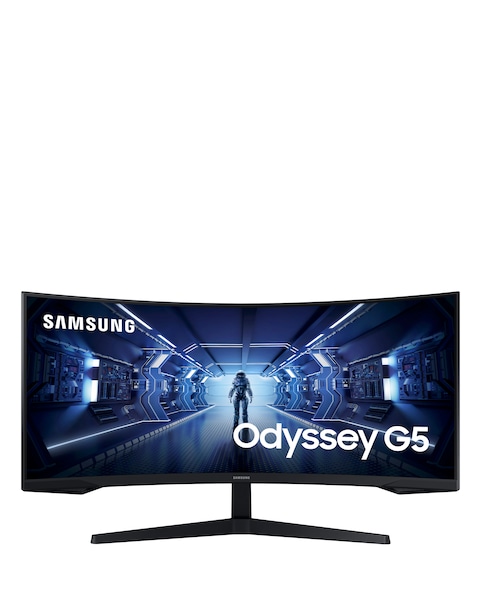
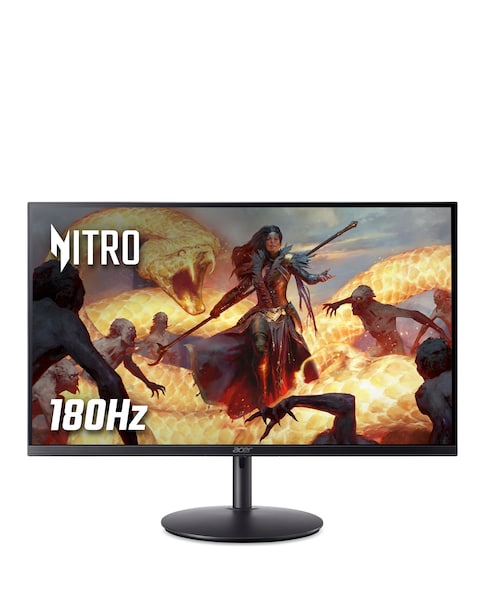
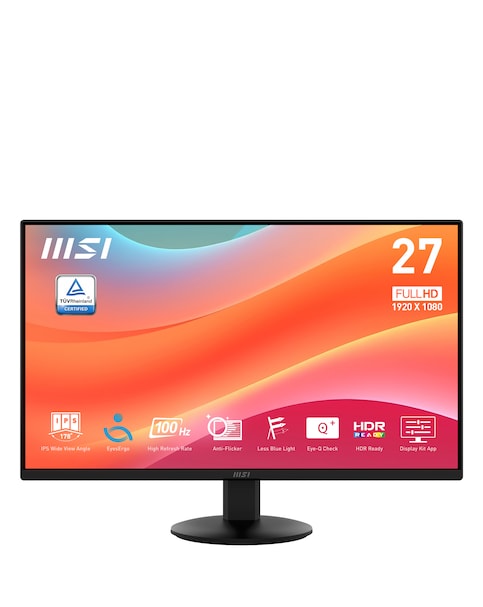
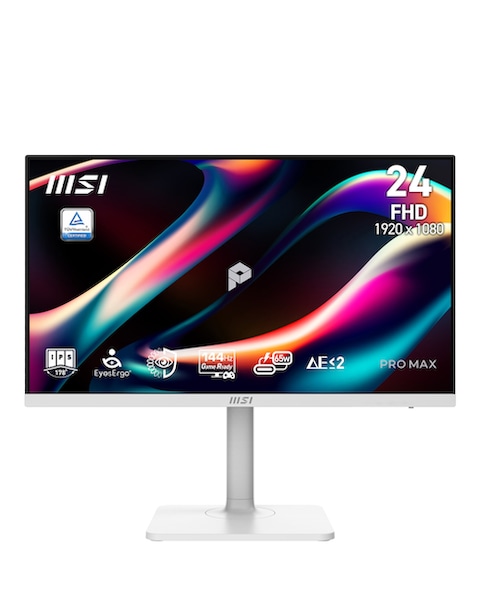
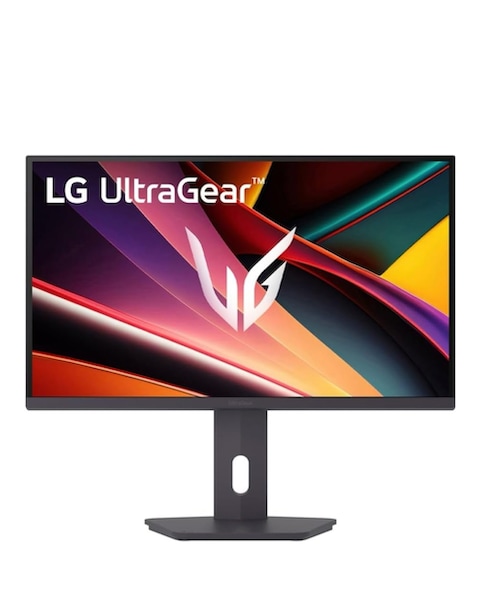
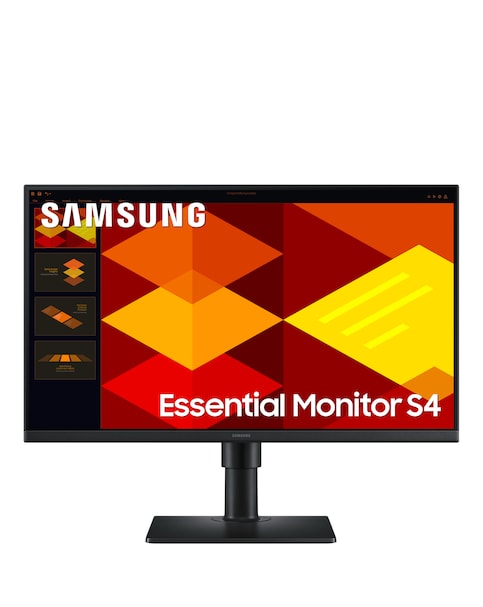
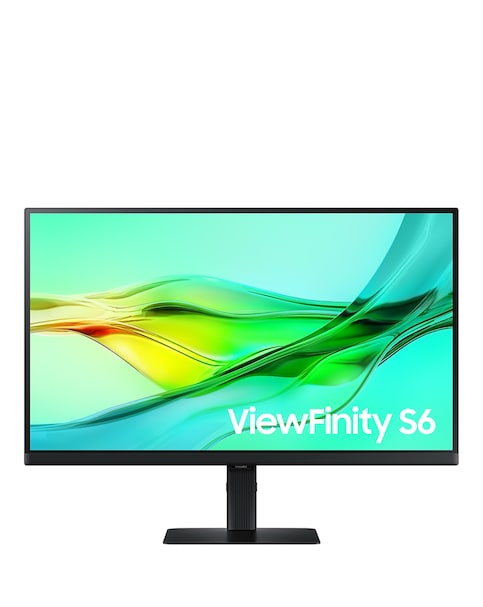
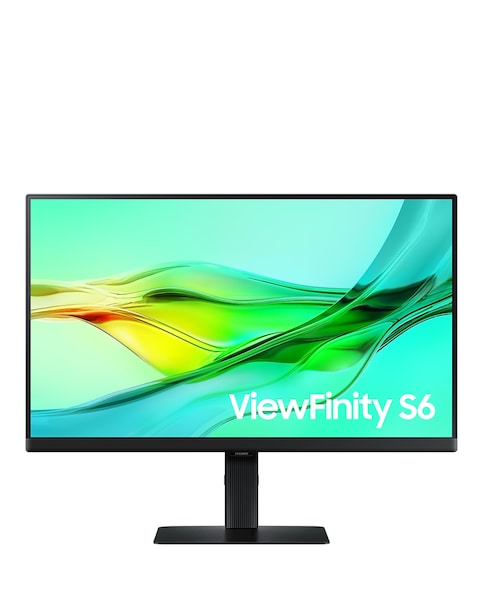
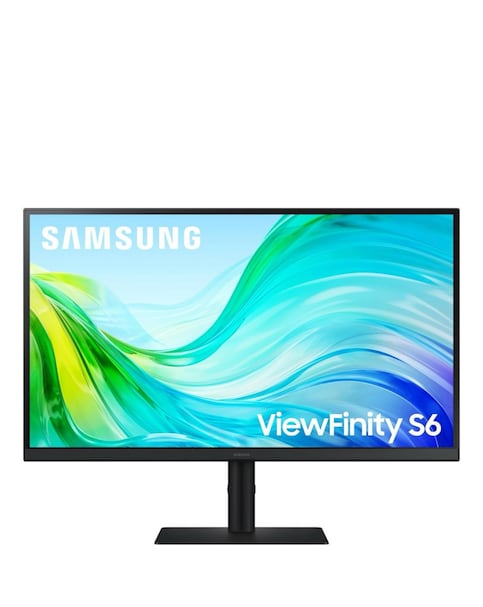
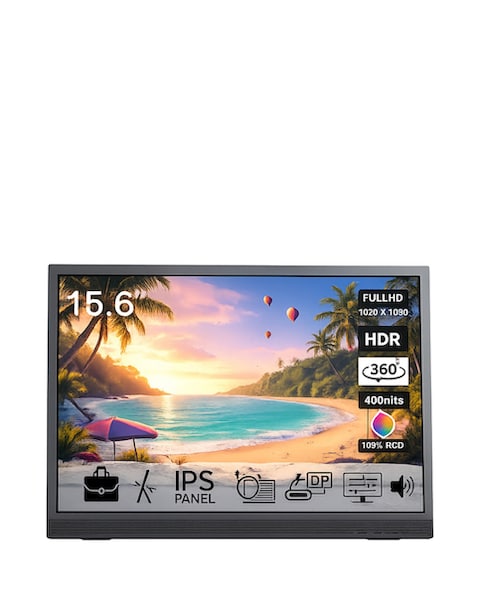
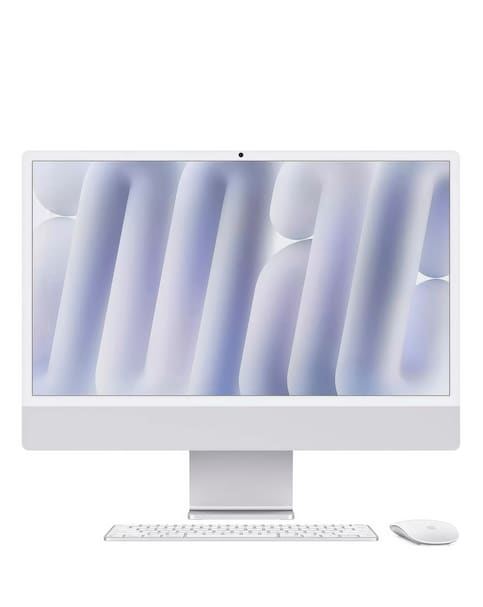
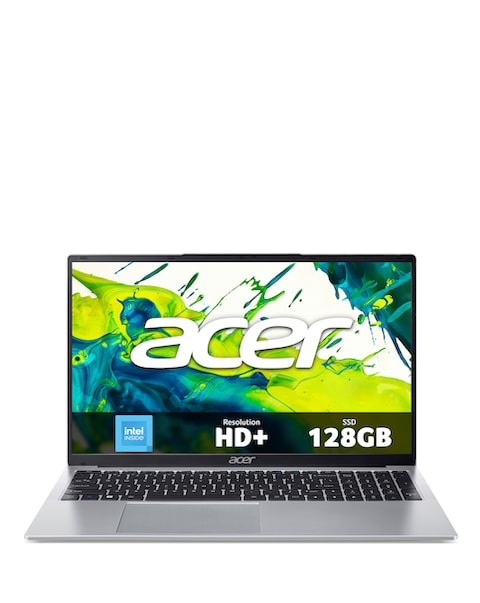
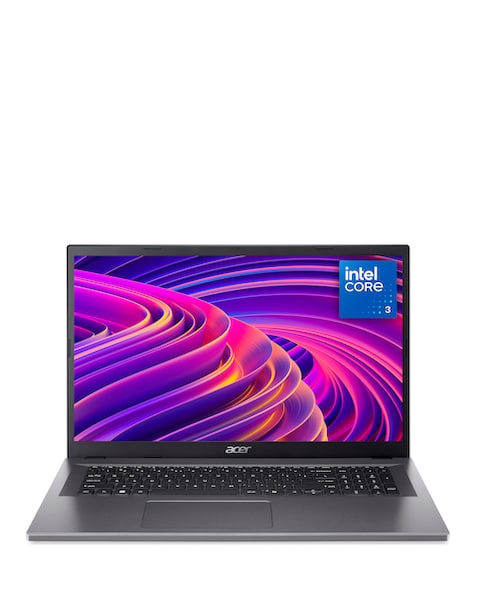
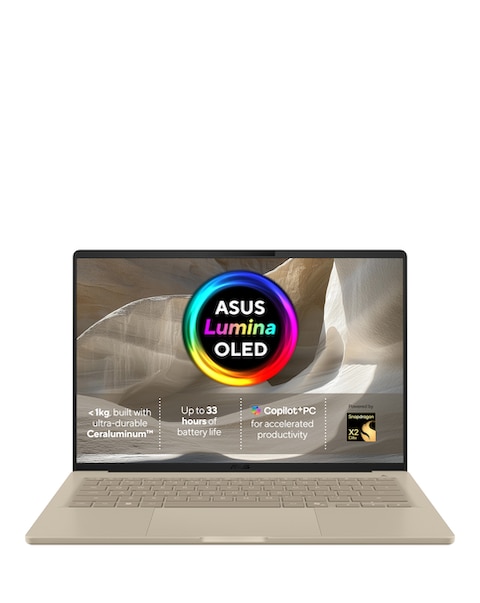
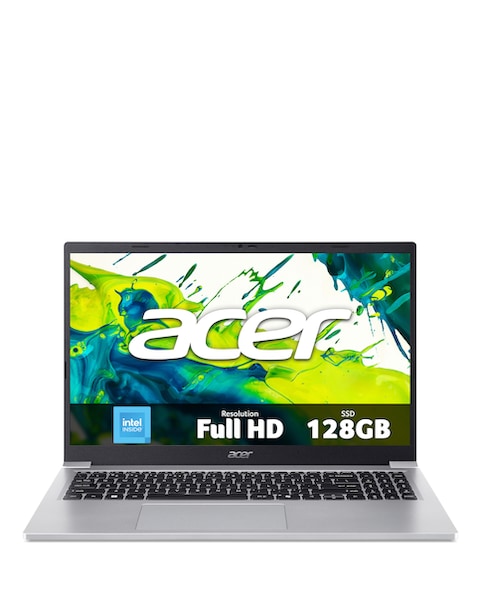
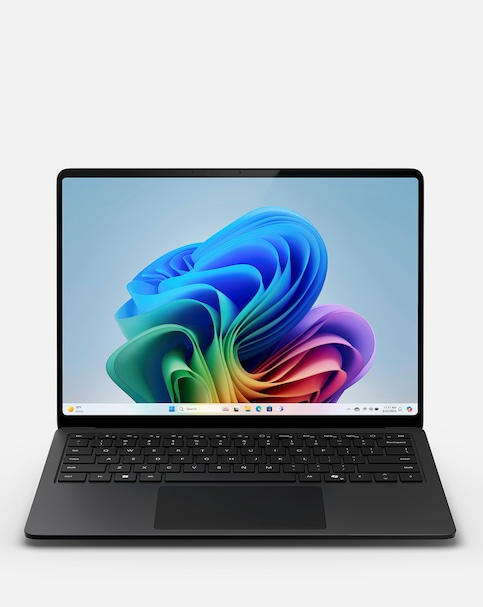
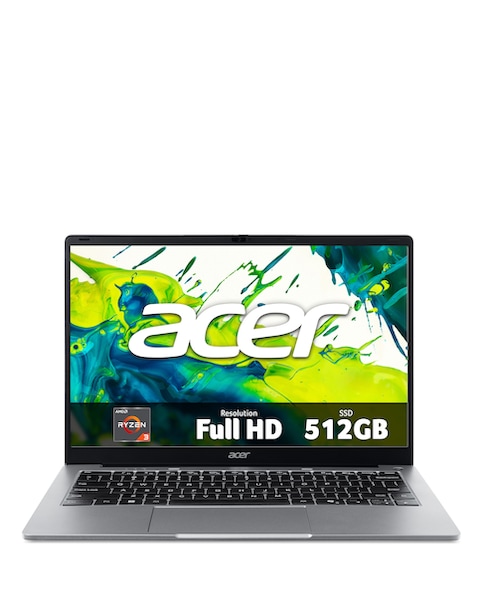
Discover the sleek and modern world of bezel-less monitors, designed to enhance your viewing experience with minimal distractions. These monitors feature ultra-thin bezels that provide a seamless look, making them perfect for multi-monitor setups or for creating an immersive gaming environment. With high-definition displays and vibrant colour reproduction, bezel-less monitors deliver stunning visuals whether you're working, gaming, or streaming your favourite shows. Enjoy features such as fast response times and high refresh rates, ensuring smooth performance for all your tasks. Upgrade your workspace or gaming station with a stylish bezel-less monitor that combines functionality with aesthetic appeal.
What are the benefits of using a bezel-less monitor?
- Bezel-less monitors offer a more immersive viewing experience by reducing distractions from thick borders. They are ideal for multi-monitor setups, allowing for a seamless transition between screens. Additionally, their modern design enhances the overall aesthetic of your workspace or gaming area.
Are bezel-less monitors suitable for gaming?
- Yes, bezel-less monitors are excellent for gaming, particularly those with high refresh rates and low response times. These features contribute to smoother gameplay and reduced motion blur, enhancing your overall gaming experience. The sleek design also allows for a more immersive environment, making you feel more engaged in your games.
Can I use a bezel-less monitor for professional work?
- Absolutely! Bezel-less monitors are perfect for professional work, especially for tasks that require attention to detail, such as graphic design, video editing, or programming. Their high-resolution displays provide crisp images and vibrant colours, making it easier to work on intricate projects. The modern design also adds a touch of sophistication to your office setup.
What sizes do bezel-less monitors come in?
- Bezel-less monitors are available in a variety of sizes to suit different needs and preferences. You can find options ranging from compact 24-inch models to larger 34-inch ultra-wide displays. This variety allows you to choose the perfect size for your workspace or gaming setup, ensuring optimal comfort and usability.
How do I connect a bezel-less monitor to my computer?
- Connecting a bezel-less monitor to your computer is typically straightforward and similar to connecting any other monitor. Most models come with HDMI, DisplayPort, or VGA inputs, allowing you to use the appropriate cable for your setup. Simply plug the monitor into your computer, select the correct input source, and you’re ready to go!