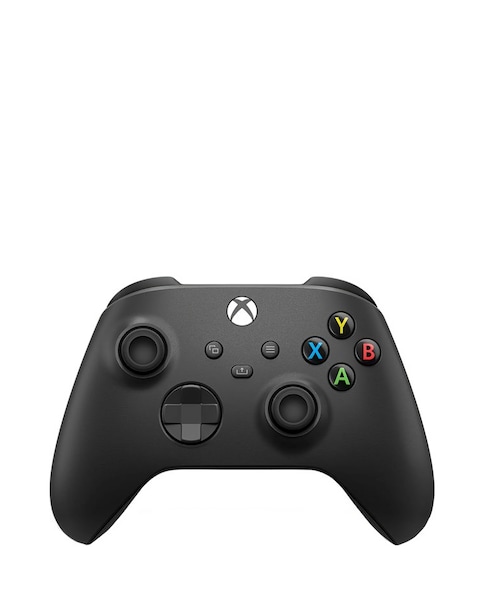
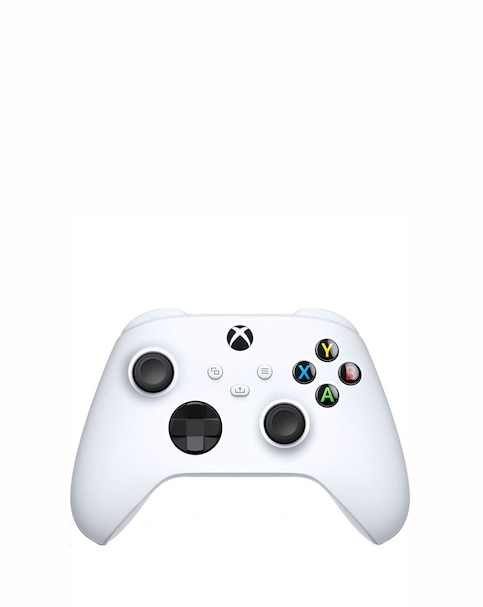
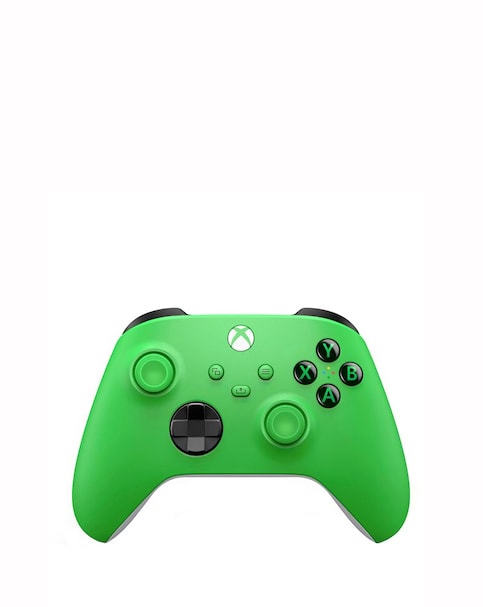
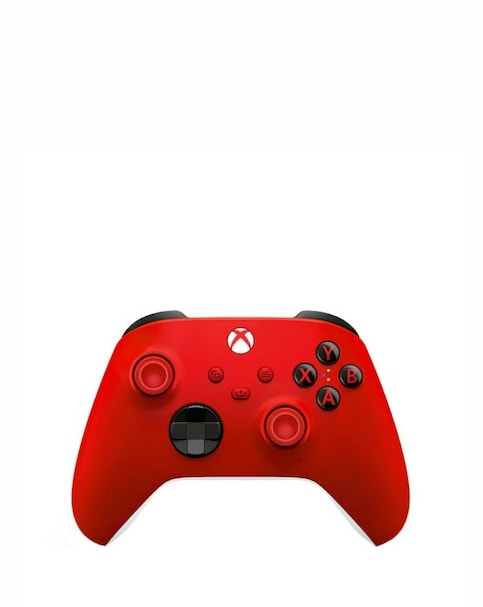
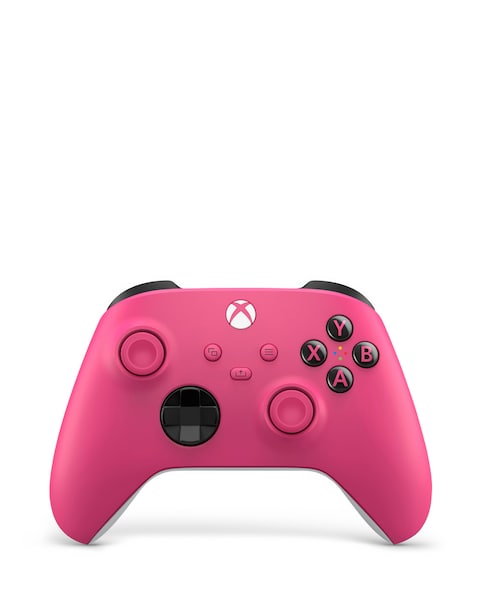
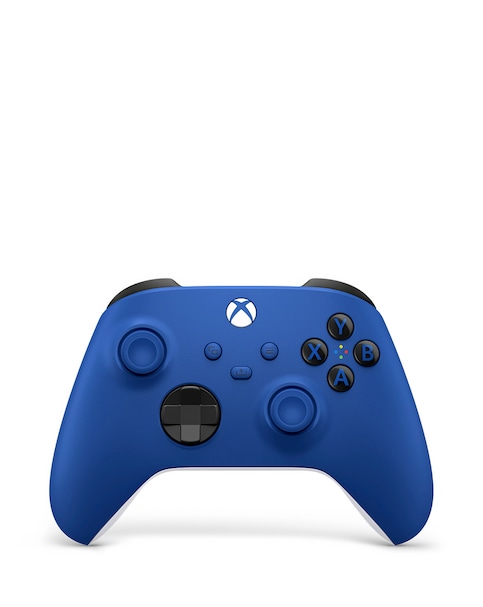
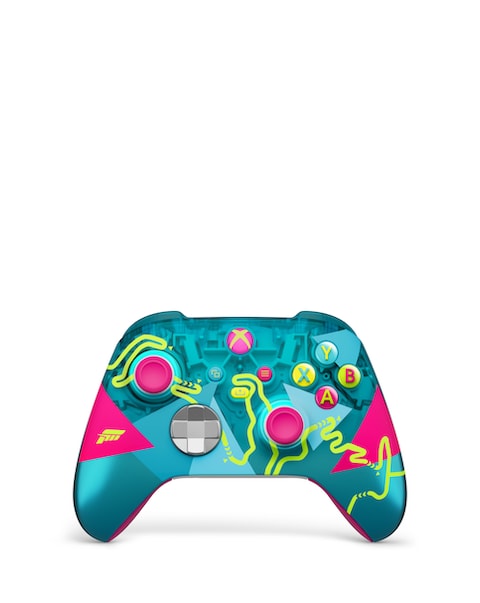
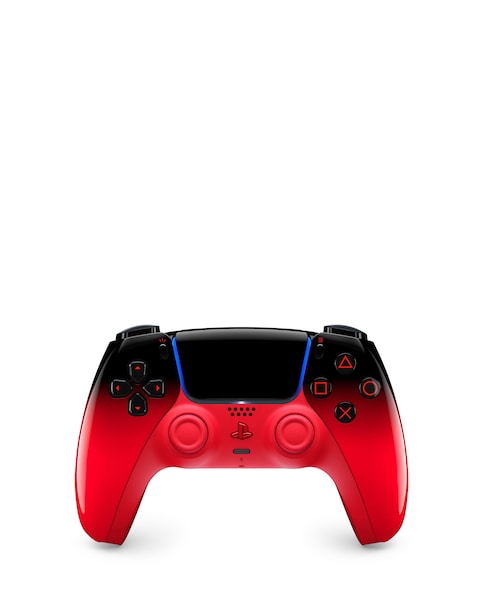
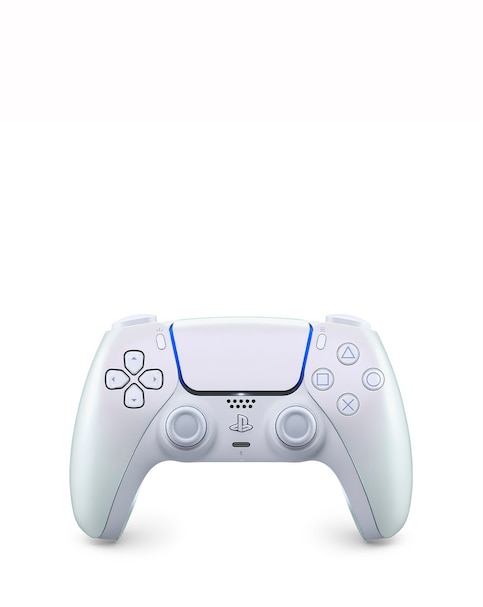
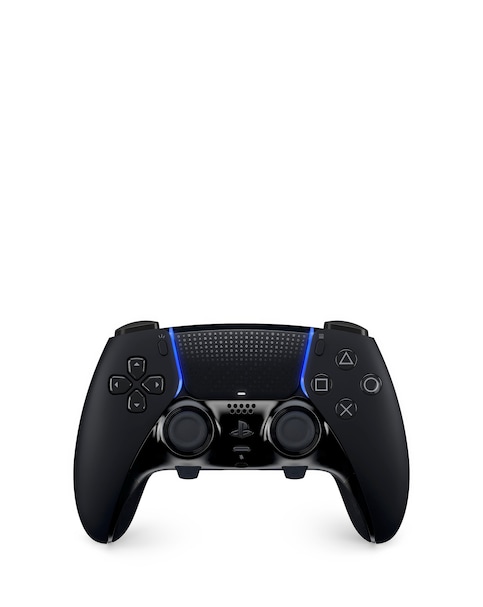
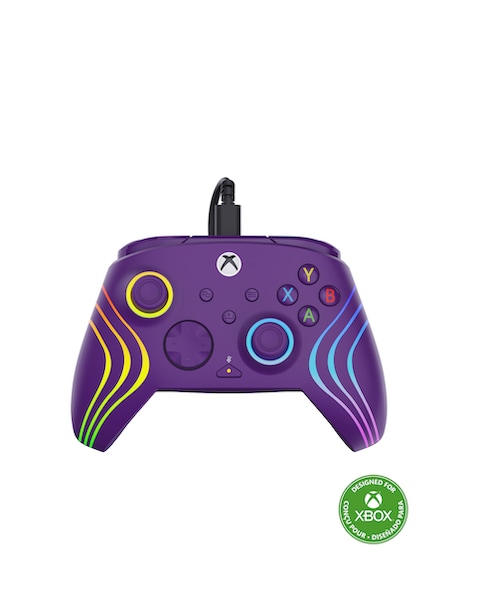
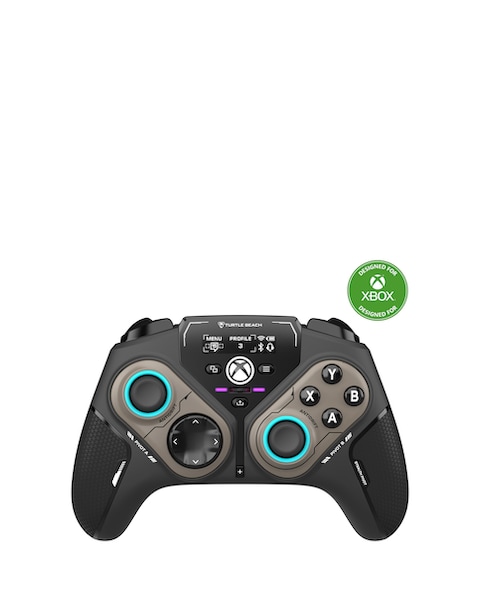
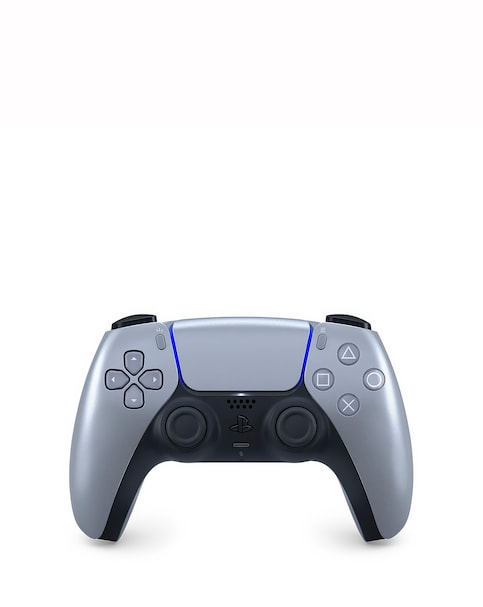
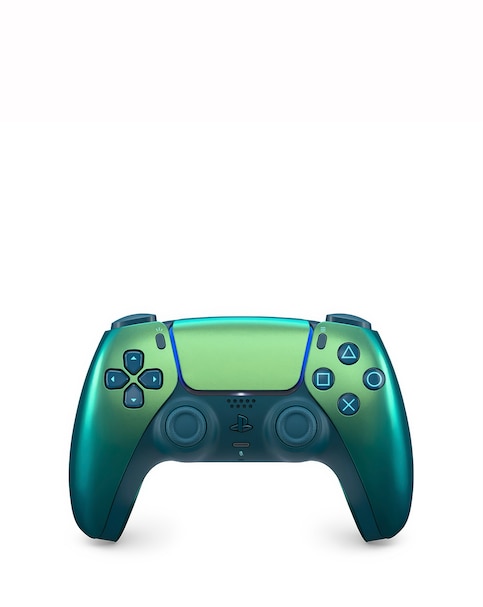
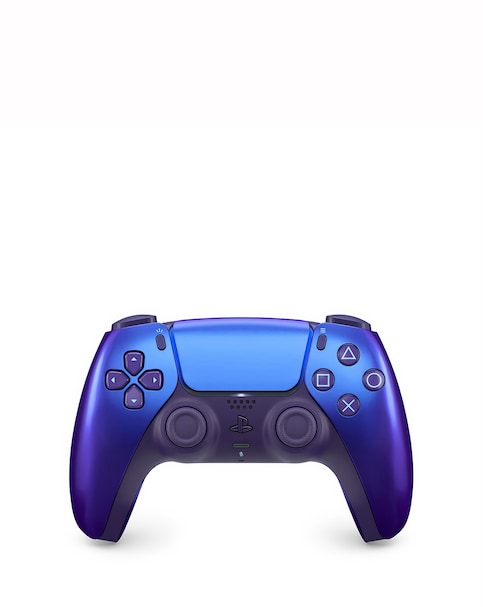
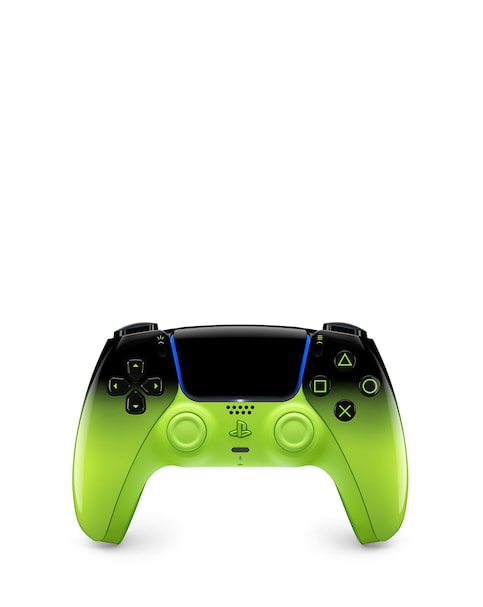
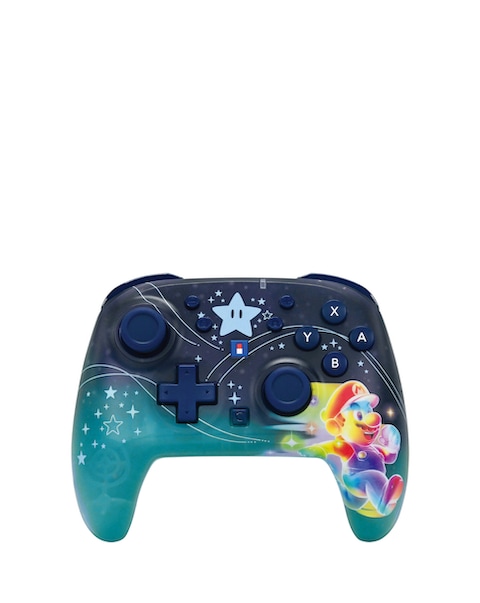
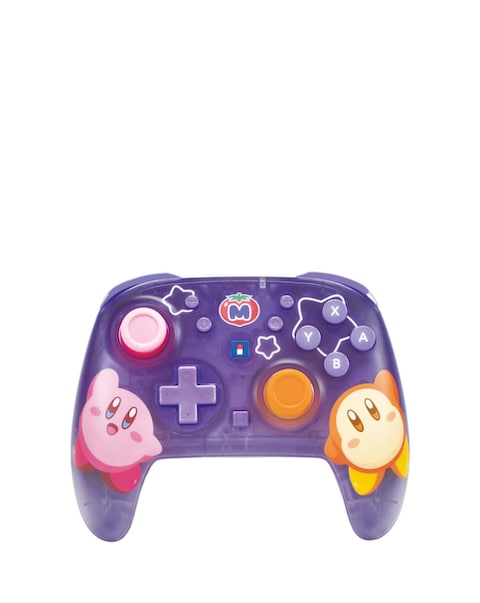
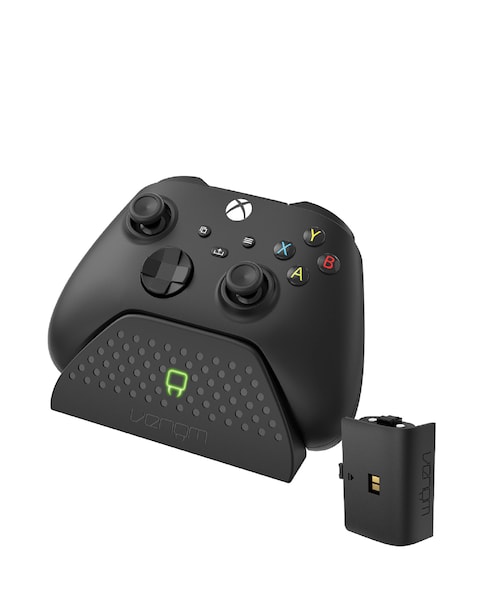
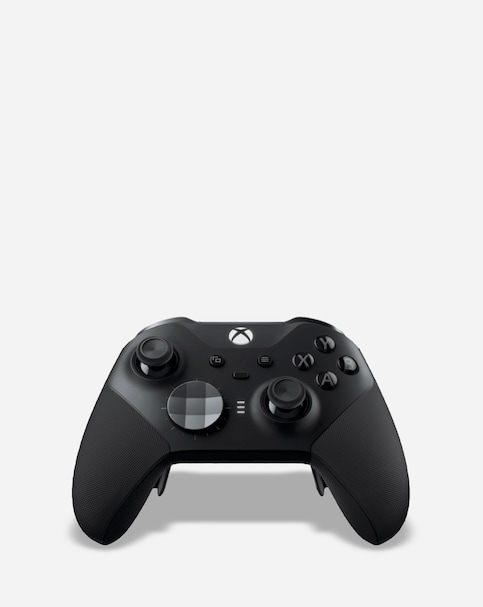
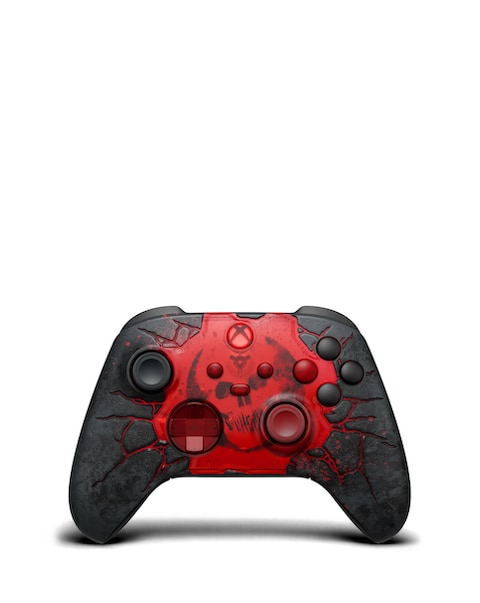
Enhance your gaming experience on Windows 10 with our selection of high-quality controllers designed for seamless connectivity and comfort. These controllers offer wireless functionality, allowing for a clutter-free setup, while ergonomic designs ensure hours of comfortable gameplay. With a variety of colours and styles available, you can choose the perfect controller that matches your gaming setup or personal style. Enjoy responsive buttons and precise controls that elevate your gaming performance, whether you're diving into action-packed adventures or exploring immersive worlds. Discover the ideal controller to take your gaming to the next level!
Are Xbox controllers compatible with Windows 10?
- Yes, Xbox controllers are fully compatible with Windows 10, allowing for easy connection via USB or Bluetooth. This compatibility ensures a smooth gaming experience across a wide range of PC games, making it a popular choice among gamers.
What are the benefits of using a wireless controller for Windows 10?
- Wireless controllers provide the freedom to move around without being tethered to your PC, enhancing your gaming experience. They also reduce cable clutter, making your gaming setup cleaner and more organised, while still offering reliable performance and connectivity.
Can I use multiple Xbox controllers on one Windows 10 PC?
- Yes, you can connect multiple Xbox controllers to a single Windows 10 PC, allowing for multiplayer gaming sessions. Simply pair each controller via Bluetooth or connect them using USB, and your PC will recognise them for simultaneous use.
What features should I look for in a gaming controller for Windows 10?
- When choosing a gaming controller for Windows 10, consider features such as wireless connectivity, ergonomic design, and responsive buttons. Additional features like programmable buttons and adjustable sensitivity can enhance your gaming experience, providing more control and customisation options.
How do I connect an Xbox controller to my Windows 10 PC?
- To connect an Xbox controller to your Windows 10 PC, you can use either a USB cable or Bluetooth. For Bluetooth, ensure your PC has Bluetooth capability, then press the pairing button on the controller and select it from the Bluetooth settings on your PC to establish the connection.