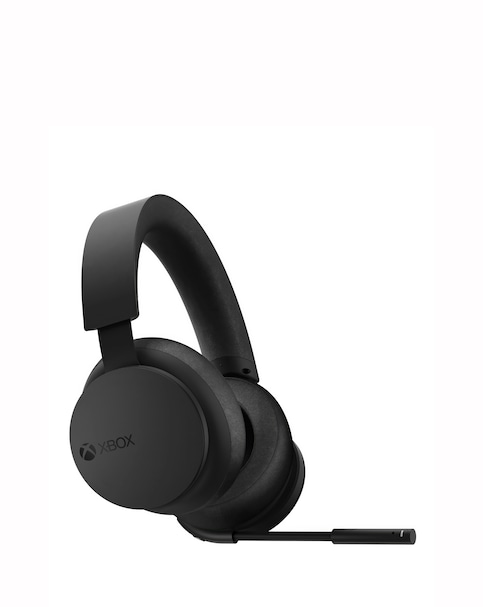
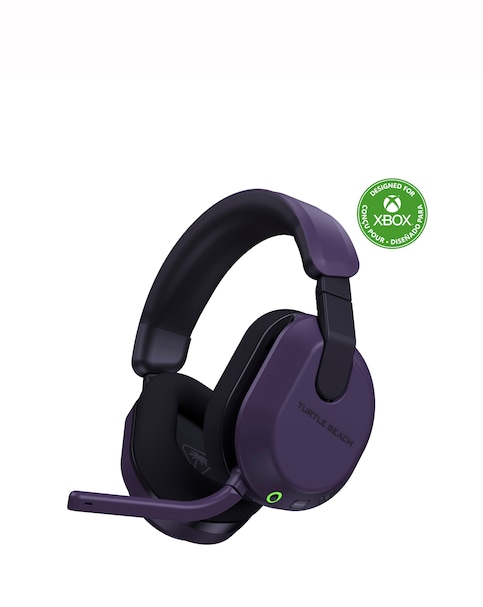
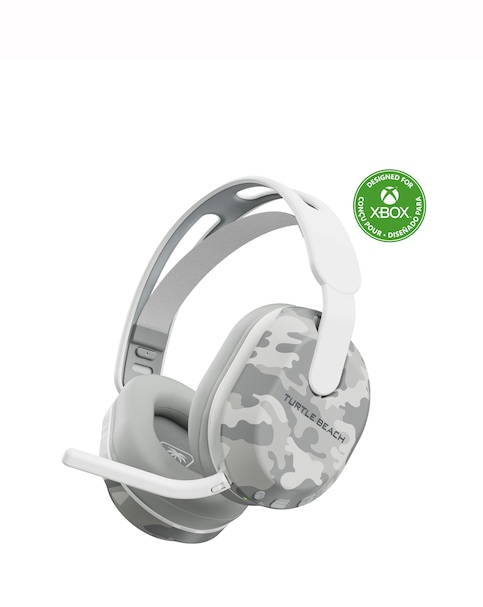
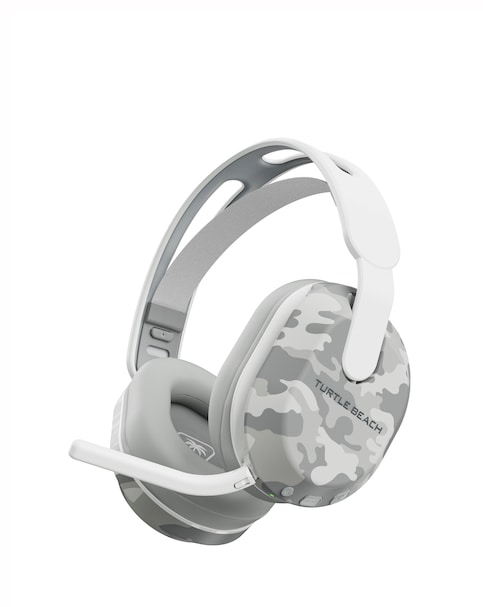
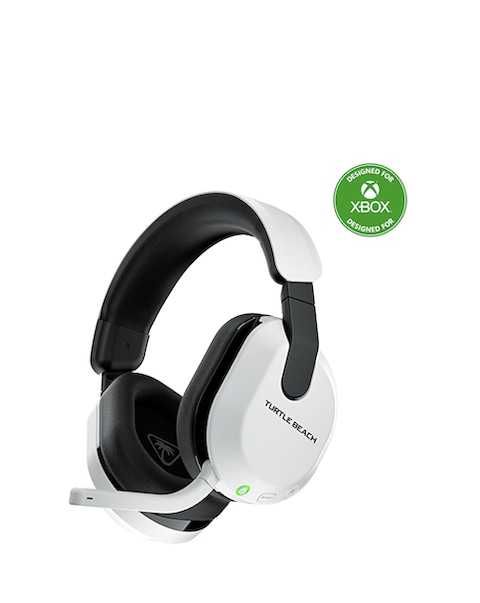
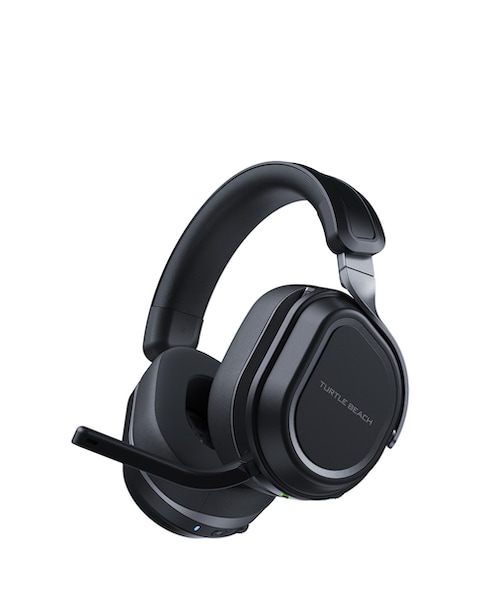
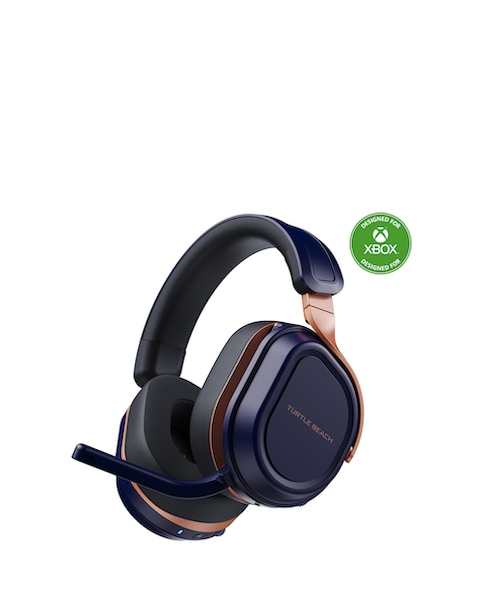
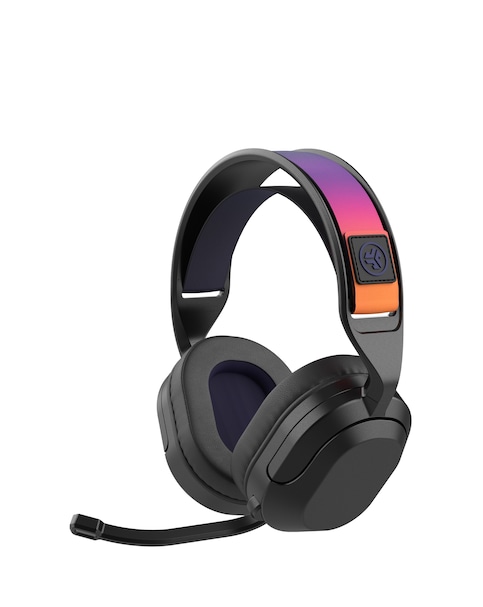
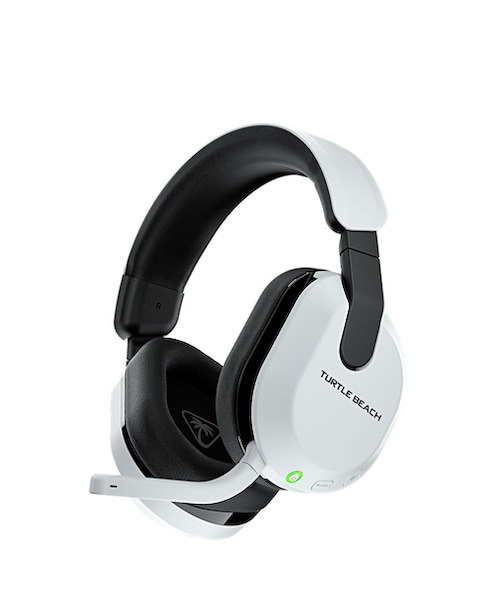
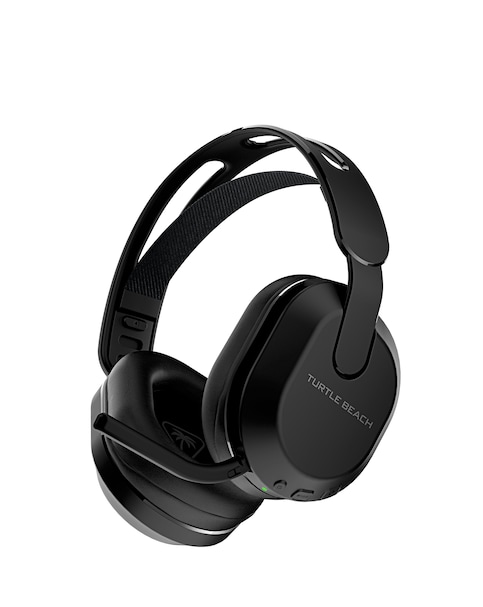
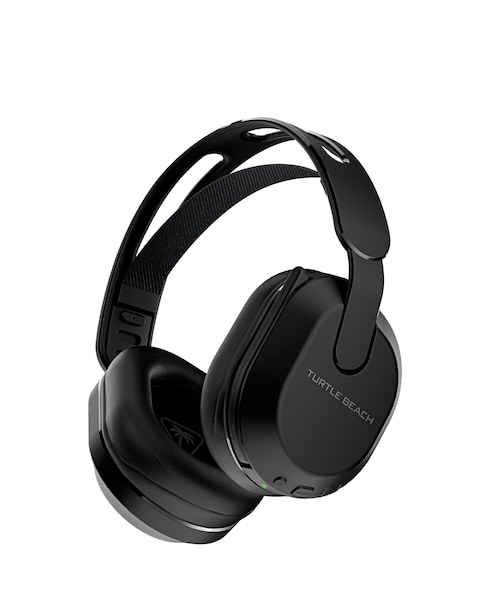
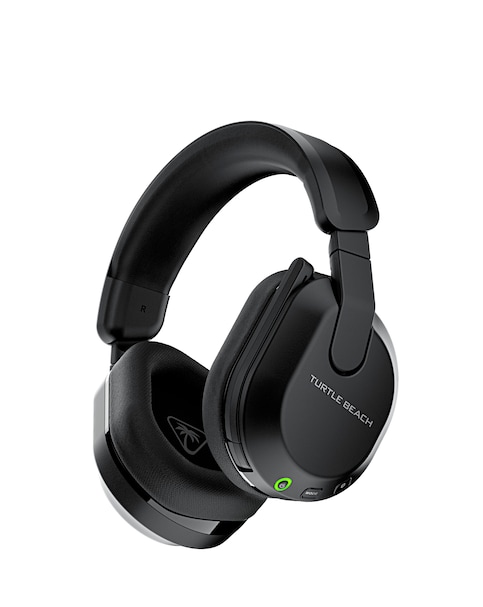
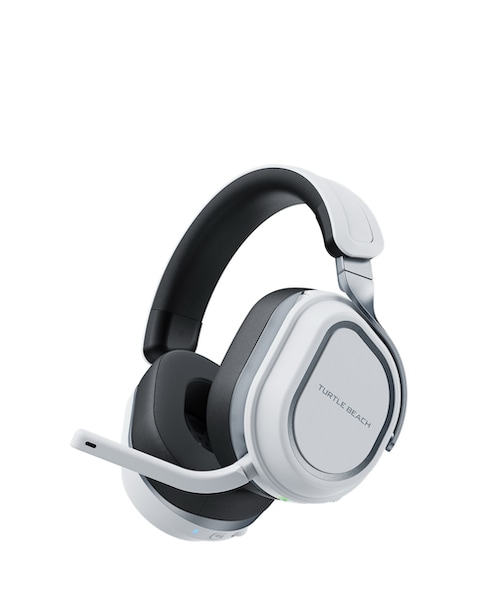
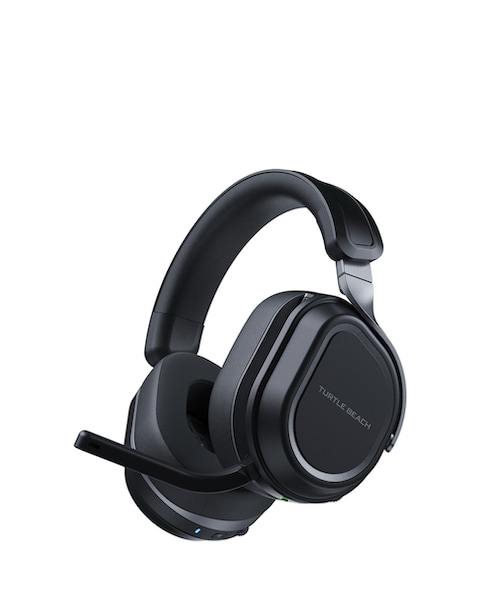
Enhance your gaming experience with our selection of dual connectivity gaming headsets, designed to deliver exceptional sound quality and versatility. These headsets allow seamless connection to multiple devices, ensuring you can switch between your console and PC effortlessly. With features like noise cancellation, comfortable ear cushions, and adjustable microphones, you can immerse yourself in your favourite games without distractions. Whether you're strategising with teammates or enjoying solo gameplay, our headsets provide the clarity and comfort you need for long gaming sessions. Explore our range to find the perfect headset that meets your gaming needs!
What are dual connectivity gaming headsets?
- Dual connectivity gaming headsets are designed to connect to multiple devices simultaneously, such as consoles and PCs. This feature allows gamers to switch between devices without the hassle of disconnecting and reconnecting, providing a seamless gaming experience.
What features should I look for in a gaming headset?
- When choosing a gaming headset, consider features like sound quality, comfort, battery life, and microphone clarity. Look for headsets with adjustable ear cups and noise-cancelling microphones to enhance your gaming experience and communication with teammates.
Are dual connectivity gaming headsets compatible with all consoles?
- Most dual connectivity gaming headsets are designed to be compatible with popular consoles like PlayStation and Xbox, as well as PCs. However, it's essential to check the specifications to ensure compatibility with your specific gaming system before purchasing.
Can I use a dual connectivity gaming headset for non-gaming activities?
- Yes, dual connectivity gaming headsets can be used for various non-gaming activities such as listening to music, watching movies, or making calls. Their versatile connectivity options make them suitable for everyday use, providing high-quality audio for all your entertainment needs.
How do I connect my gaming headset to multiple devices?
- Connecting your gaming headset to multiple devices typically involves using Bluetooth or a USB dongle for wireless connections. Follow the manufacturer's instructions for pairing your headset with each device, ensuring you can switch between them easily during your gaming sessions.