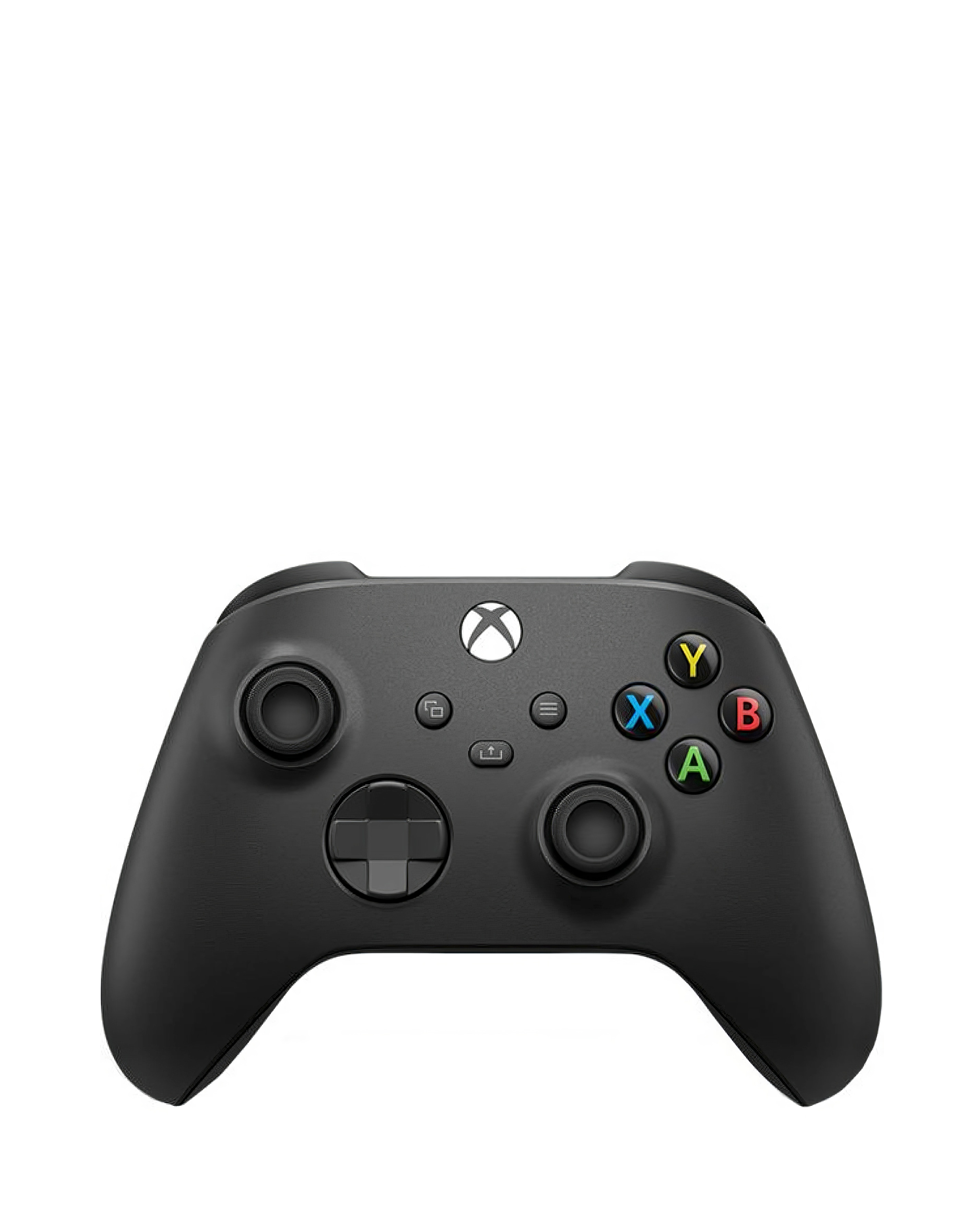
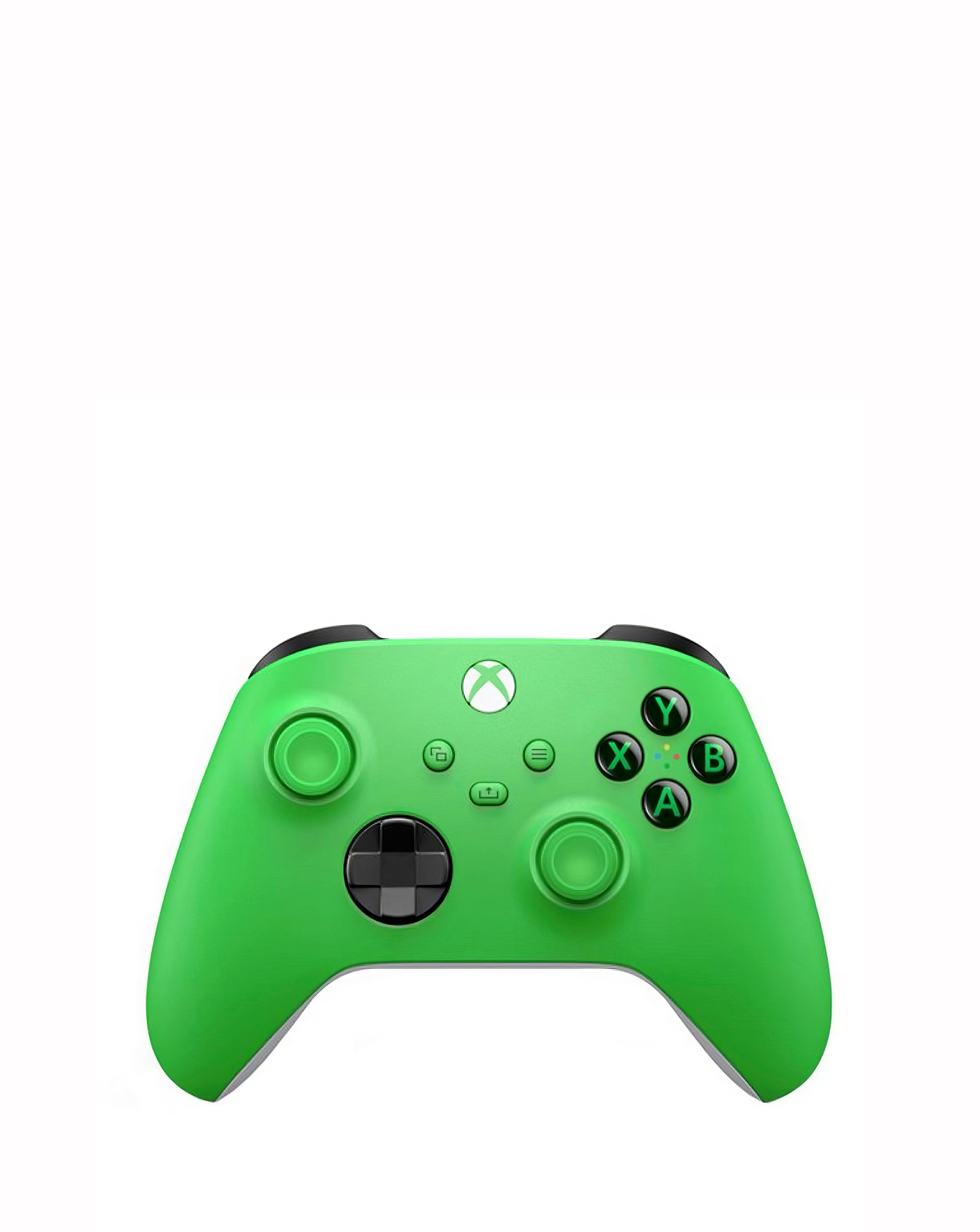
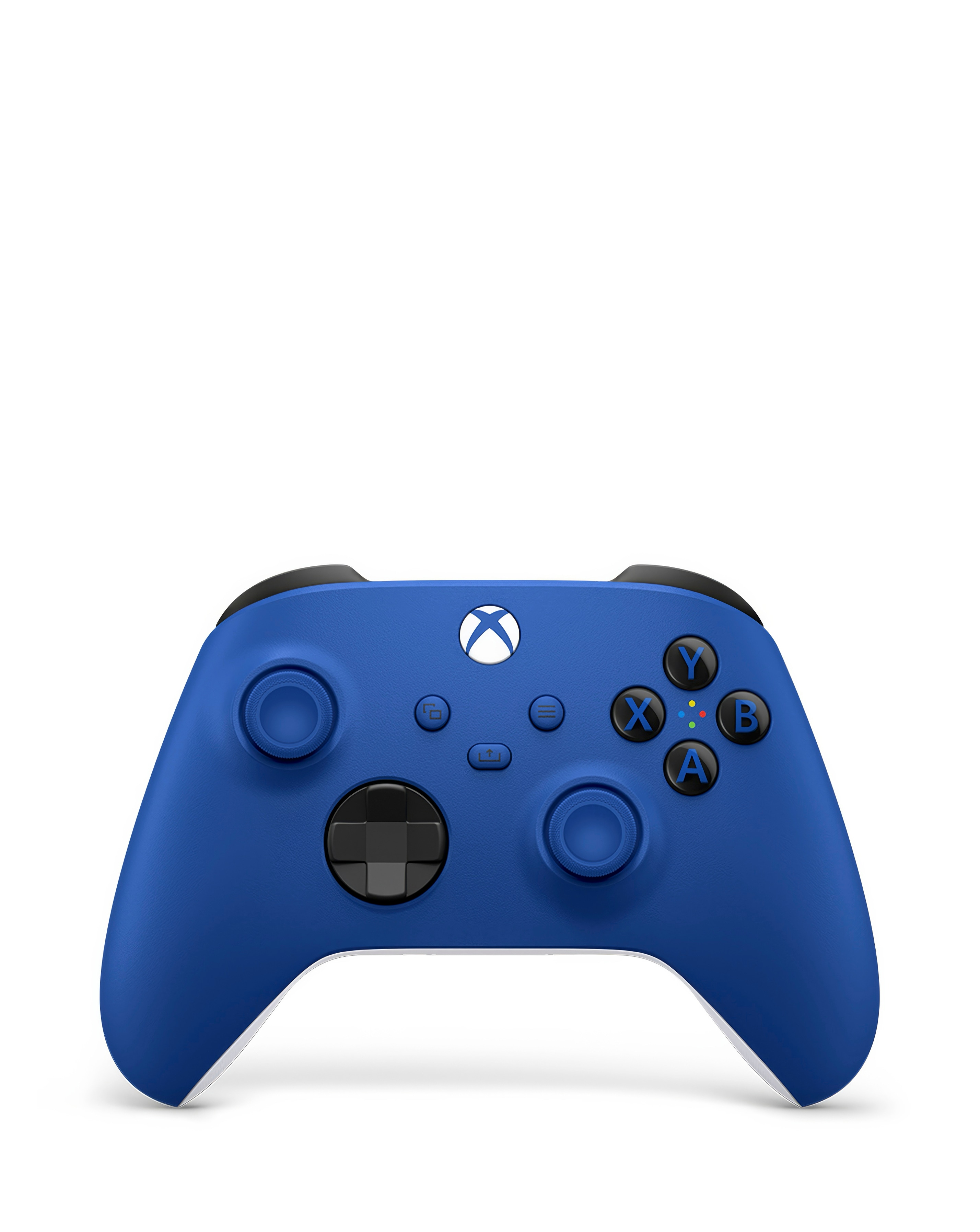
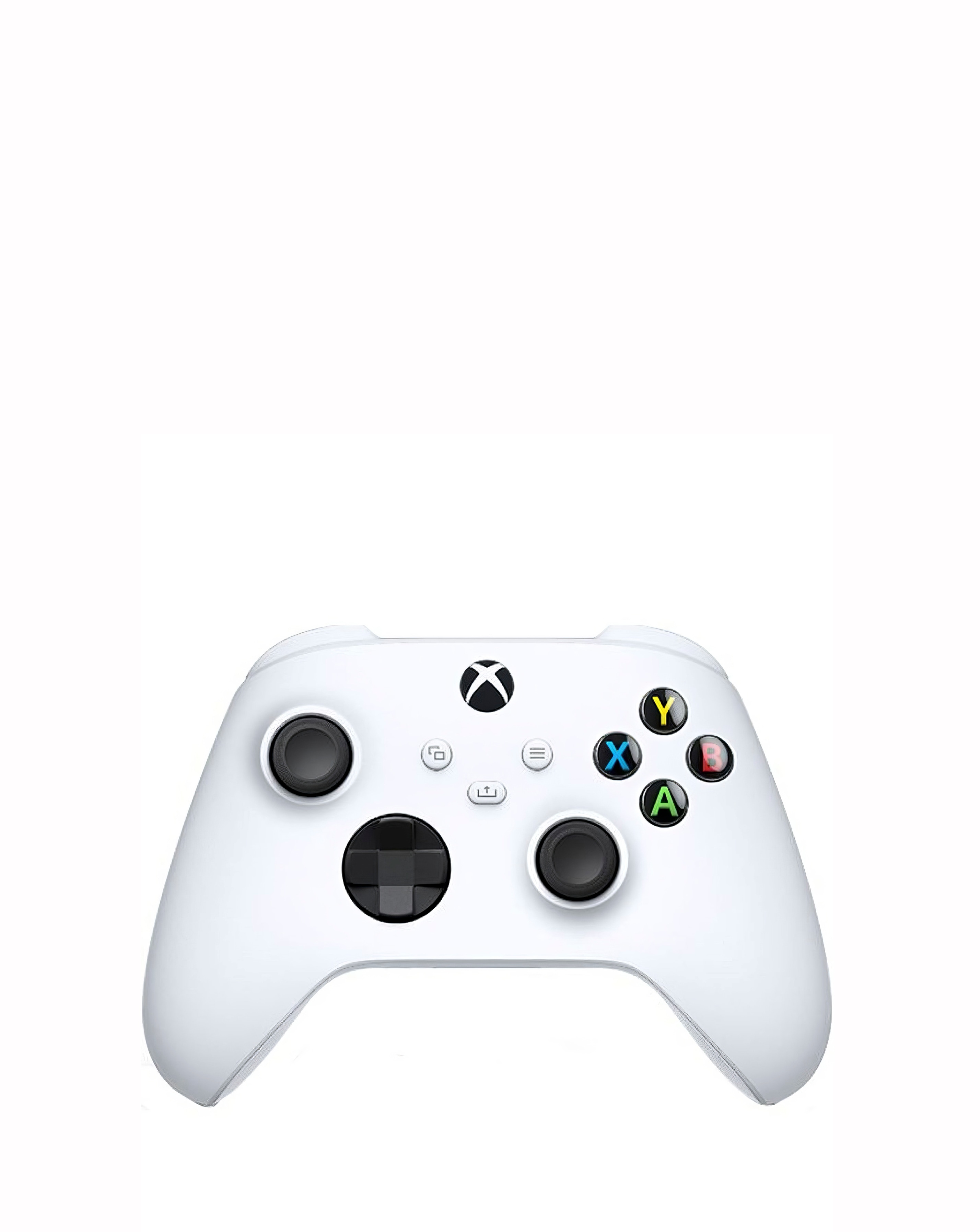
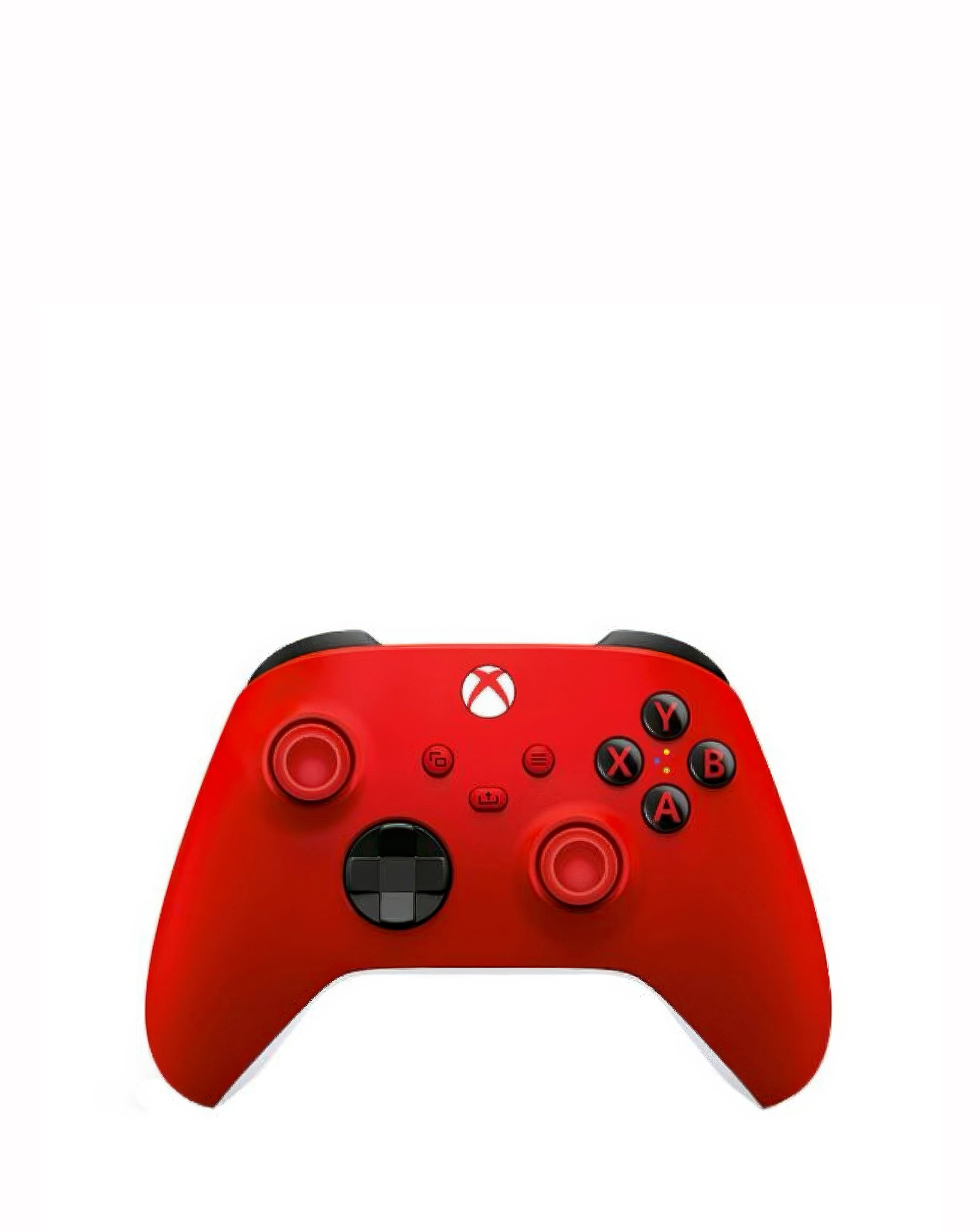
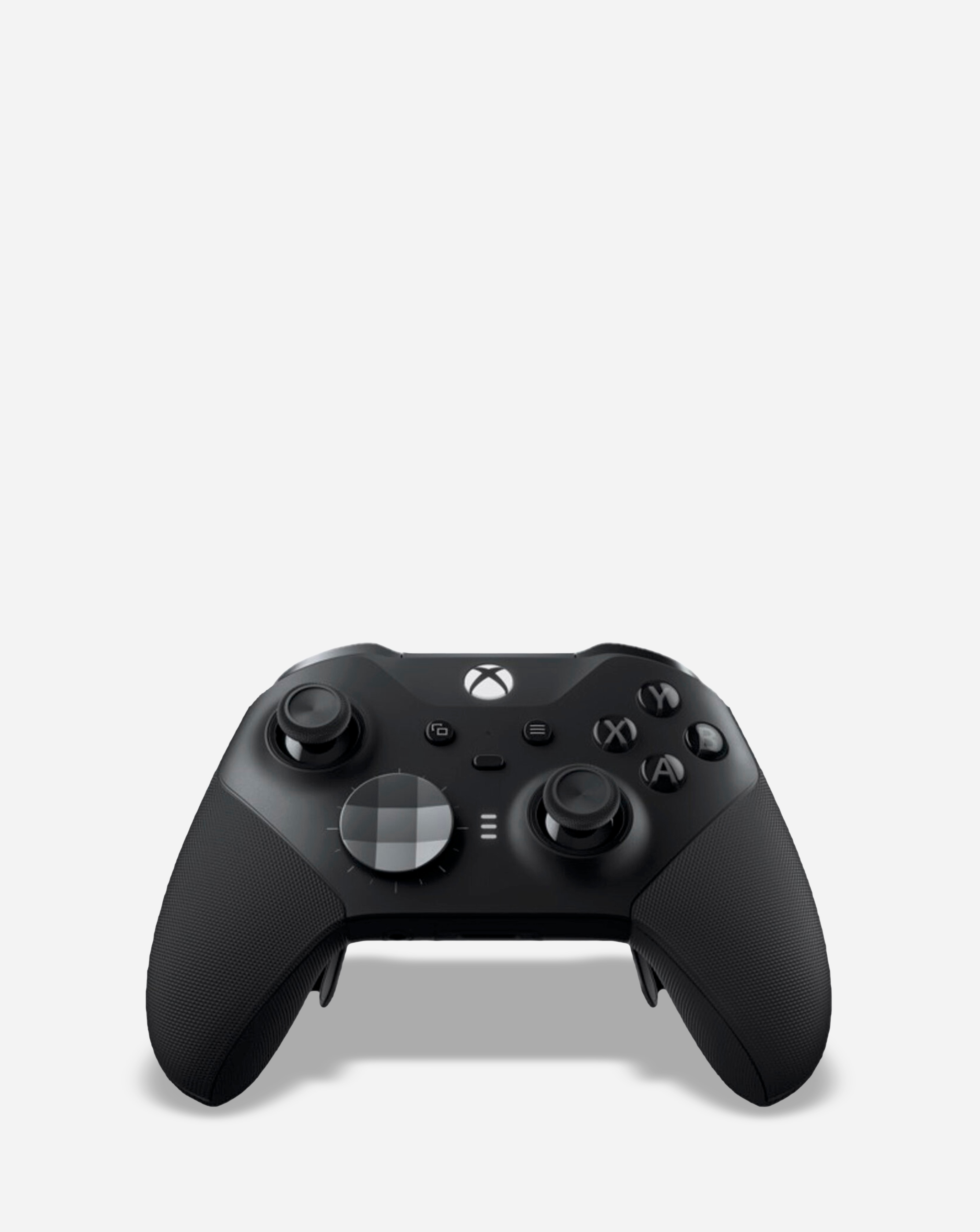
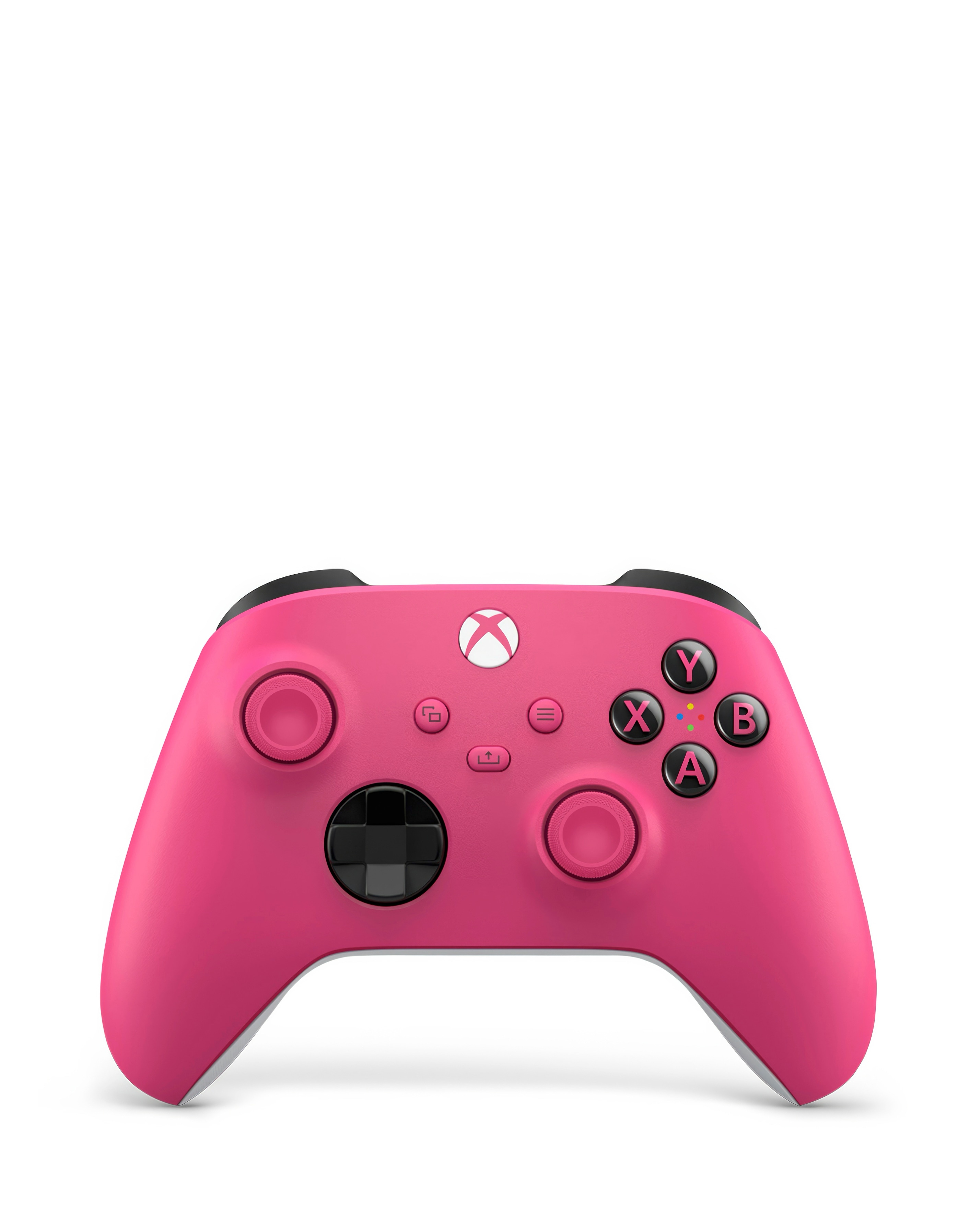
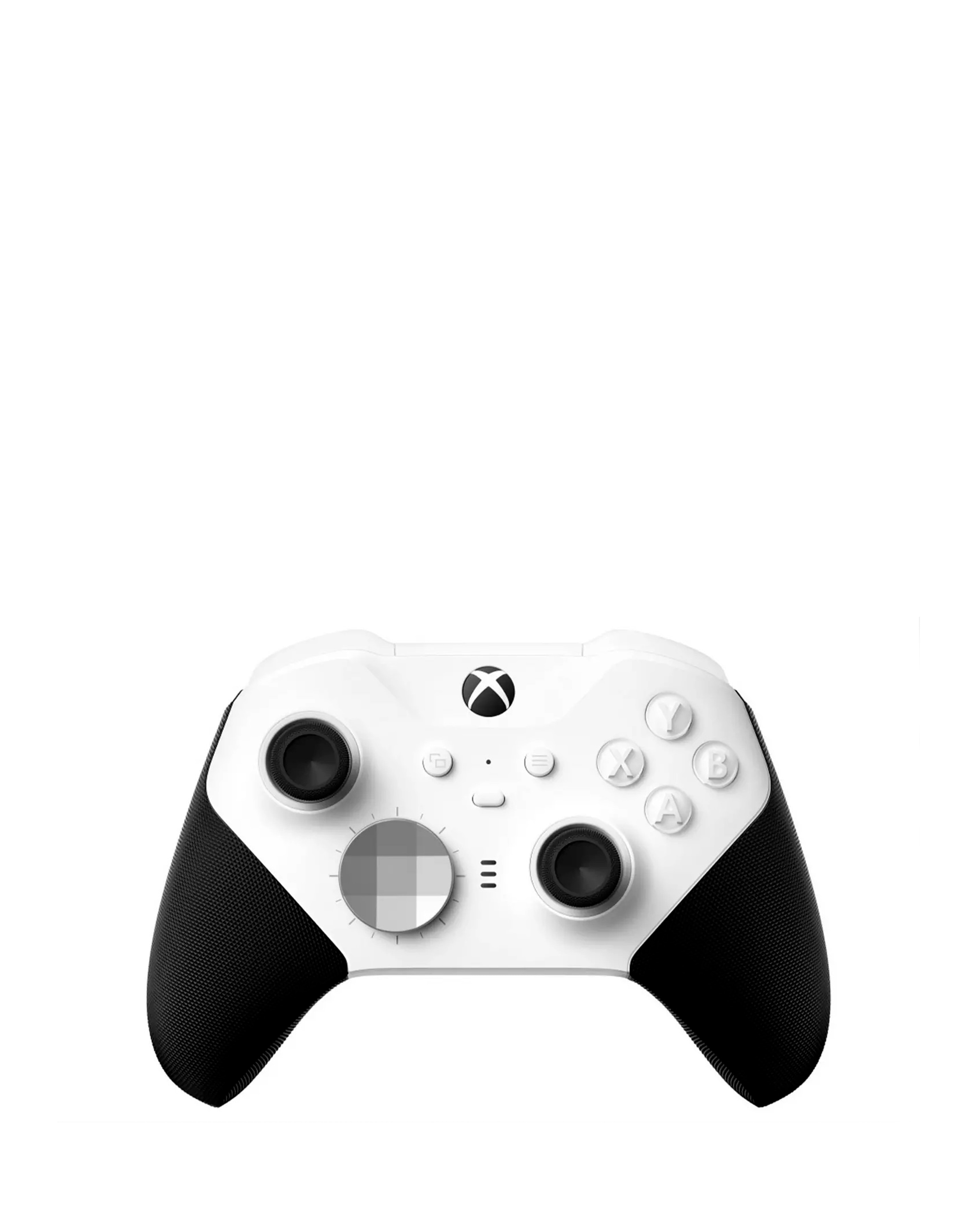
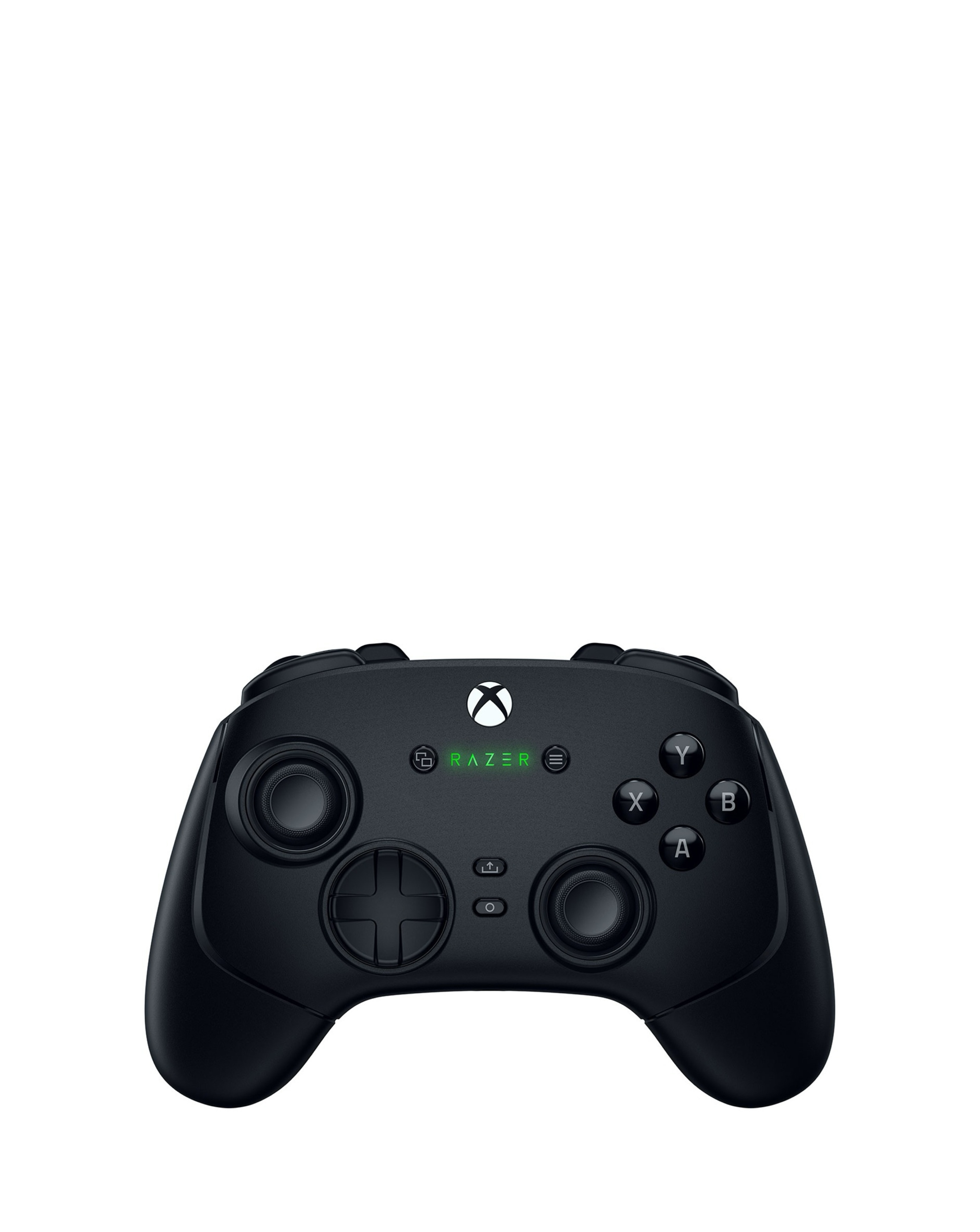
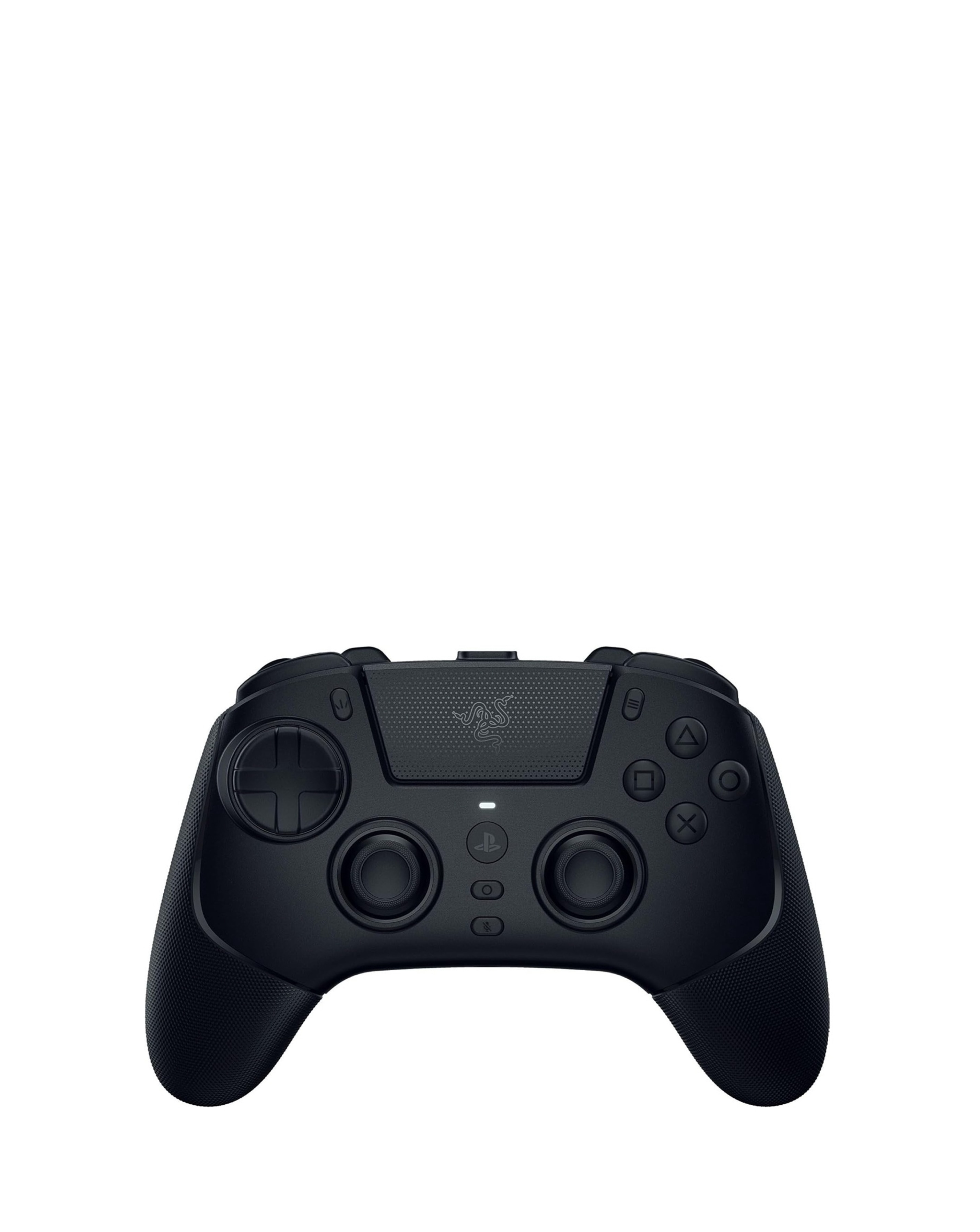
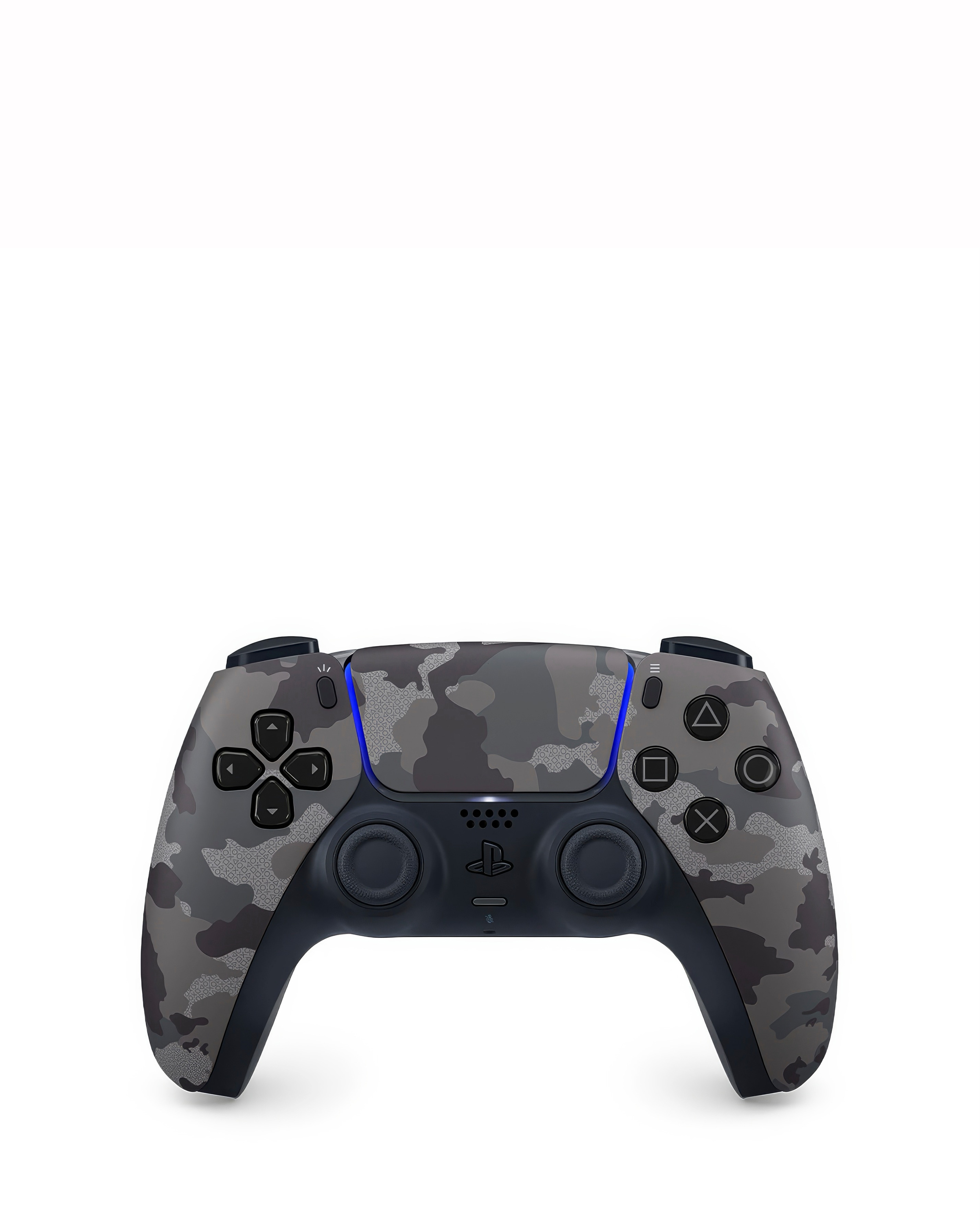
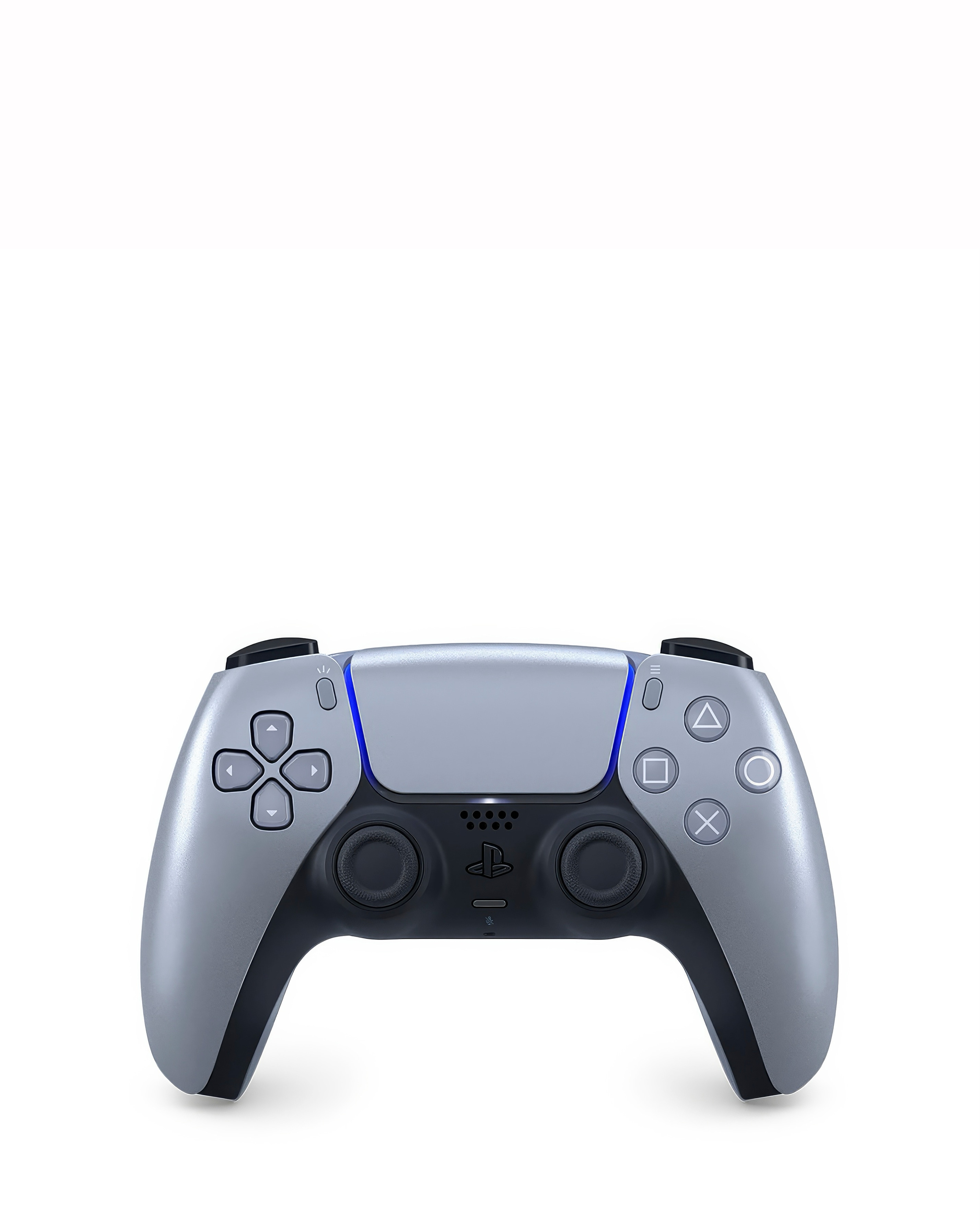
Enhance your gaming experience with our selection of Bluetooth gaming controllers for PC, designed for seamless connectivity and ultimate comfort. These controllers offer wireless freedom, allowing you to game from anywhere in the room without the hassle of tangled wires. With ergonomic designs and responsive buttons, they provide precise control and a comfortable grip for extended gaming sessions. Whether you're into fast-paced action or immersive adventures, our range of Bluetooth controllers ensures compatibility with various PC games, making them a must-have for any serious gamer. Discover the perfect controller that suits your style and elevate your gameplay today!
What are the benefits of using Bluetooth gaming controllers for PC?
- Bluetooth gaming controllers offer wireless convenience, allowing you to play from a distance without being tethered to your PC. They also provide a comfortable grip and responsive controls, enhancing your overall gaming experience. Additionally, many Bluetooth controllers are compatible with a wide range of games, making them versatile for different gaming genres.
How do I connect a Bluetooth gaming controller to my PC?
- To connect a Bluetooth gaming controller to your PC, ensure that your PC has Bluetooth capability. Turn on the controller and put it in pairing mode, then go to your PC's Bluetooth settings to search for available devices. Once the controller appears, select it to complete the pairing process, and you should be ready to game!
Are Bluetooth gaming controllers compatible with all PC games?
- Most Bluetooth gaming controllers are compatible with a wide variety of PC games, especially those that support gamepad input. However, some games may require additional configuration or software to ensure full compatibility. It's always a good idea to check the game's settings or documentation for specific controller support.
Can I use a Bluetooth gaming controller for other devices besides PC?
- Yes, many Bluetooth gaming controllers are designed to be versatile and can be used with various devices, including gaming consoles, smartphones, and tablets. However, compatibility may vary, so it's essential to verify whether the controller supports the specific device you intend to use it with.
What features should I look for in a Bluetooth gaming controller?
- When choosing a Bluetooth gaming controller, consider features such as ergonomic design for comfort, battery life for extended play, and the presence of responsive buttons and triggers for precise control. Additionally, look for controllers with customizable settings or programmable buttons to enhance your gaming experience further.