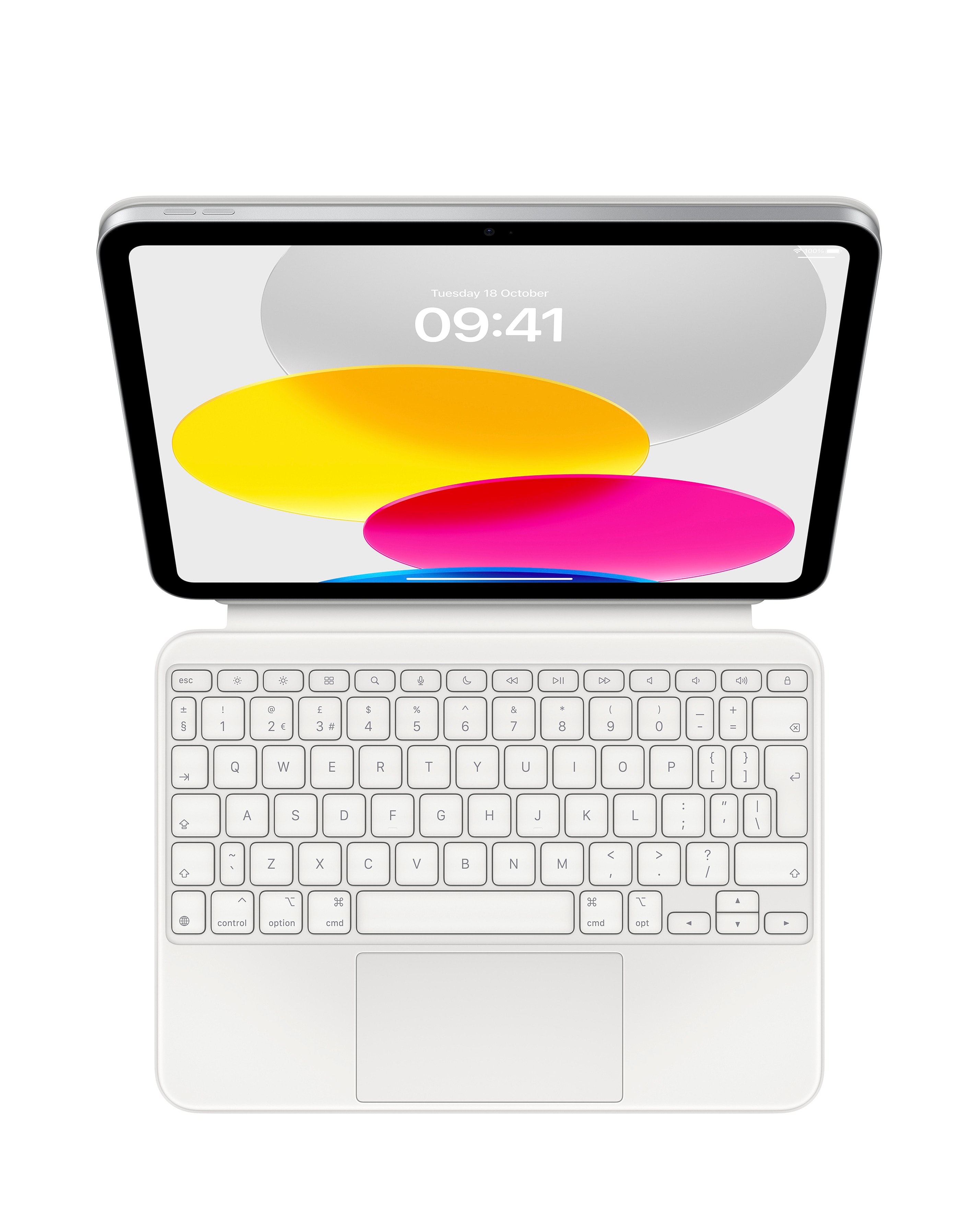
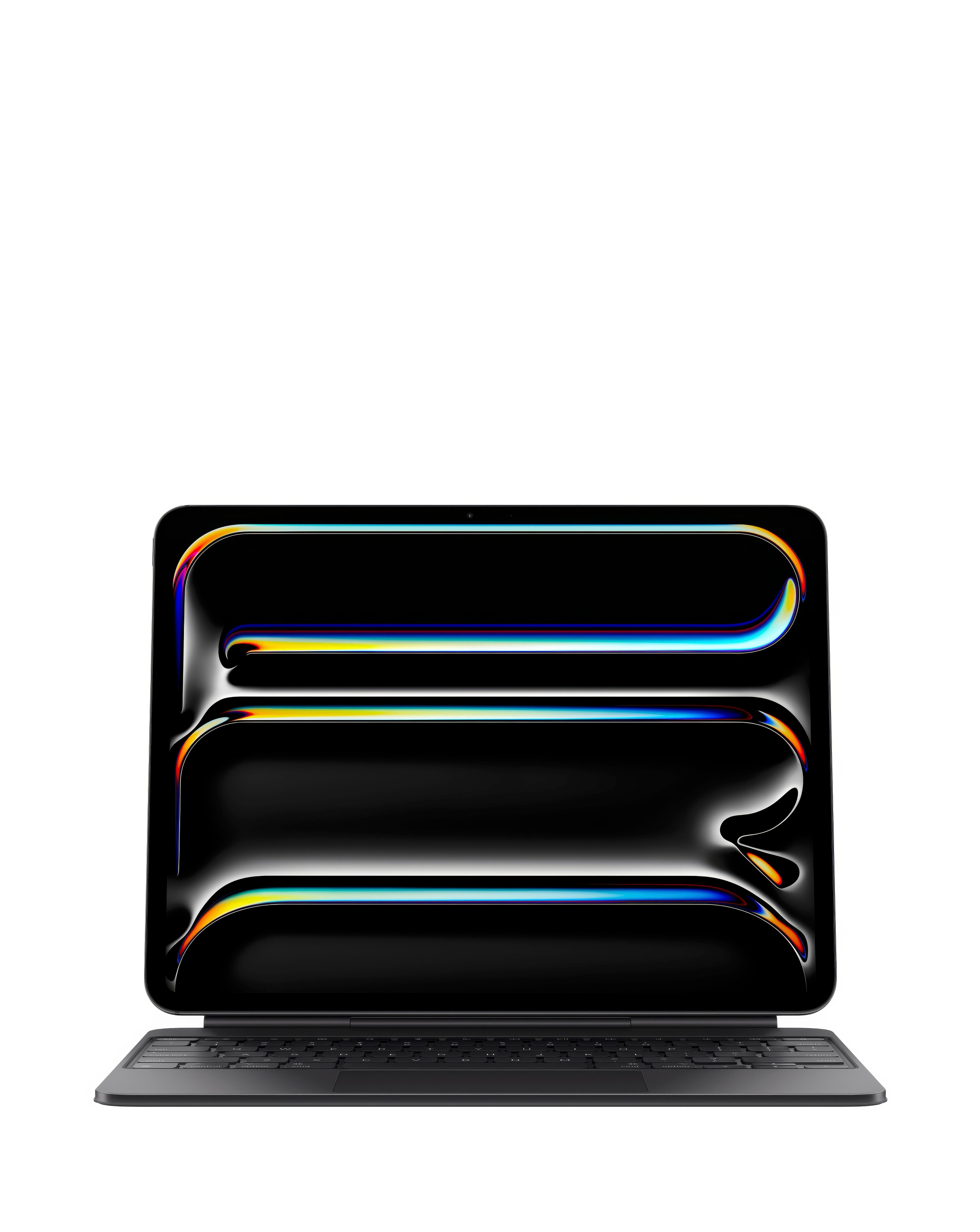
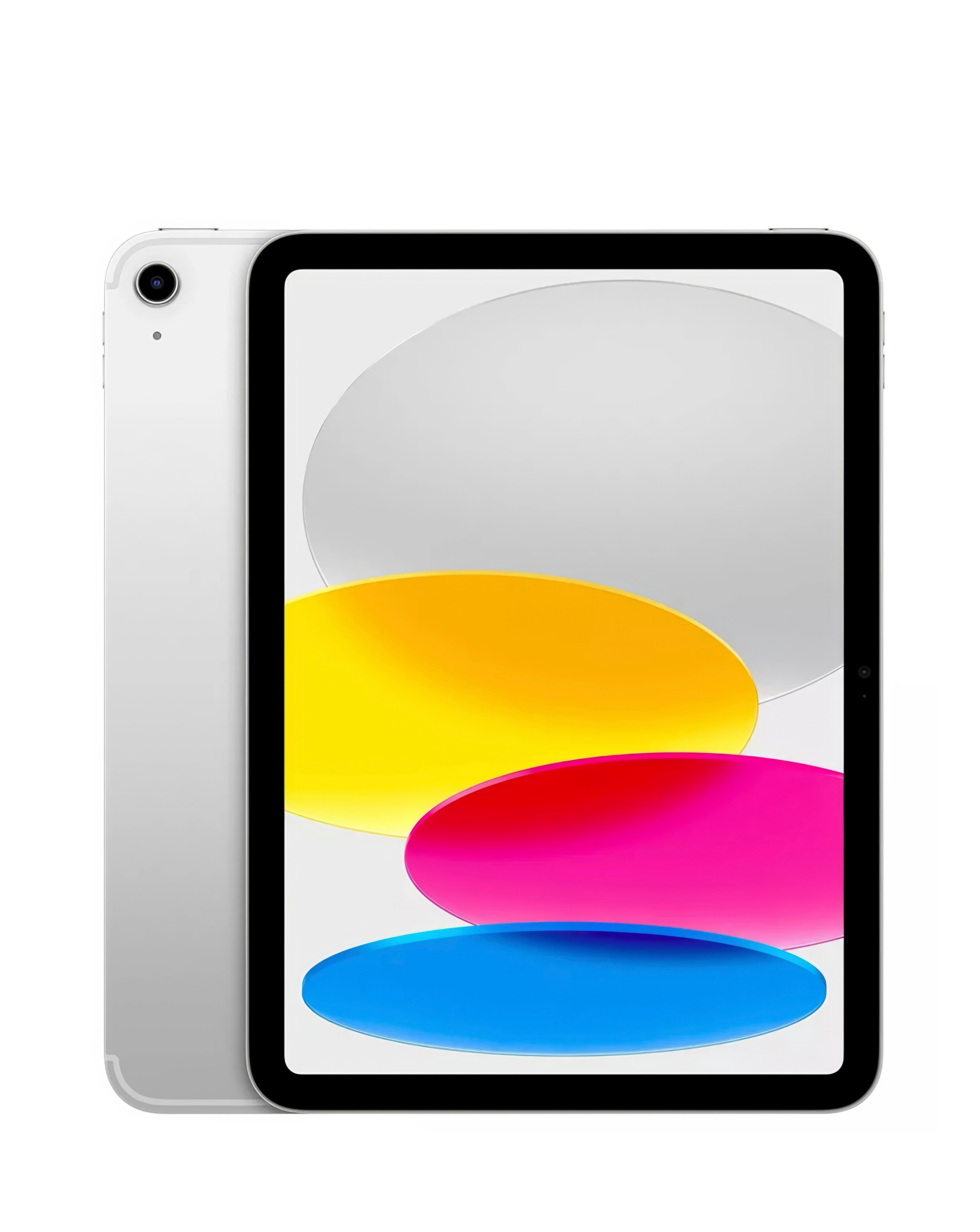
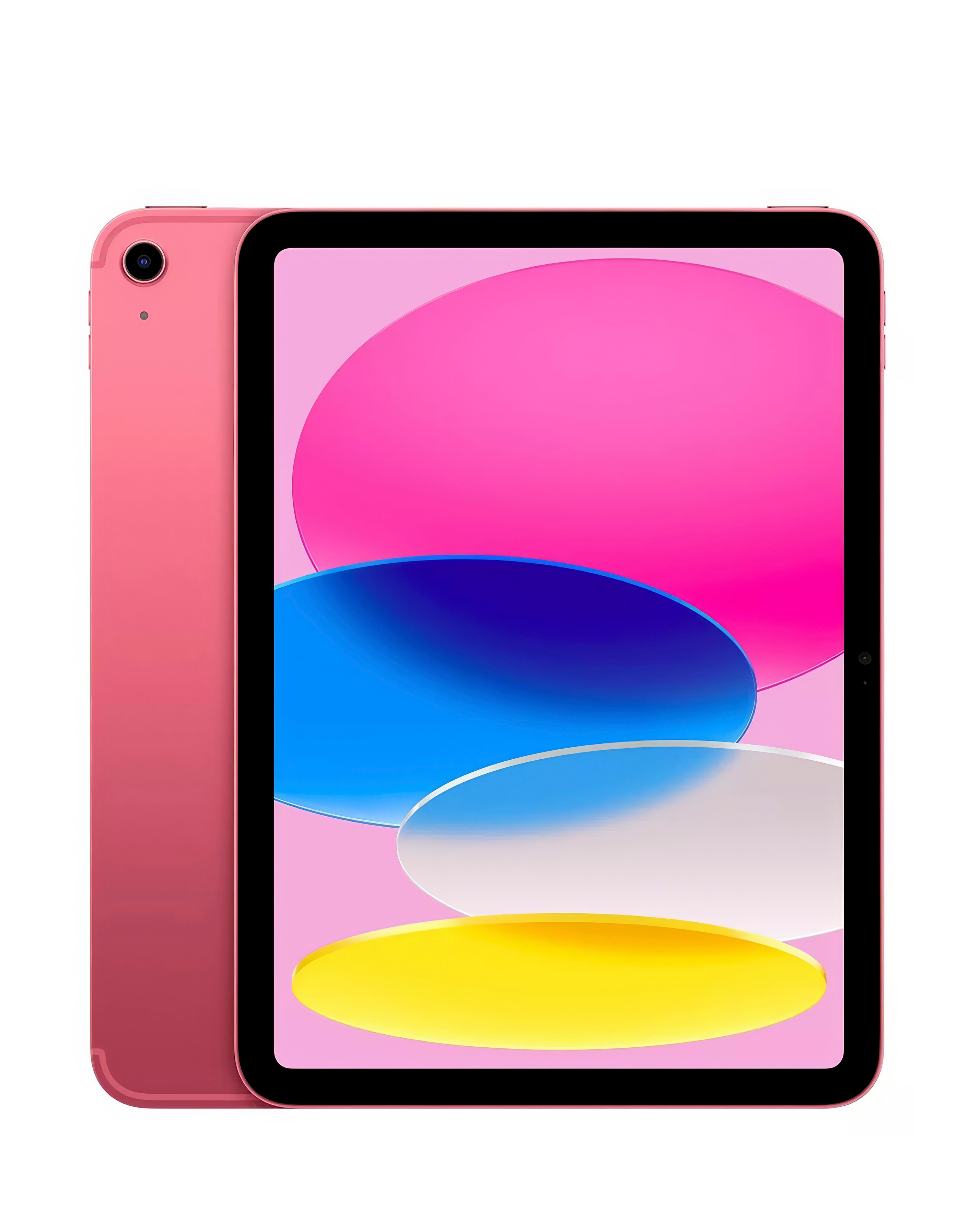
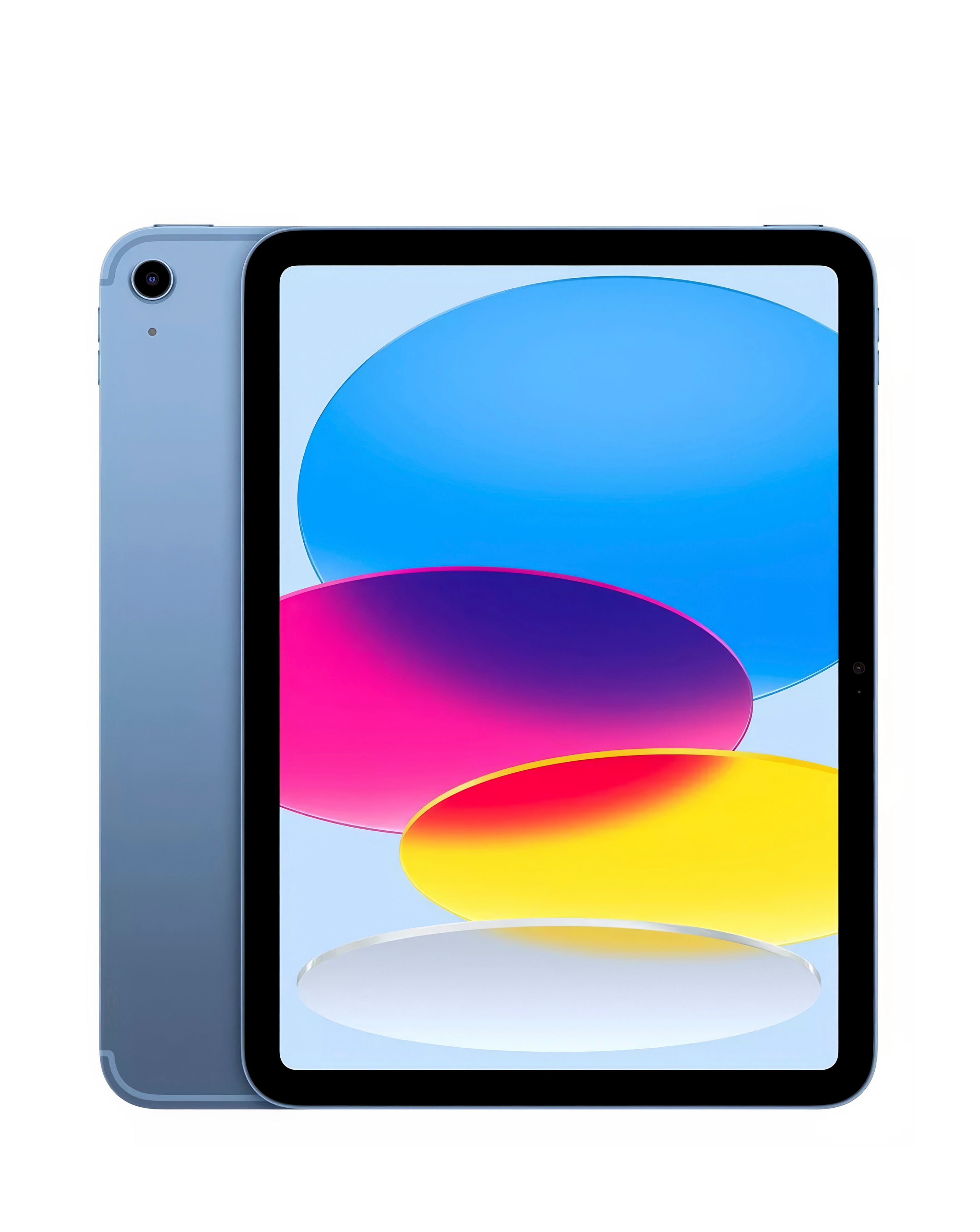
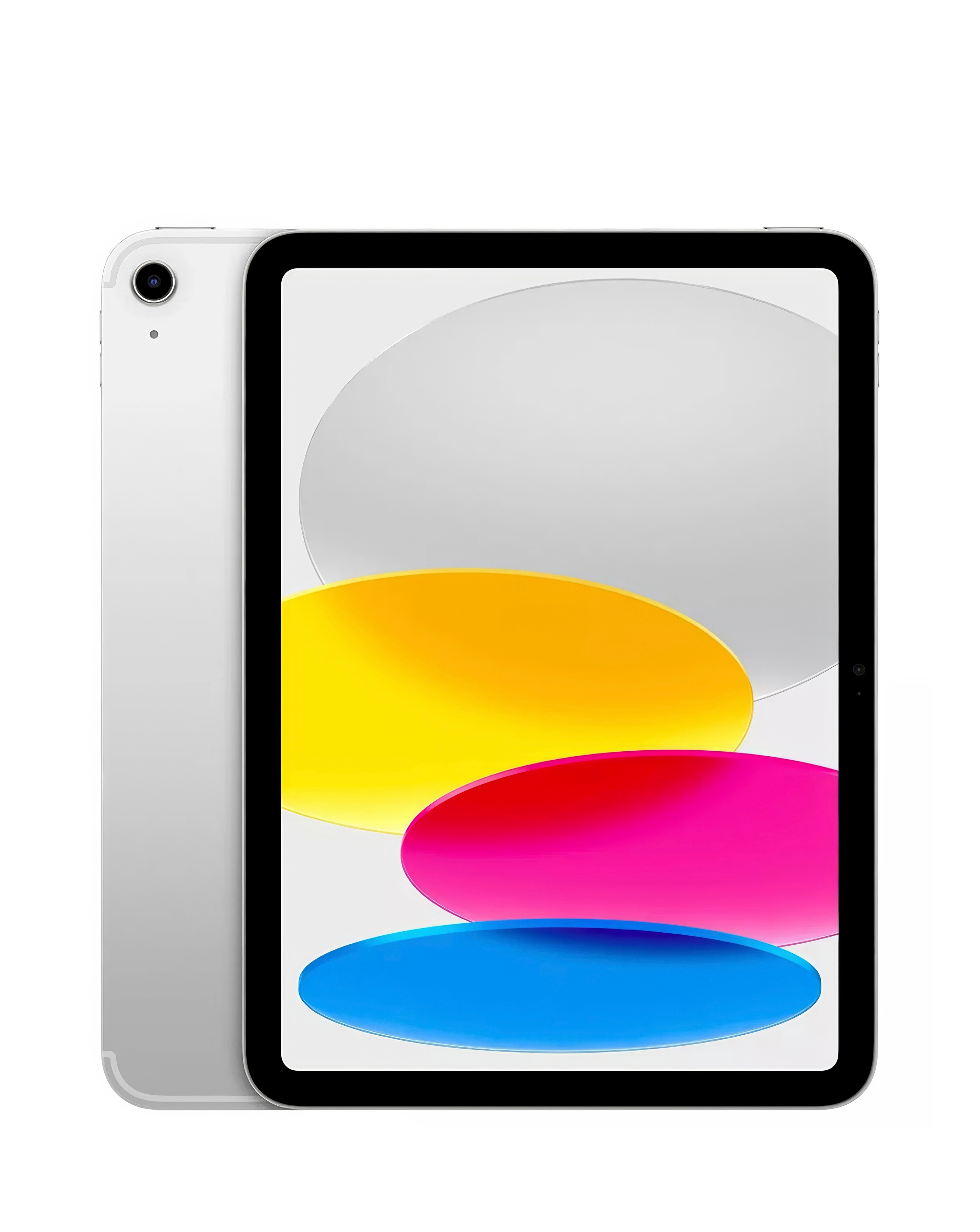
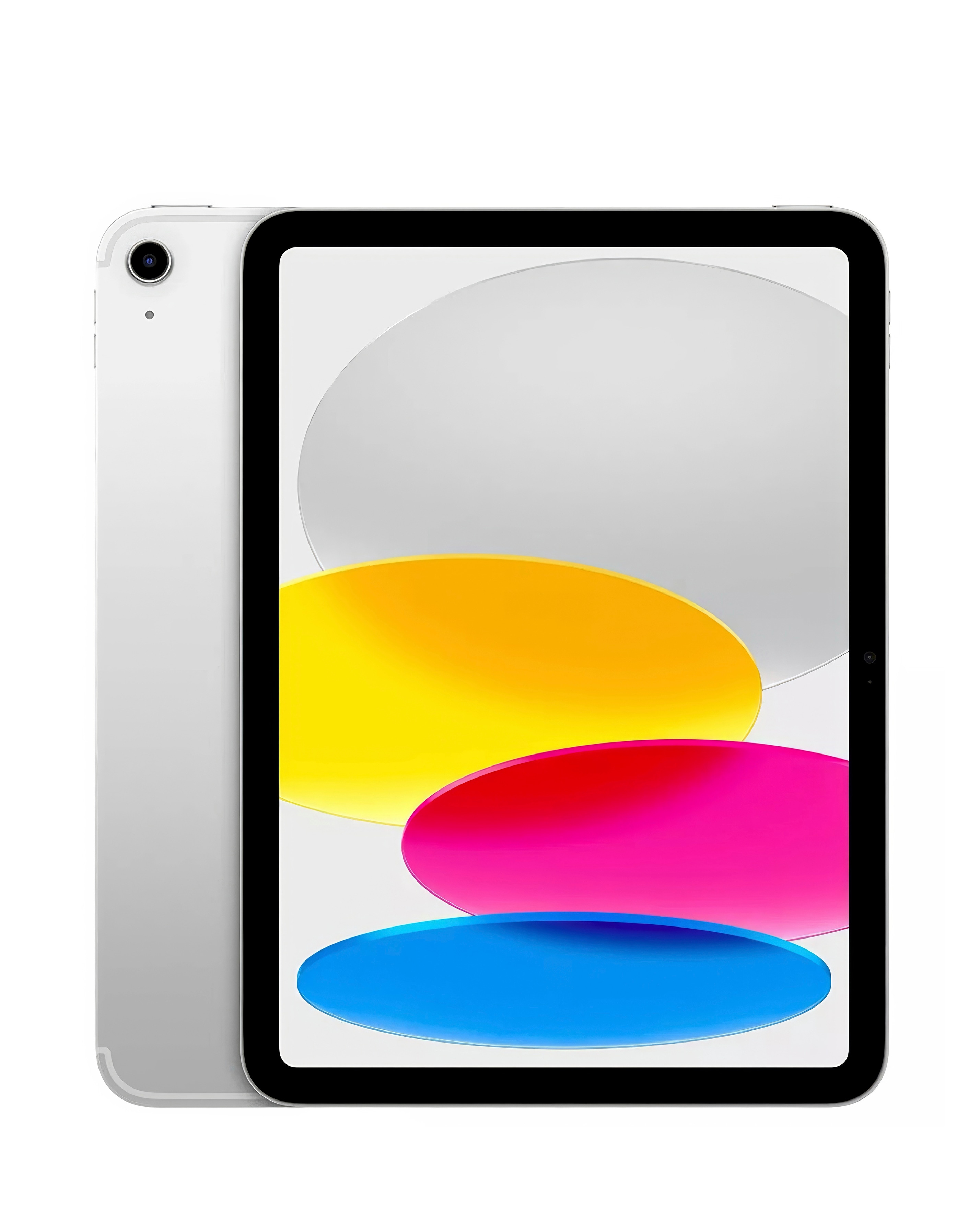
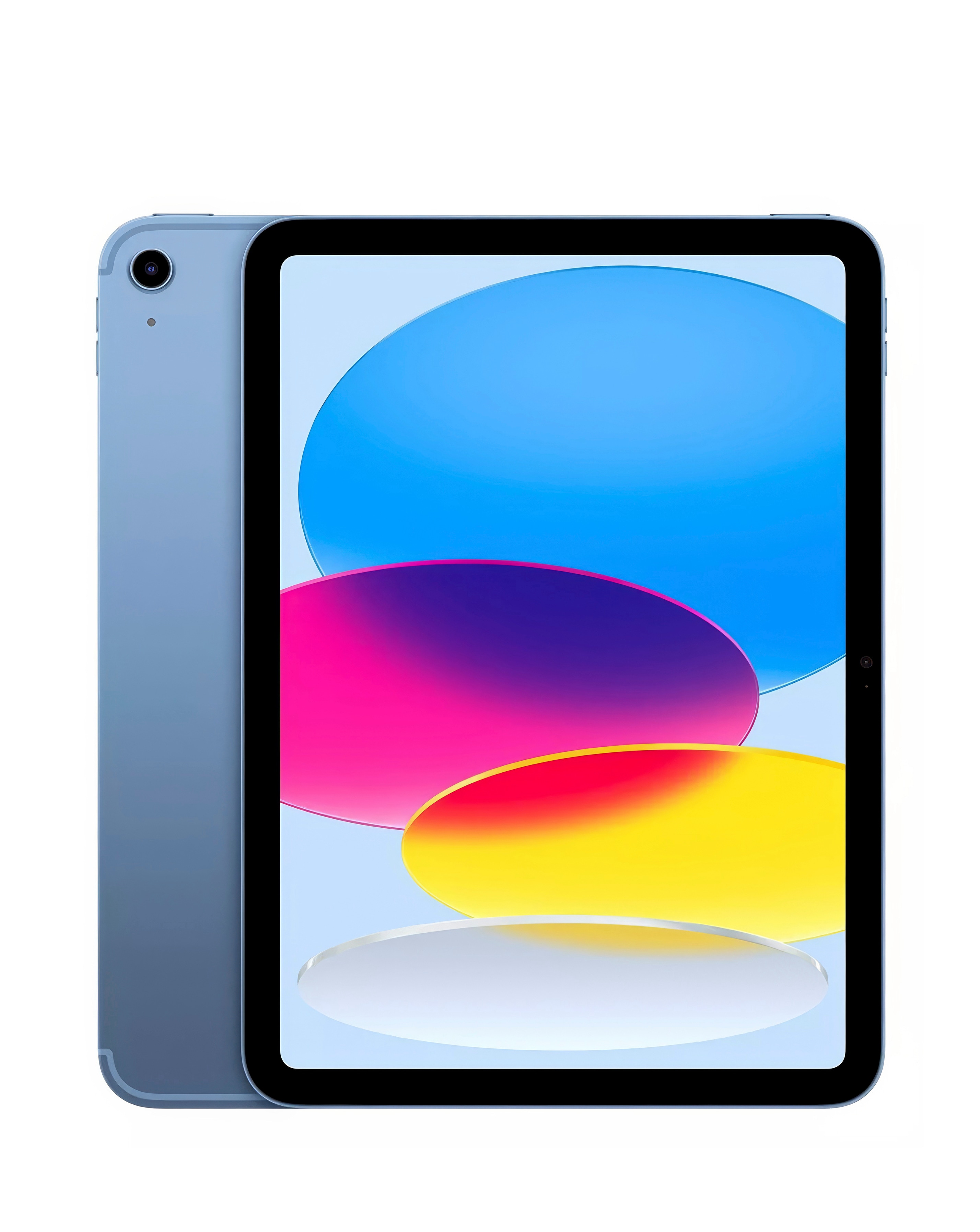
Enhance your iPad experience with our selection of iPad keyboards featuring integrated trackpads, designed to boost productivity and streamline your workflow. These keyboards provide a seamless typing experience with responsive keys and a built-in trackpad that allows for effortless navigation and multitasking. Perfect for both work and play, they offer a compact design that complements your iPad while ensuring comfort during extended use. Whether you're drafting emails, creating documents, or enjoying your favourite media, our iPad keyboards with trackpads are the ideal accessory to elevate your device's functionality.
What are the benefits of using an iPad keyboard with a trackpad?
- An iPad keyboard with a trackpad enhances productivity by allowing users to type comfortably while navigating the screen with precision. This combination mimics a laptop experience, making it easier to multitask and manage applications efficiently.
Are iPad keyboards with trackpads compatible with all iPad models?
- Compatibility varies by model, so it's essential to check the specifications of the keyboard to ensure it works with your specific iPad version. Many keyboards are designed to fit a range of models, but always confirm compatibility before purchasing.
Can I use an iPad keyboard with trackpad for gaming?
- Yes, an iPad keyboard with a trackpad can enhance your gaming experience by providing more control and comfort during gameplay. The trackpad allows for quick navigation, while the keyboard offers responsive input for games that support keyboard commands.
How do I connect my iPad keyboard with trackpad to my device?
- Most iPad keyboards with trackpads connect via Bluetooth, making the setup process simple and straightforward. Just turn on the keyboard, enable Bluetooth on your iPad, and select the keyboard from the list of available devices to pair them.
Can I adjust the trackpad sensitivity on my iPad?
- Yes, you can adjust the trackpad sensitivity settings on your iPad to suit your preferences. Navigate to the settings menu, select 'Trackpad', and you will find options to modify the tracking speed and other related settings for a personalised experience.