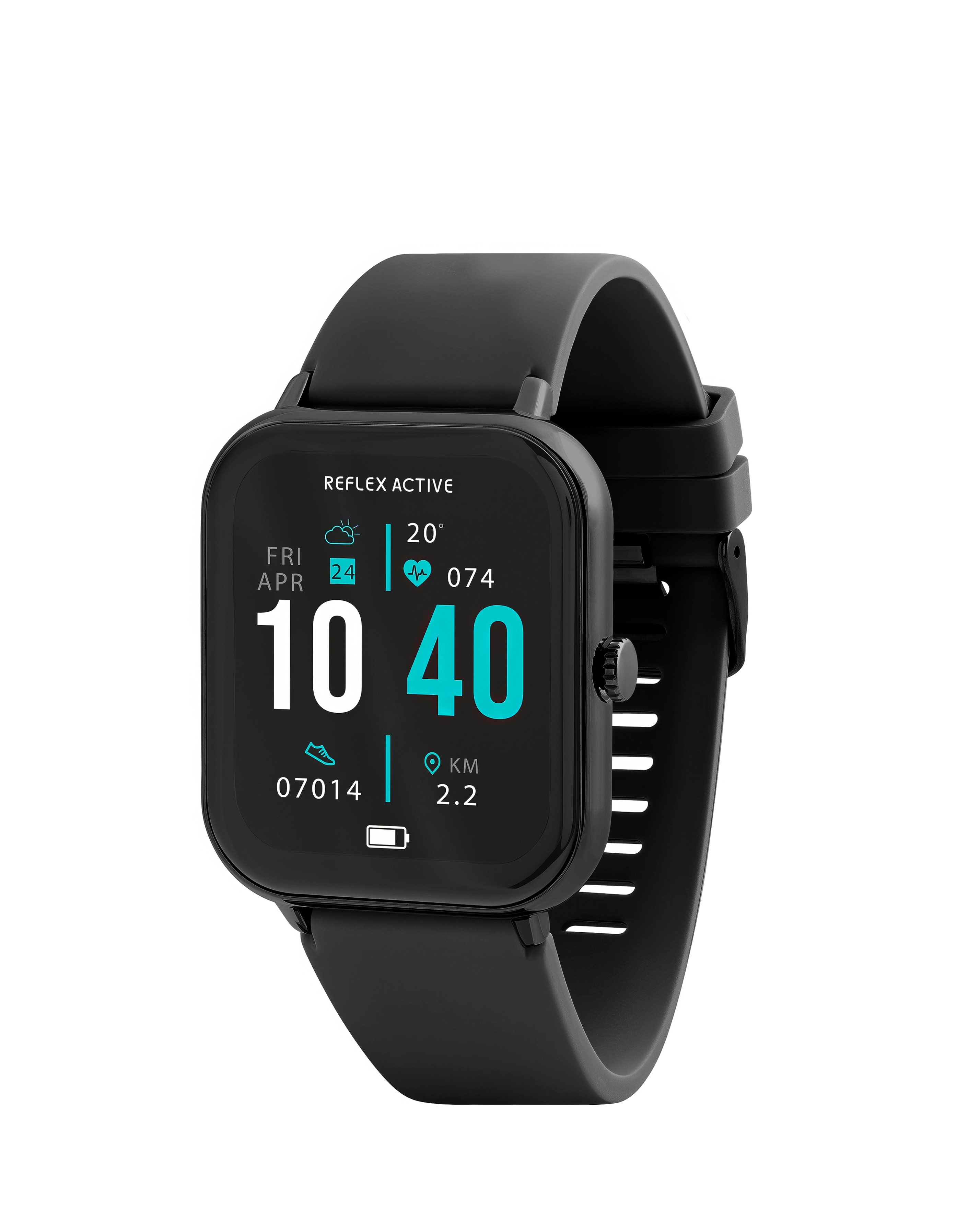
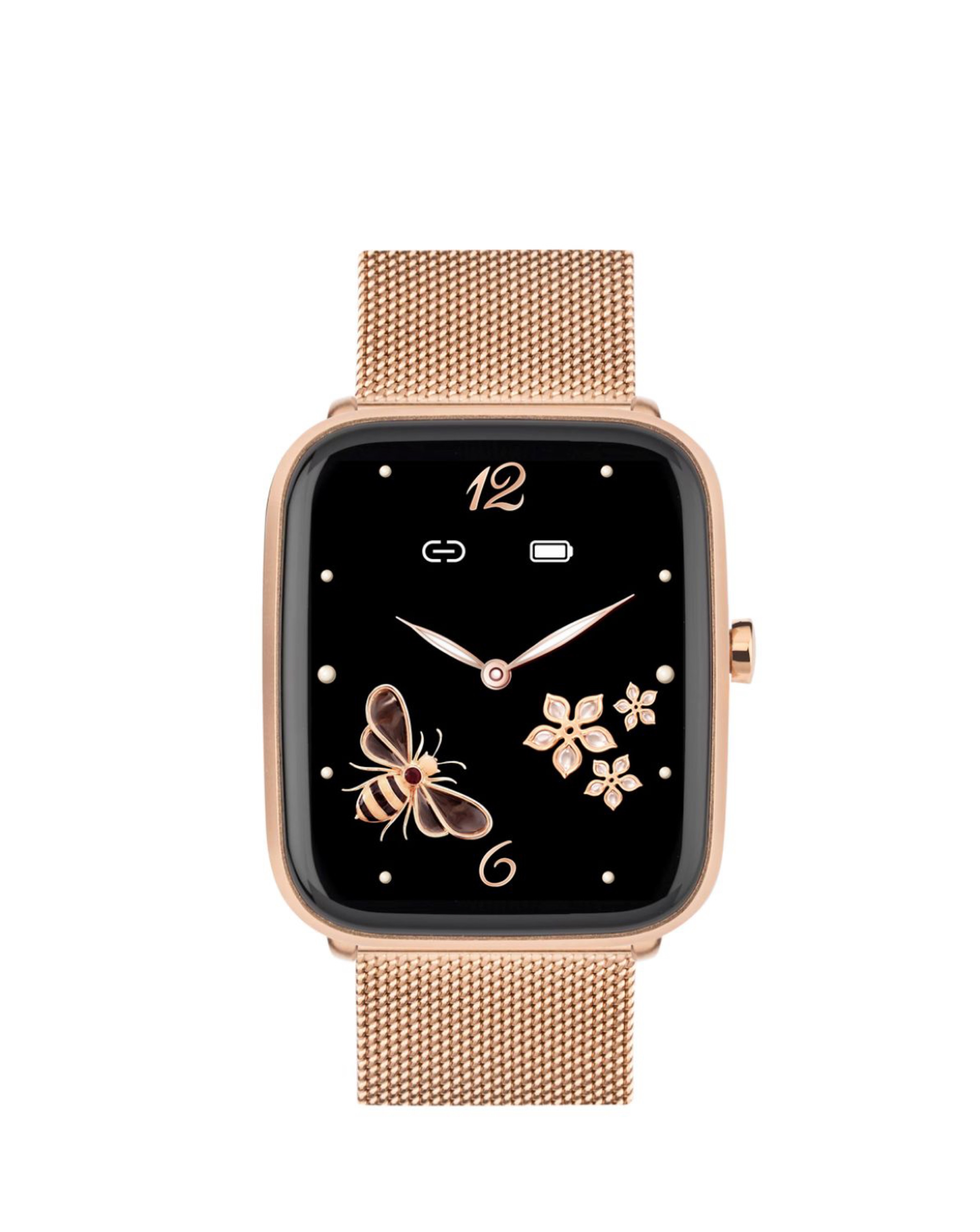
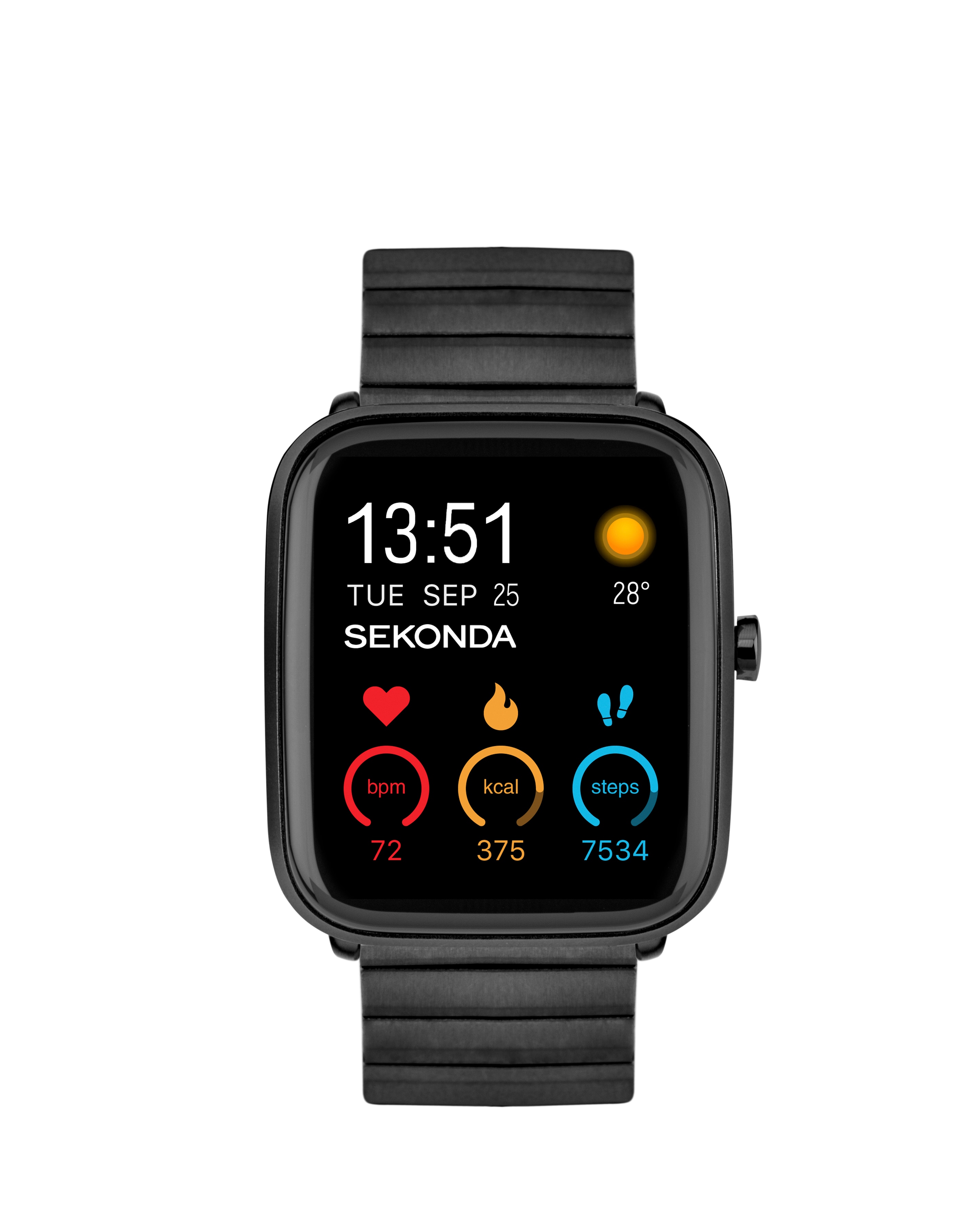
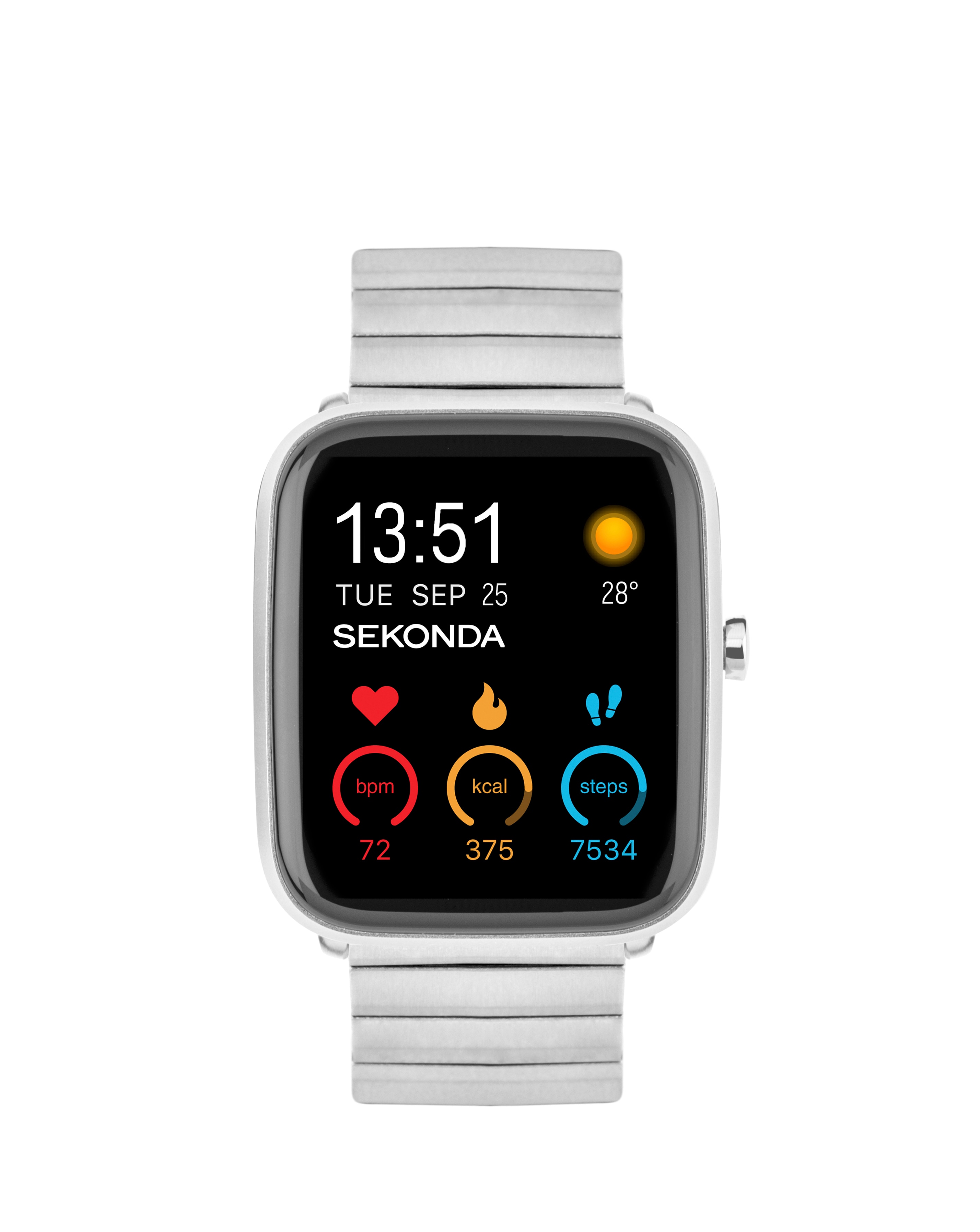
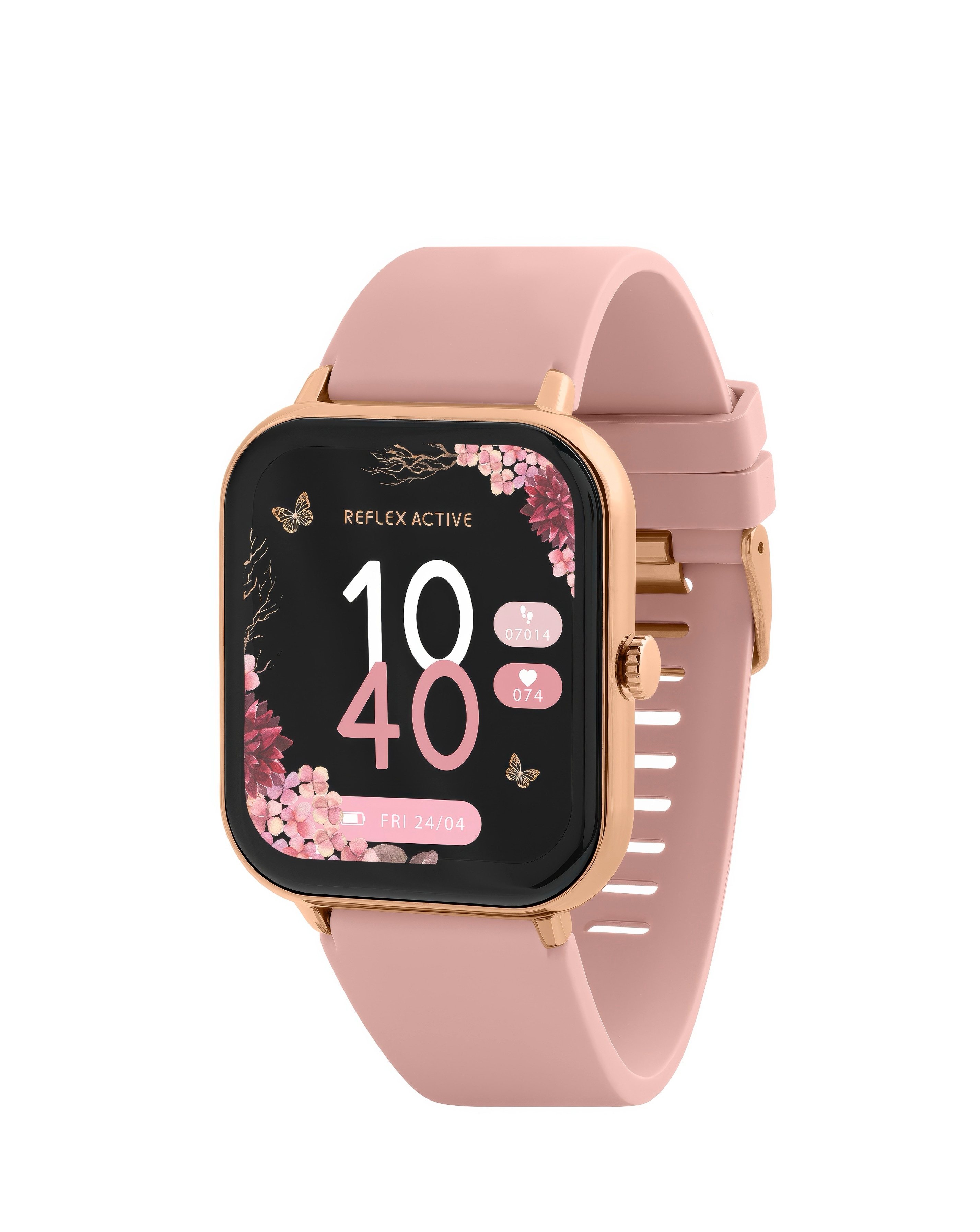
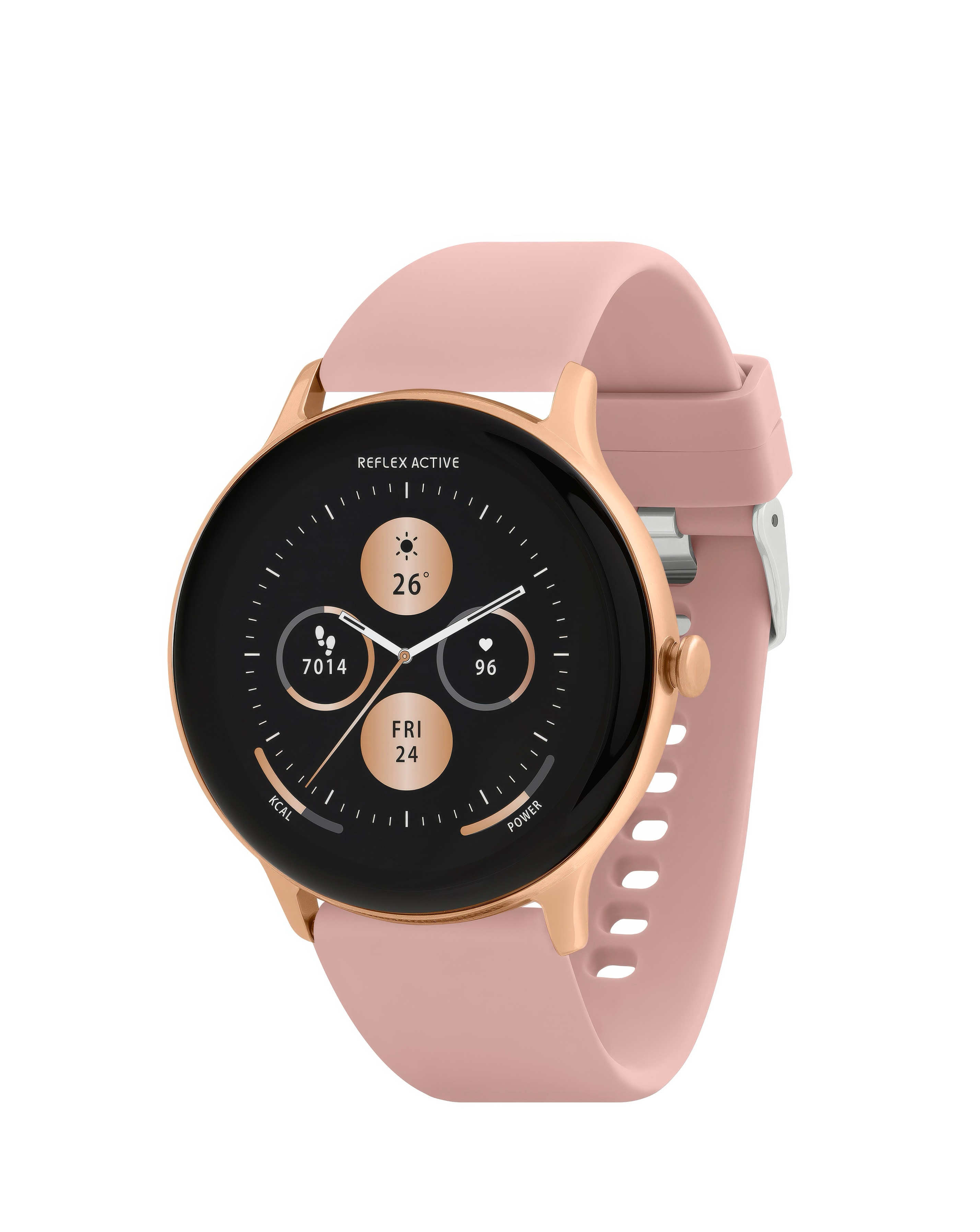
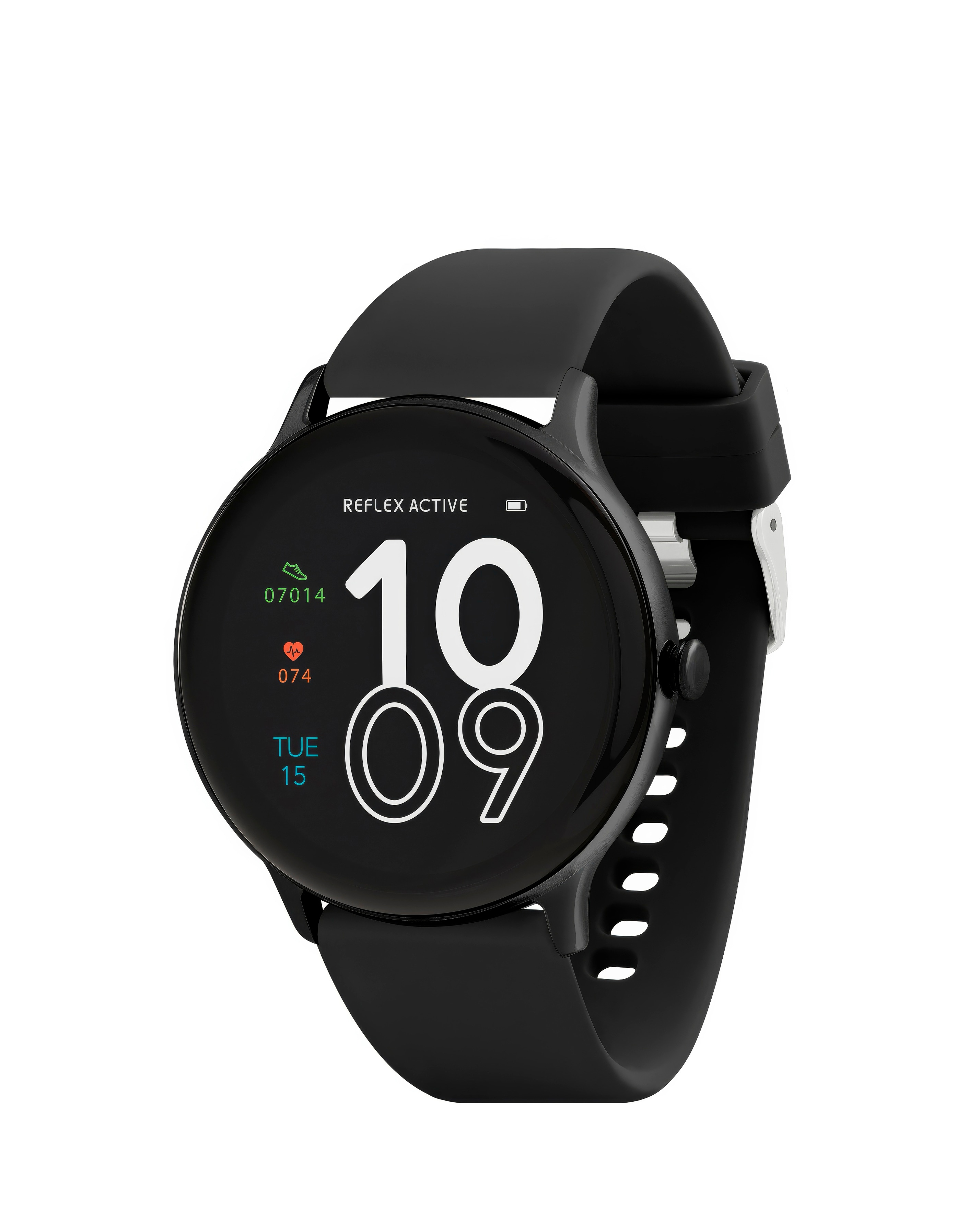
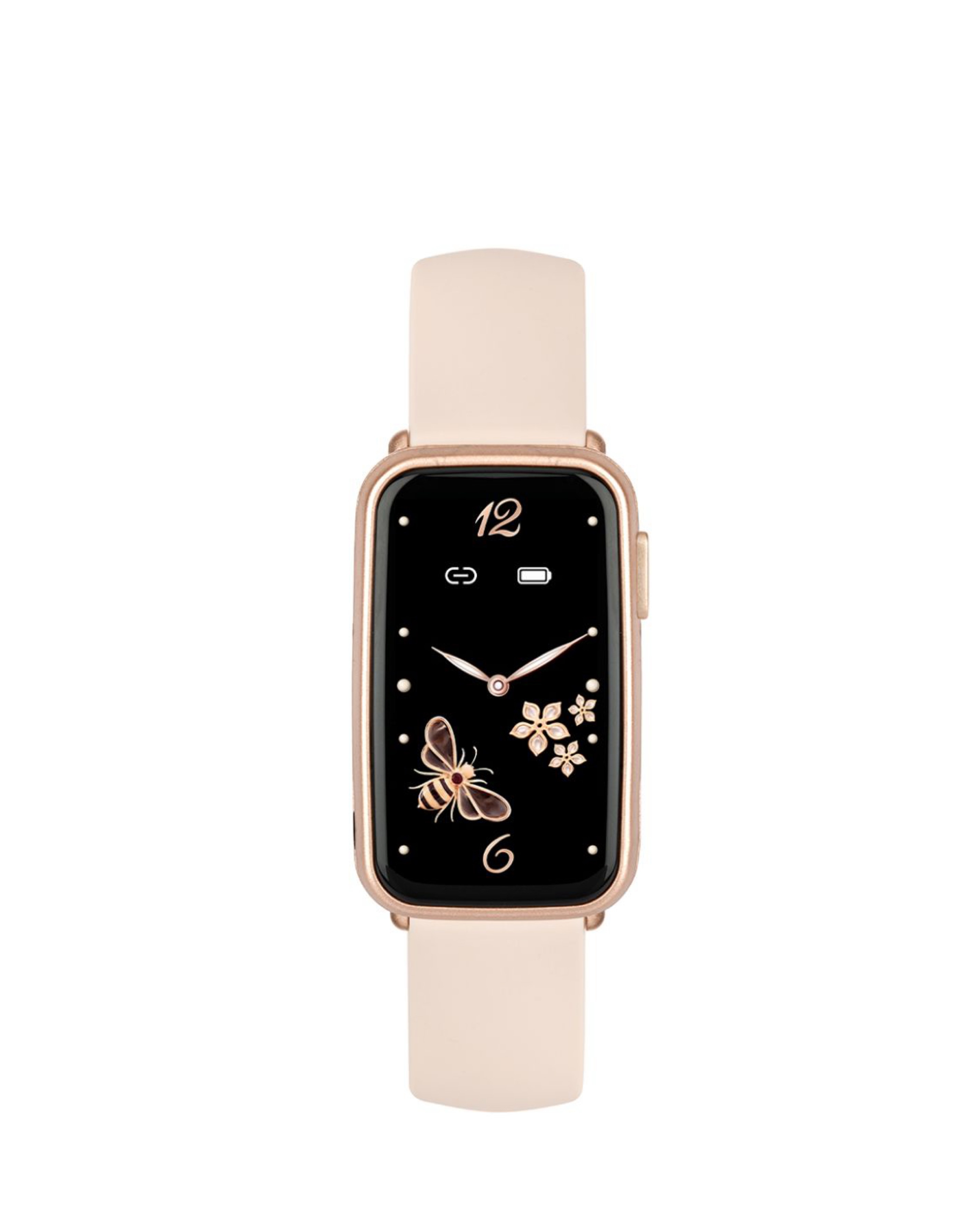
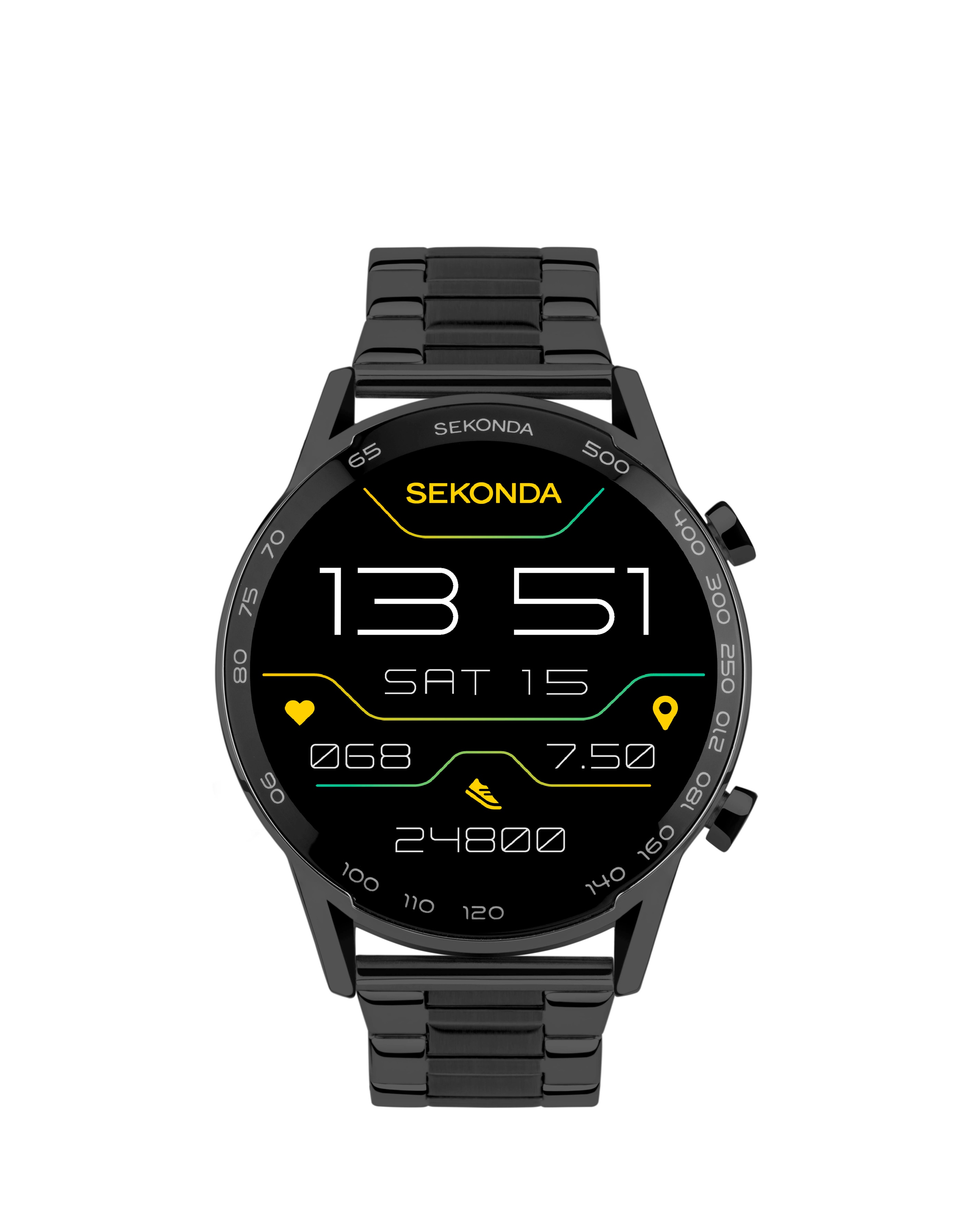
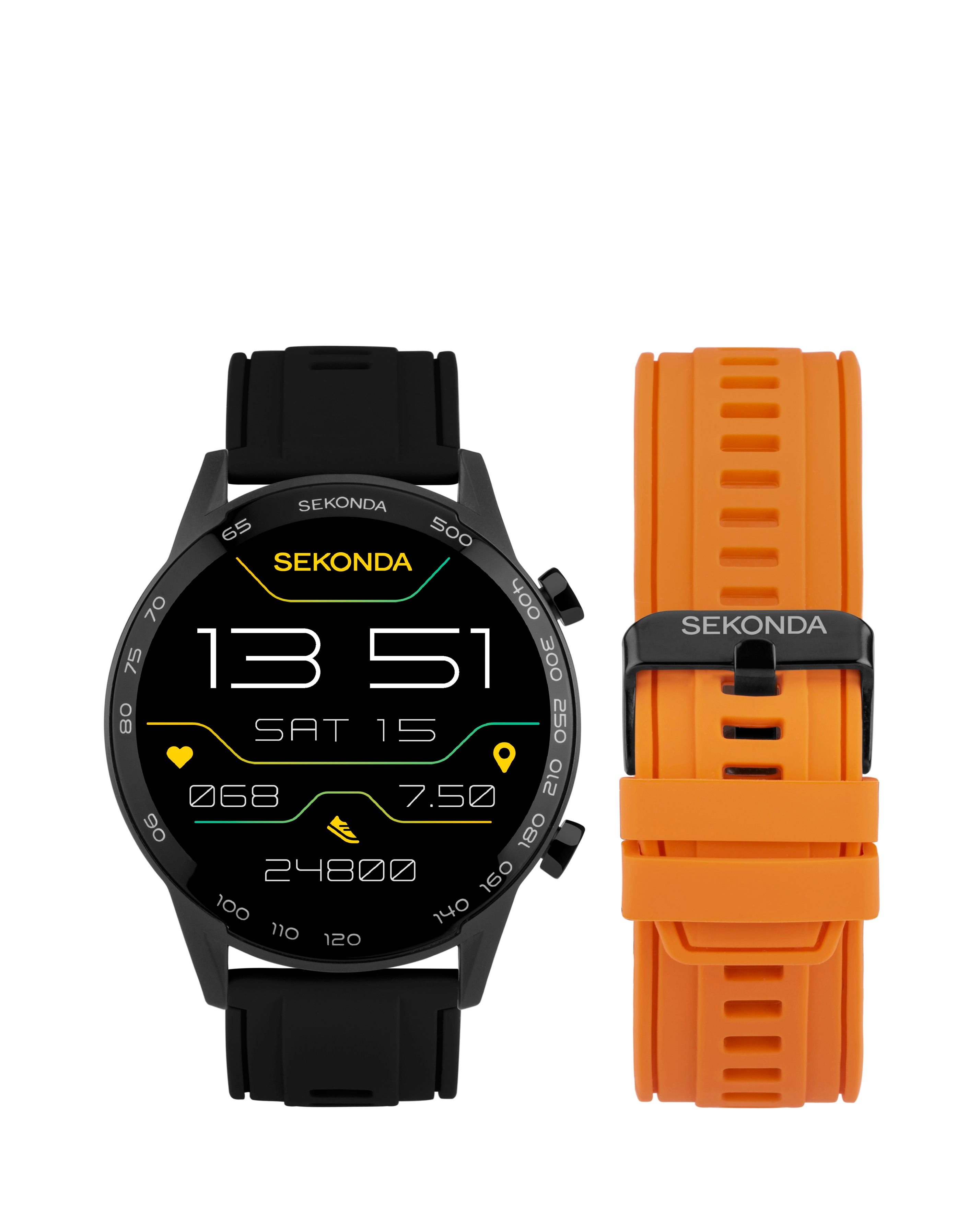
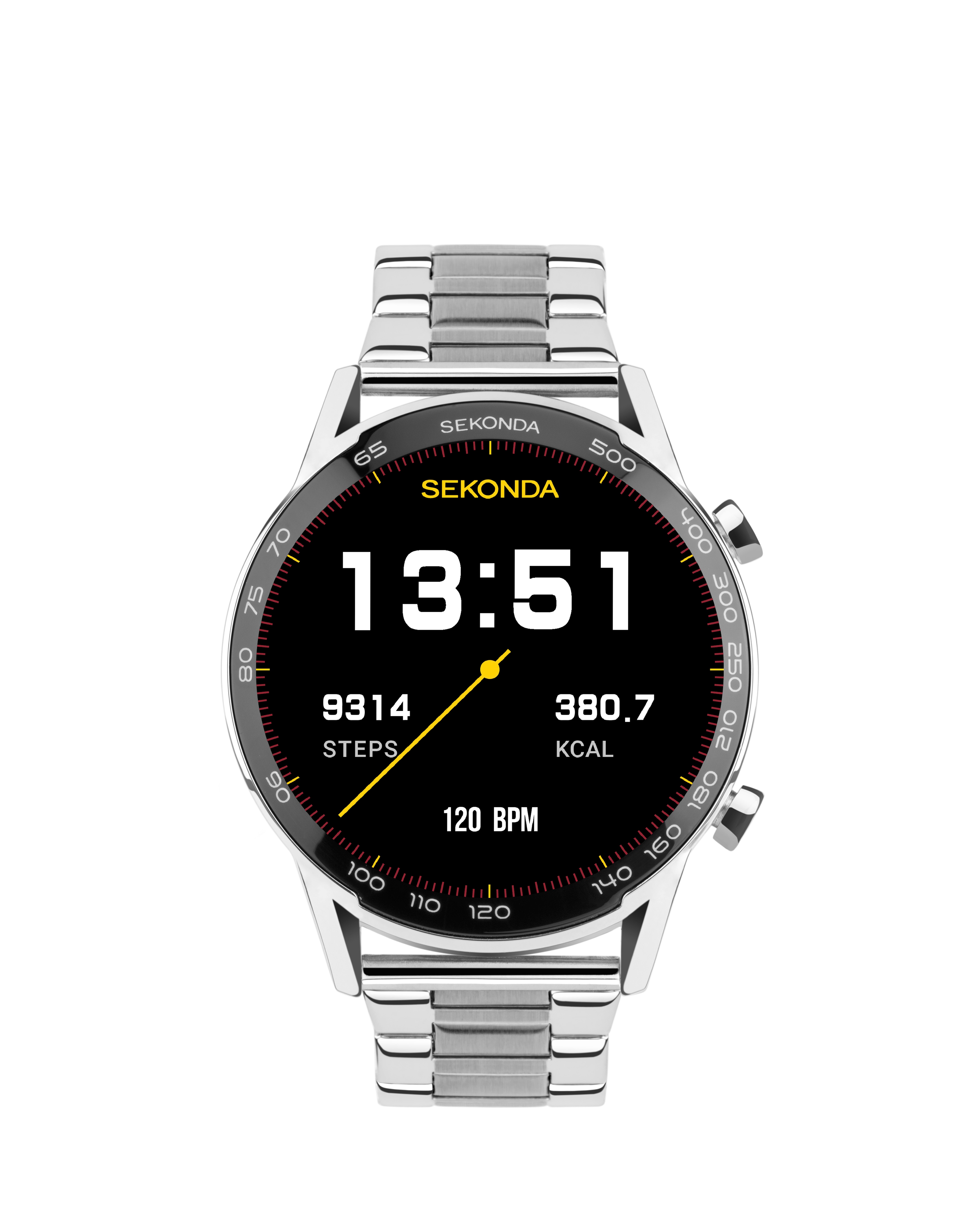
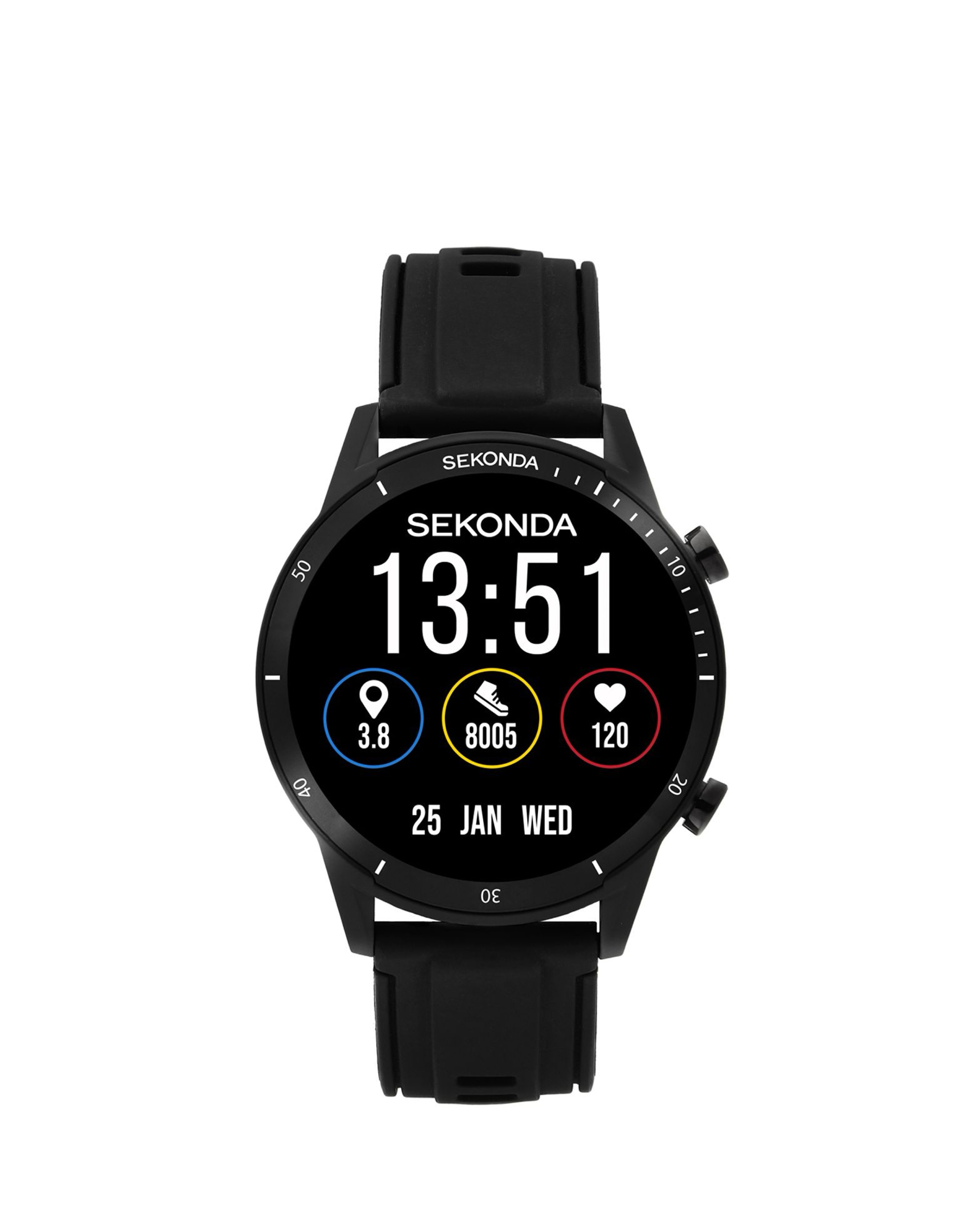
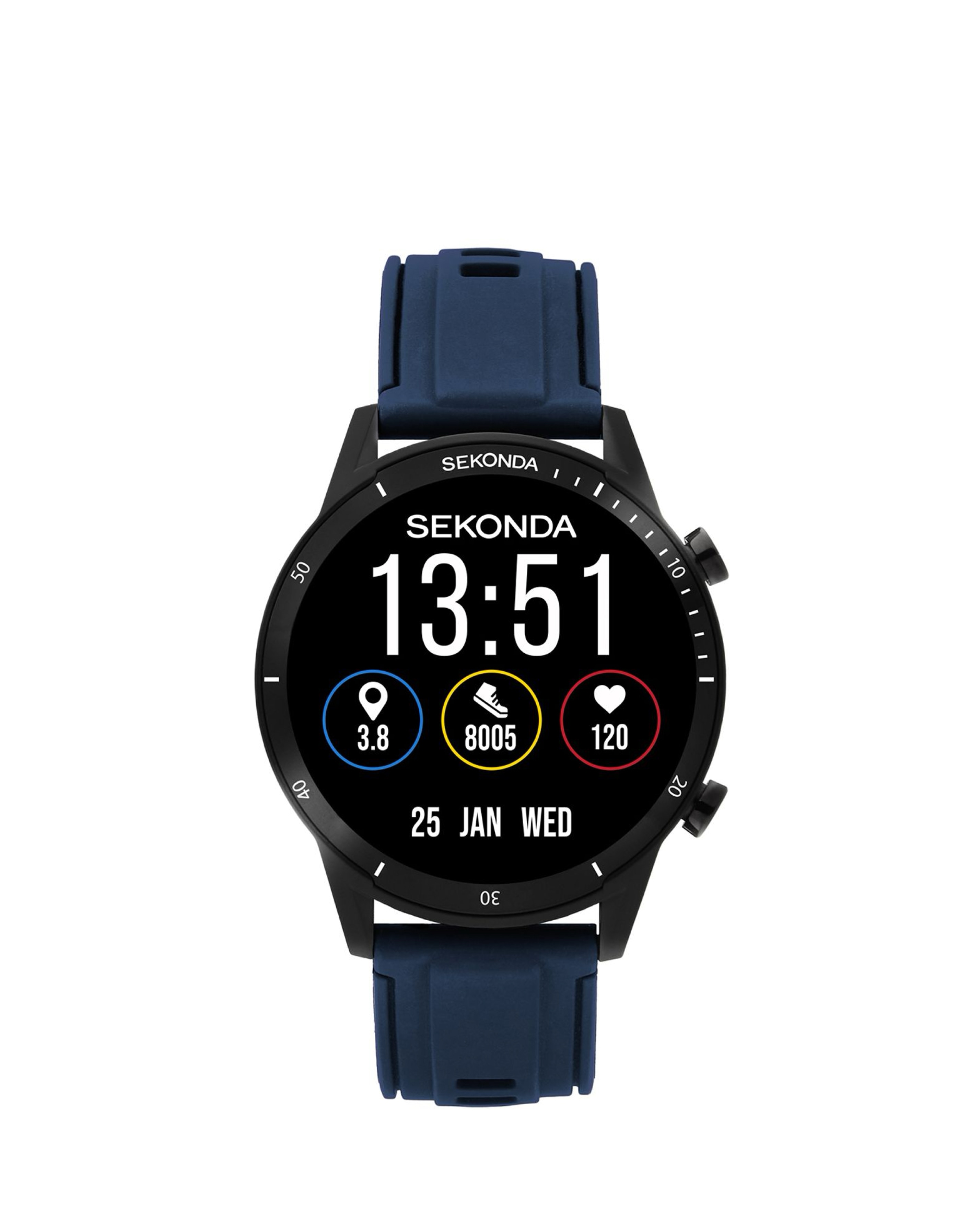
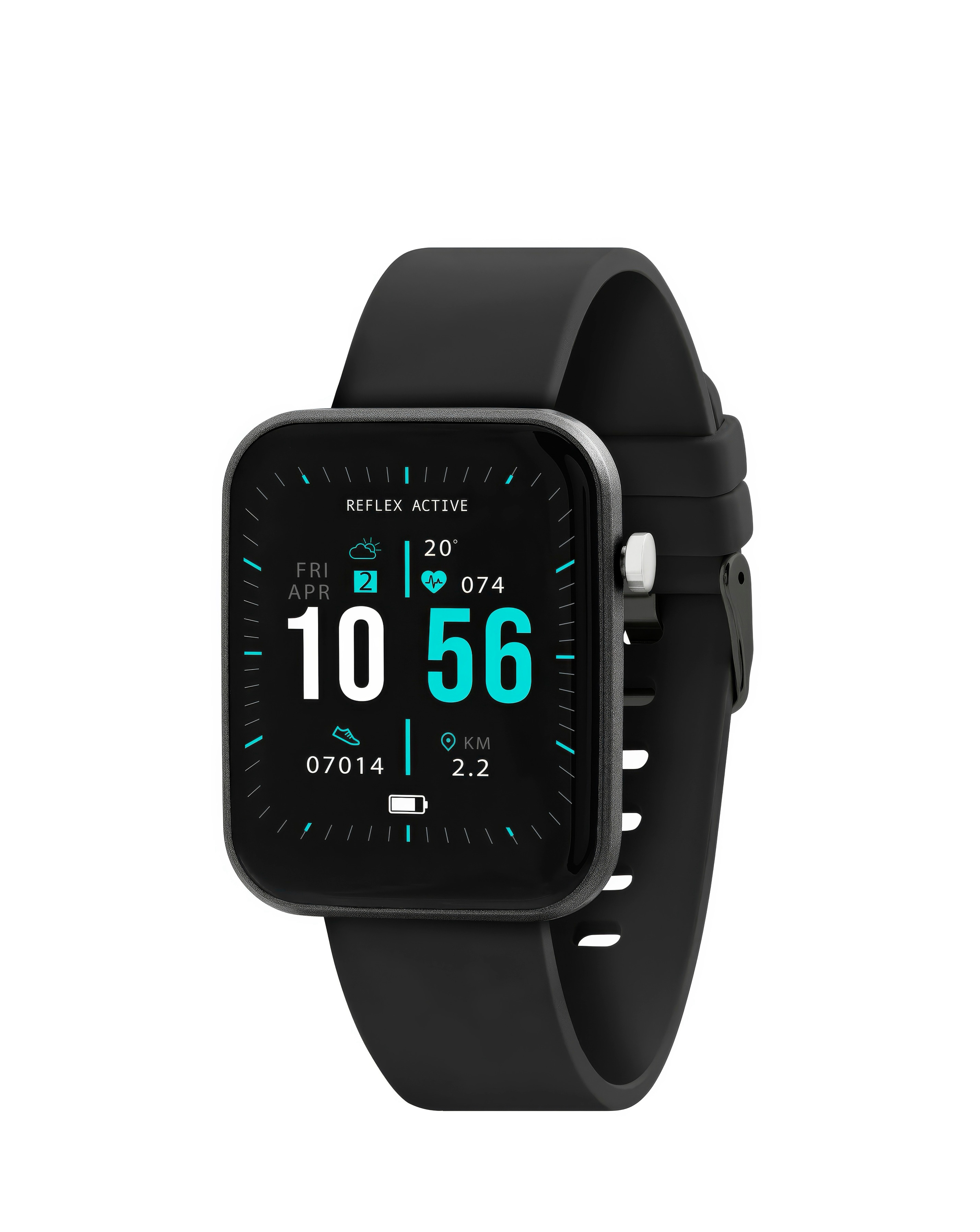
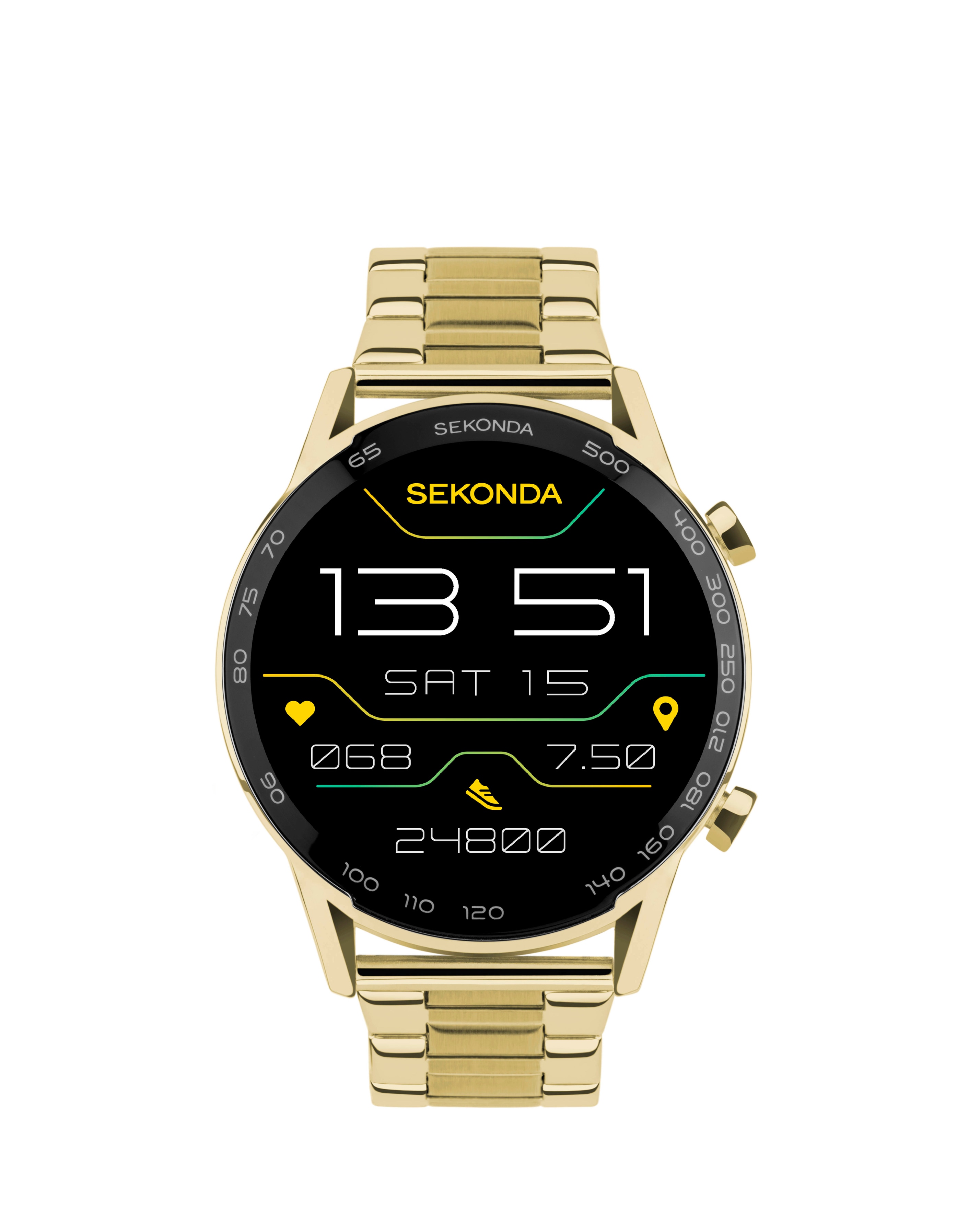
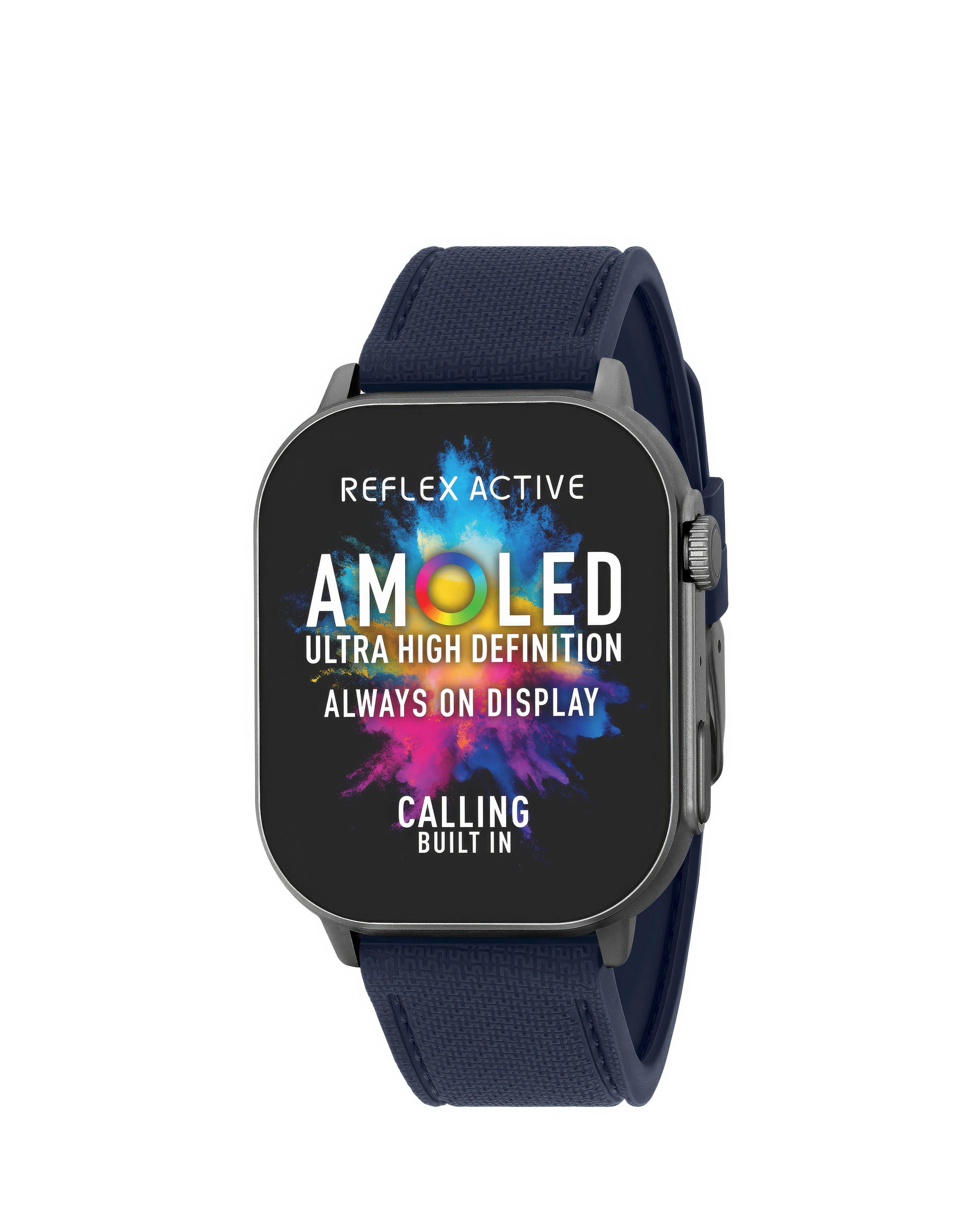
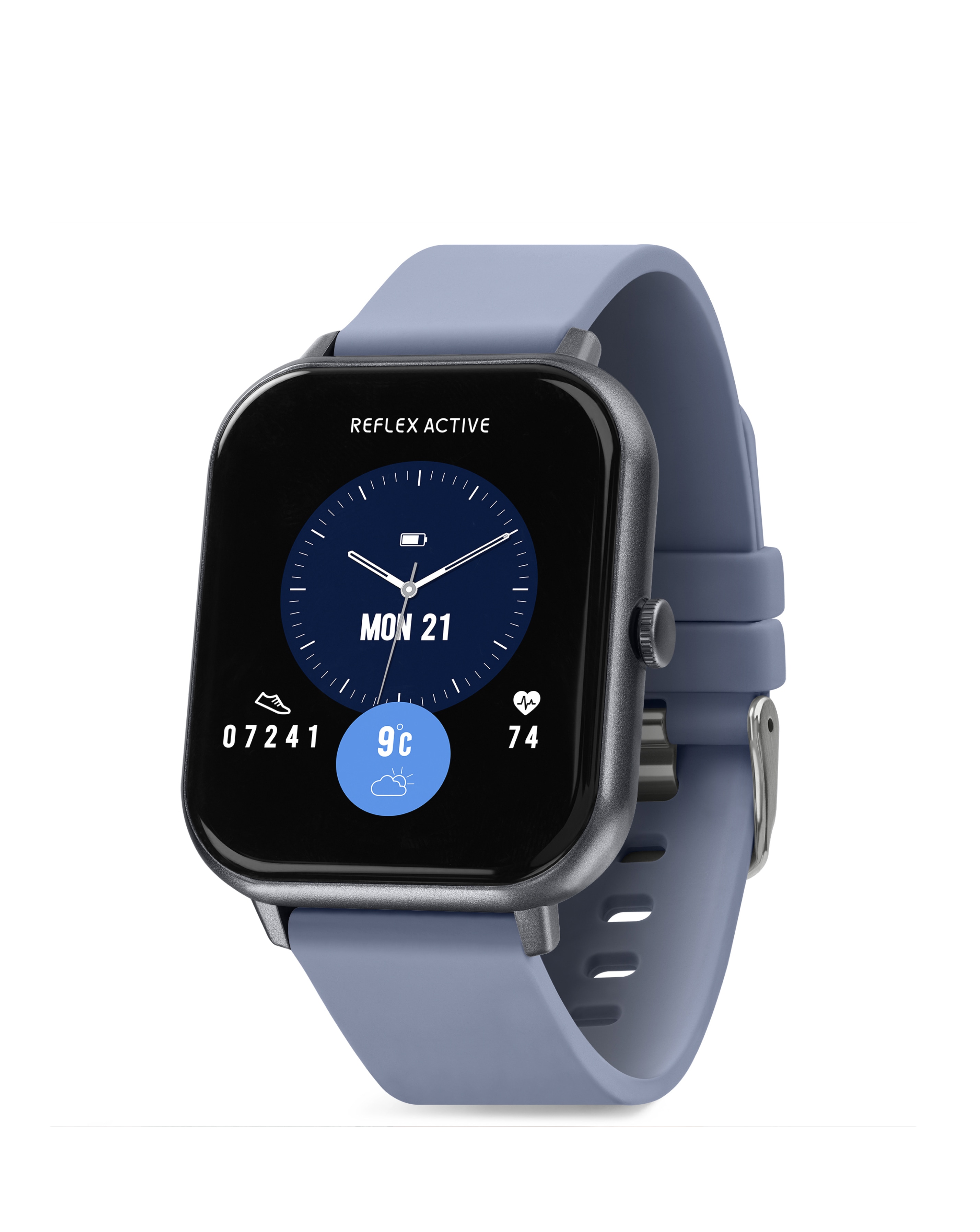
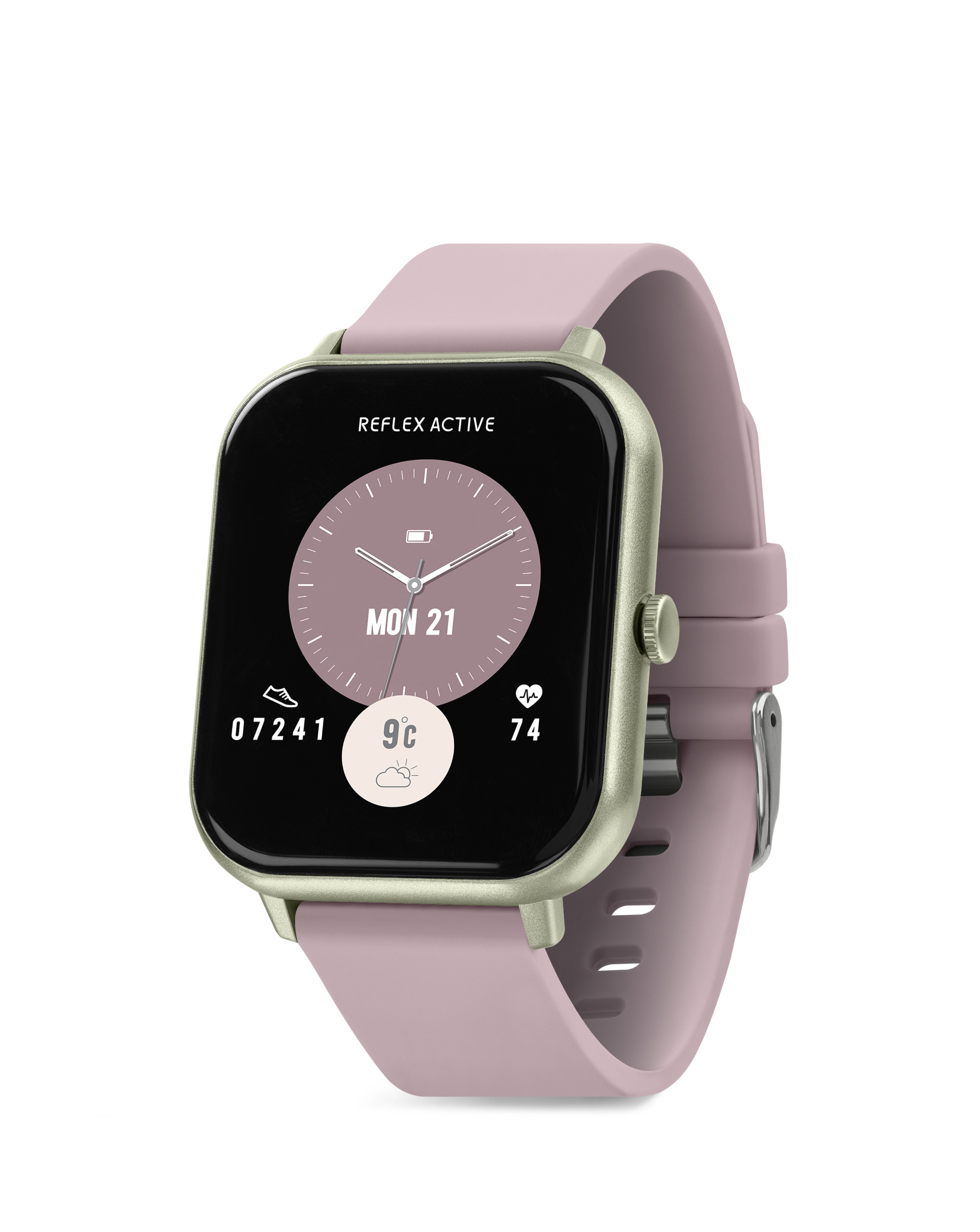
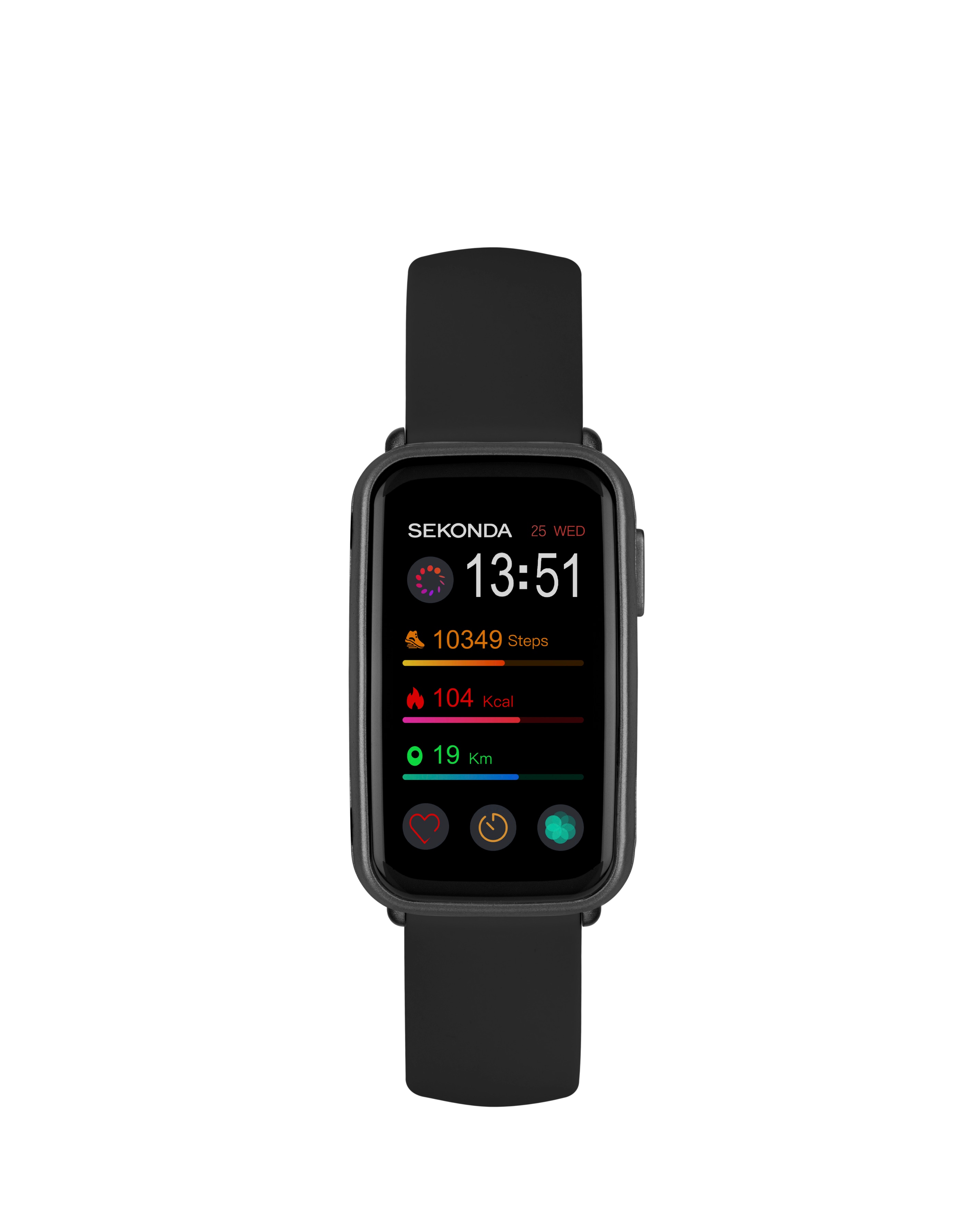
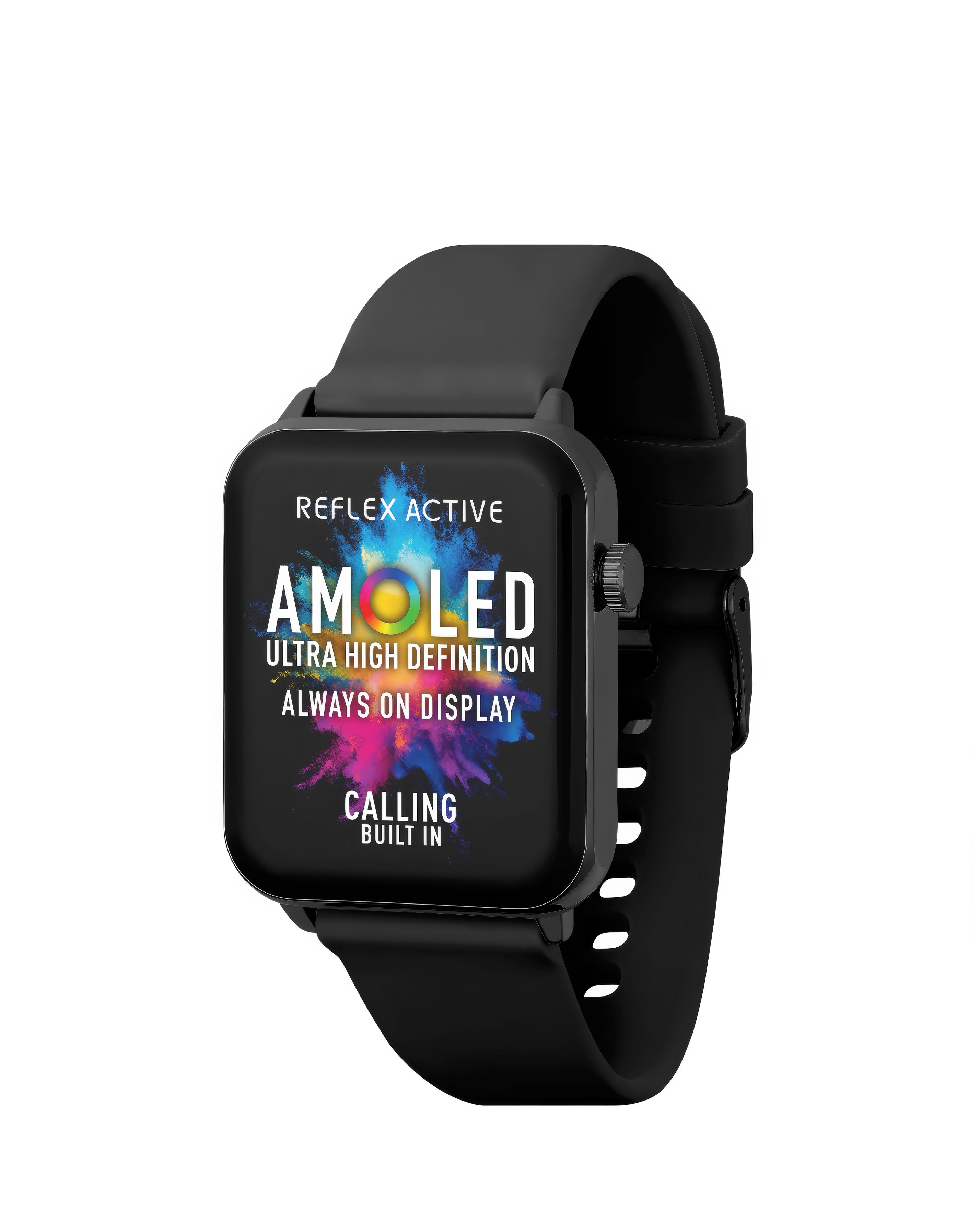
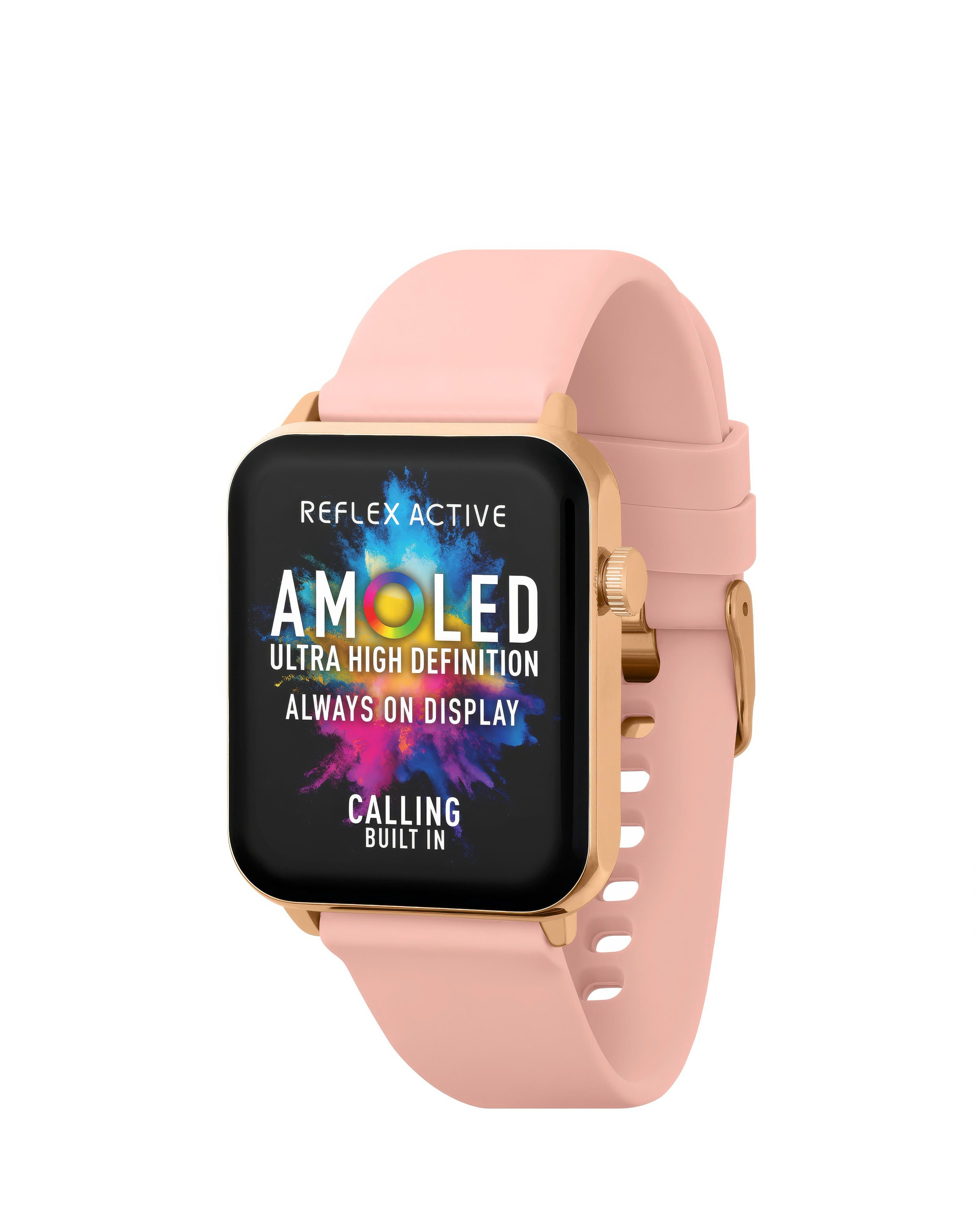
Discover the perfect blend of style and functionality with our collection of IP67 smart watches at Ambrose Wilson. Designed to withstand water and dust, these smart watches are ideal for active lifestyles, allowing you to track your fitness goals while looking chic. With features such as heart rate monitoring, step tracking, and notifications for calls and messages, staying connected has never been easier. Choose from a variety of elegant designs, including sleek metal finishes and vibrant colours, ensuring there's a perfect match for every outfit and occasion. Elevate your wrist game with our stylish and durable IP67 smart watches, perfect for both everyday wear and adventurous outings.
What does IP67 mean for smart watches?
- IP67 indicates that the smart watch is dust-tight and can withstand immersion in water up to 1 metre for 30 minutes. This level of protection makes it suitable for everyday activities, including washing hands or exercising in light rain, without worrying about damage.
Can I swim with an IP67 smart watch?
- While IP67 smart watches can handle splashes and brief immersion, they are not specifically designed for swimming. It's best to avoid submerging them in water for extended periods or in high-pressure situations, such as diving or swimming in deep water.
What features should I look for in an IP67 smart watch?
- When choosing an IP67 smart watch, consider features like fitness tracking, heart rate monitoring, sleep tracking, and smartphone notifications. Additionally, look for battery life, compatibility with your smartphone, and the overall design that suits your personal style.
Are IP67 smart watches suitable for all types of workouts?
- Yes, IP67 smart watches are versatile and can be used for various workouts, including running, cycling, and gym sessions. Their durability and water resistance make them a great choice for tracking performance during both indoor and outdoor activities.
How do I connect my IP67 smart watch to my smartphone?
- Connecting your IP67 smart watch to your smartphone typically involves downloading a companion app and following the on-screen instructions. Ensure Bluetooth is enabled on your phone, and select the watch from the list of available devices to establish a connection.